

ร้านค้าออนไลน์
การจอง
อีเวนท์
ป๊อป-อัพ

Ask in Aria
Stepwell: Process Steps
โดย
Show how it works in clear numbered steps
ยังไม่มีรีวิว
มีแพ็กเกจใช้งานฟรี

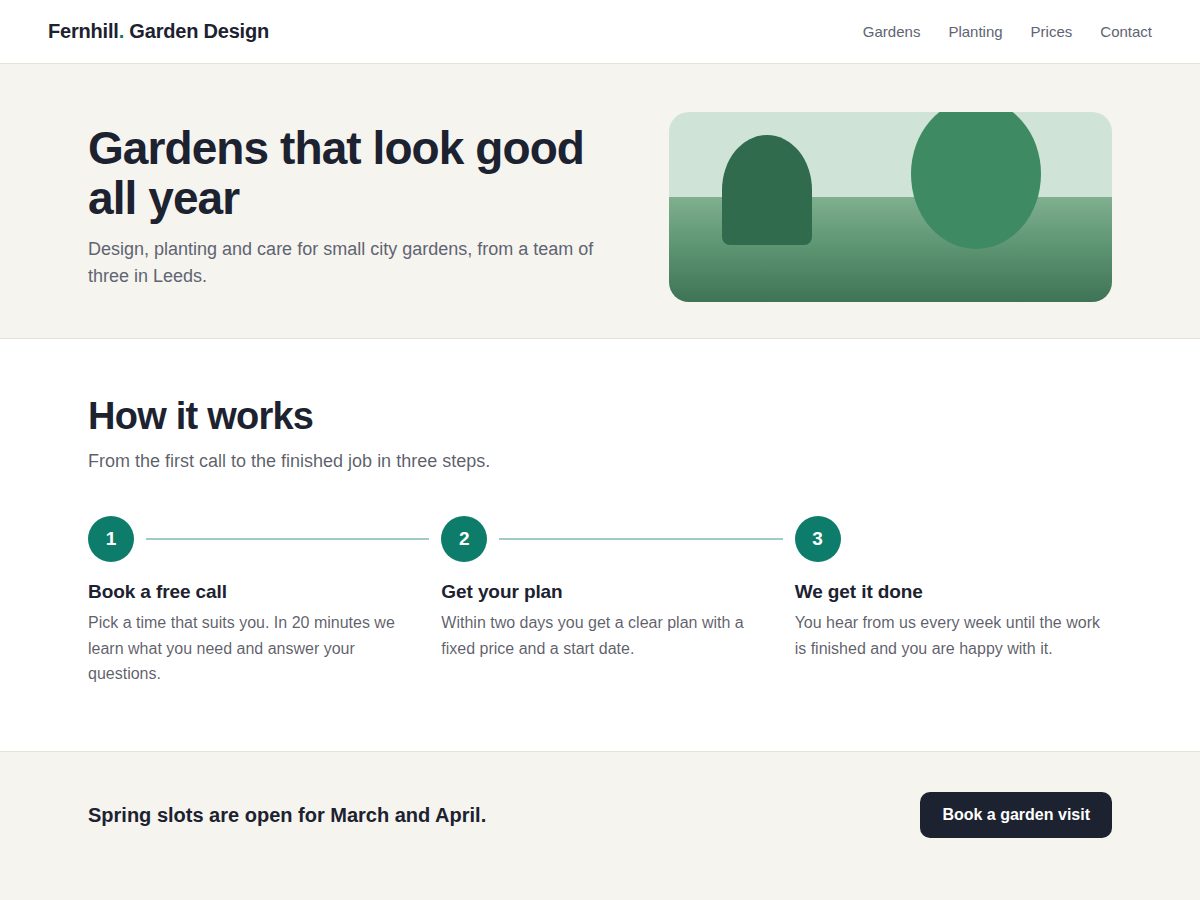
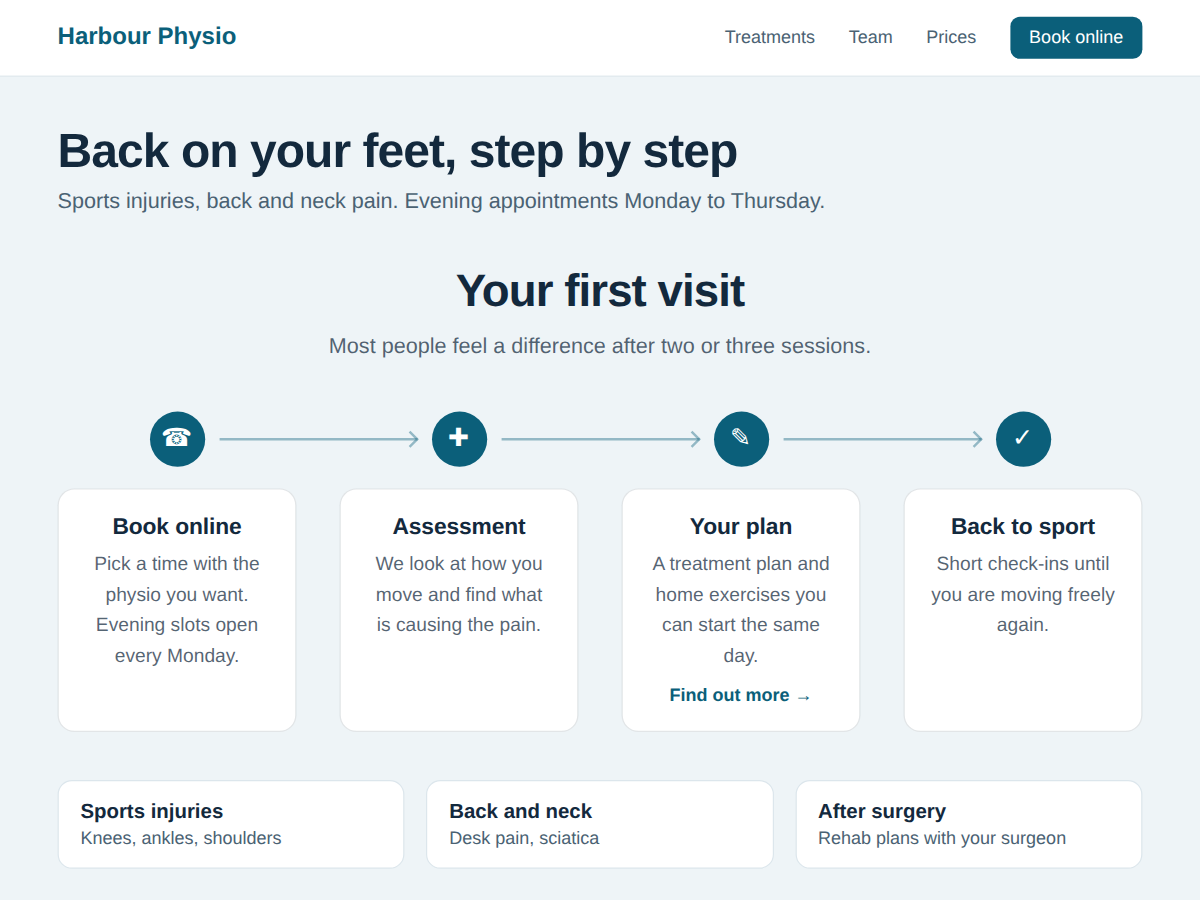
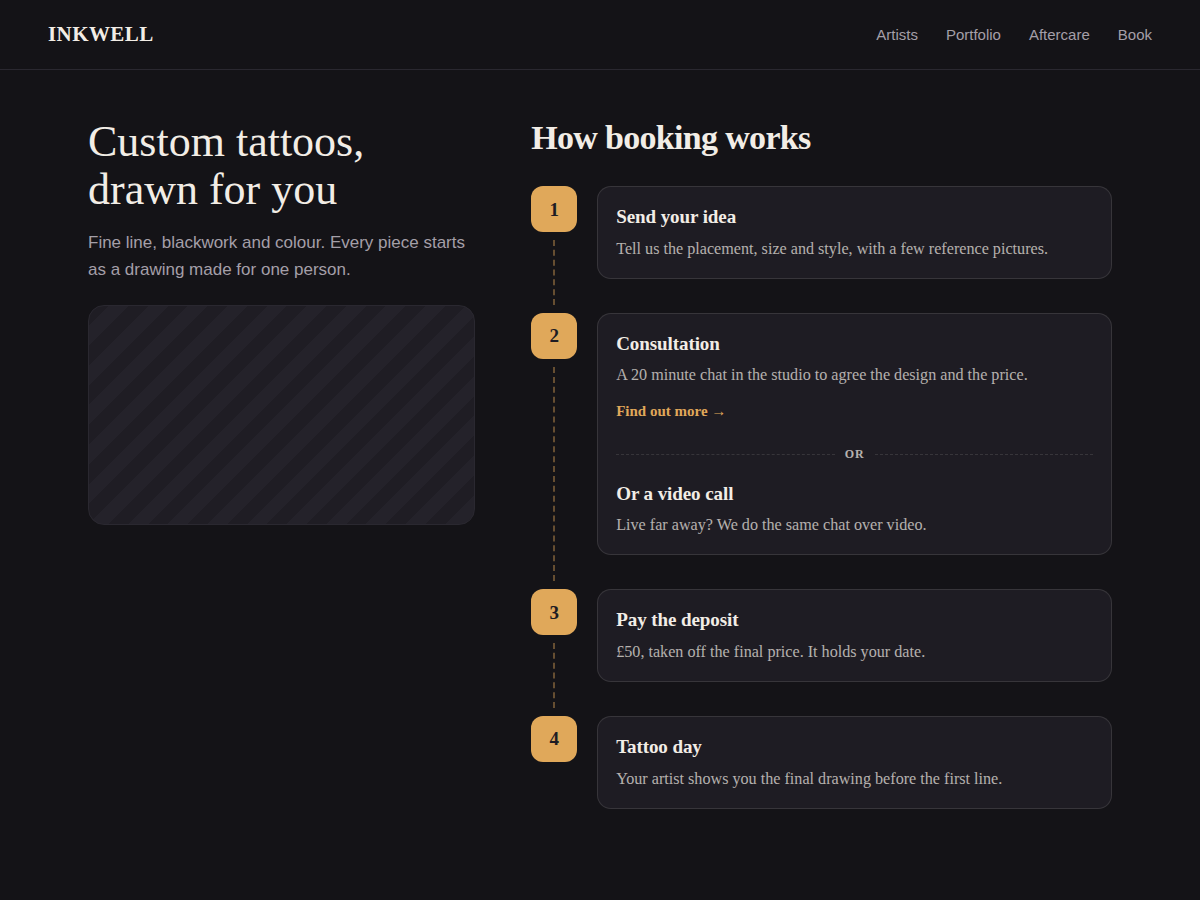
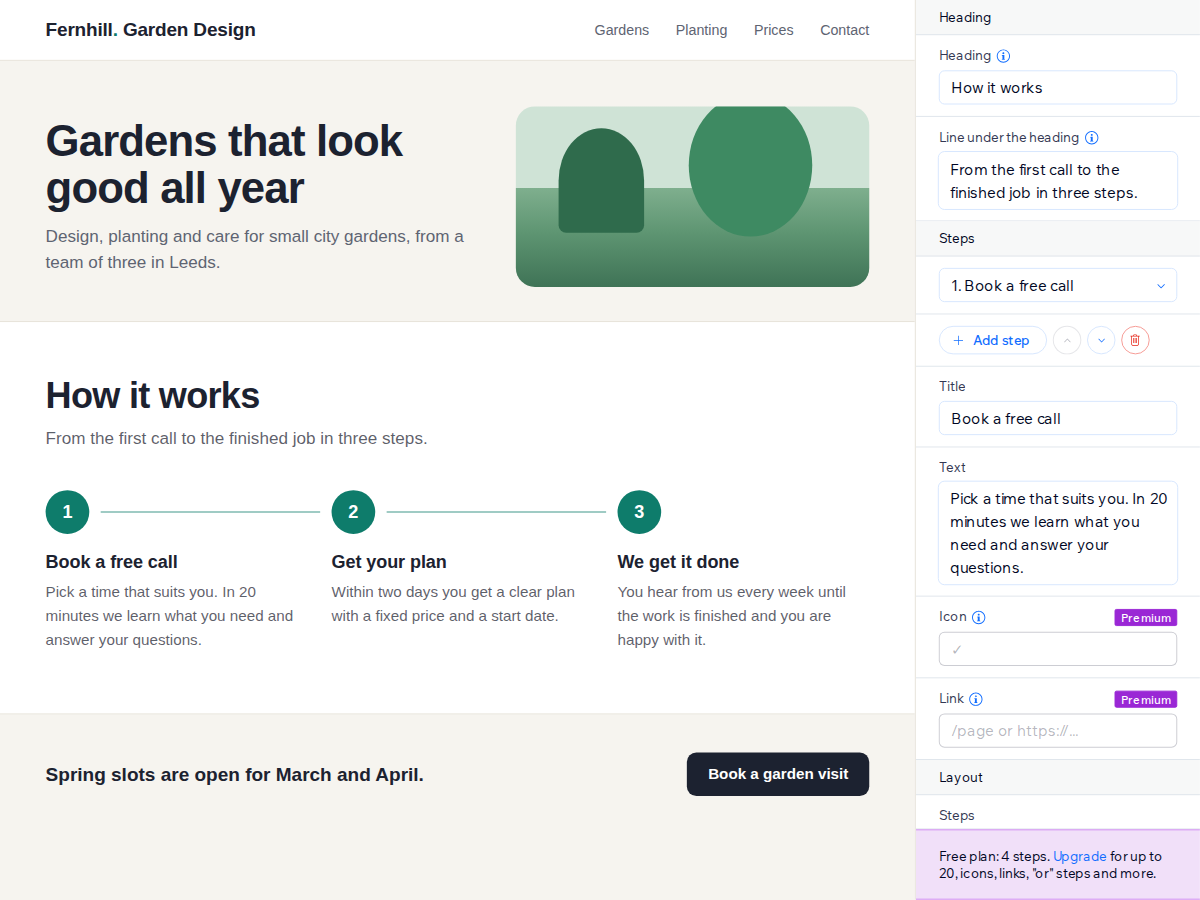
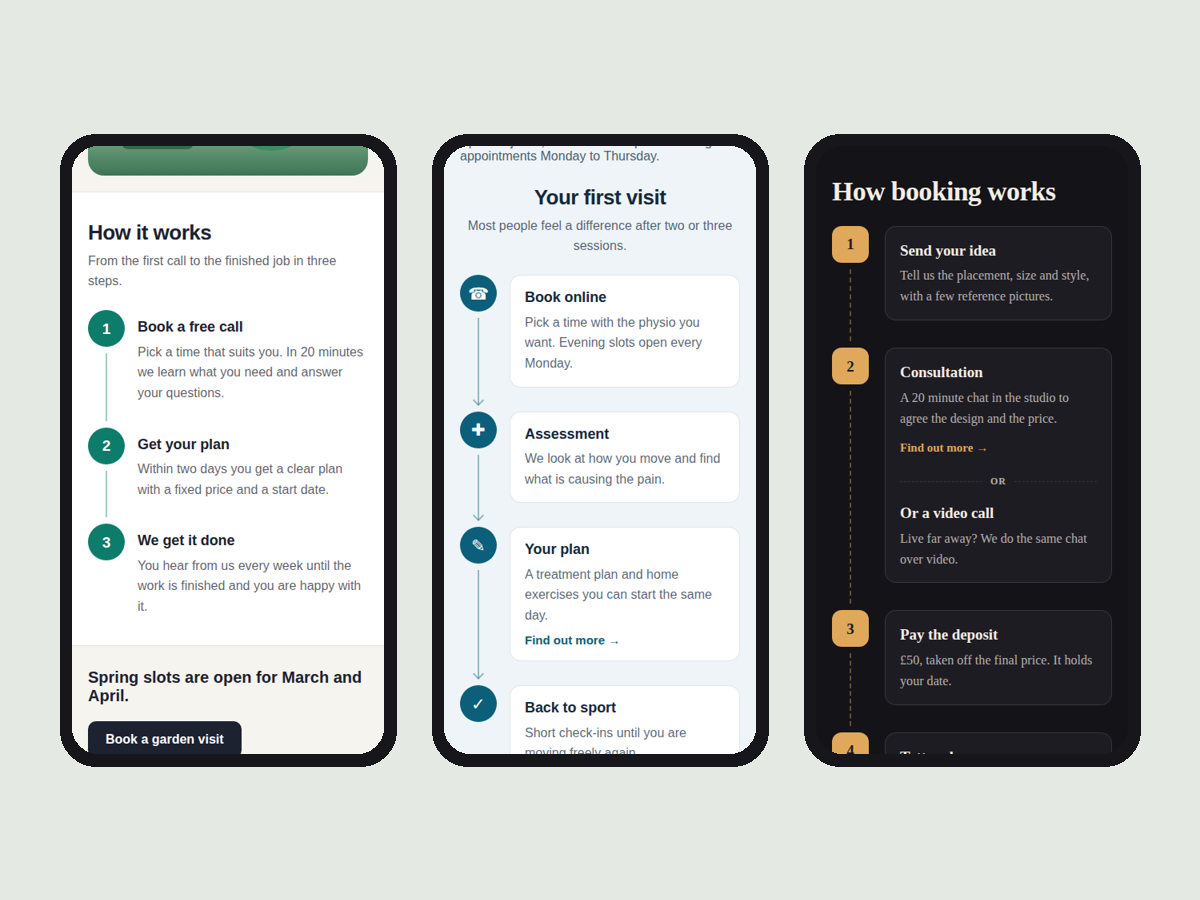
ภาพรวม Stepwell: Process Steps
- Looks finished before you change a thing
- Side by side or one below the other
- Stacks neatly on phones and narrow columns
- Steps are page text search engines read
ให้คะแนน & รีวิว
ยังไม่มีการรีวิวแอปนี้ คุณสามารถเริ่มต้นให้คะแนนเป็นคนแรกราคาและแพ็กเกจ
แพ็กเกจ Basic
ฟรี
Up to 4 steps per widget
Side by side or stacked layout
Colours, font, cards or plain
No branding on your site
แพ็กเกจ Premium
$
3
00
/เดือน
Up to 20 steps per widget
Icons and a link on each step
Or-choices that share a number
Line styles and scroll animation
* ราคาในสกุลเงิน USD