A print stylesheet, not just a button: no navigation, footer, chat bubble or cookie bar
The whole page, not the first screen — the fixed heights that clip long pages are unclipped
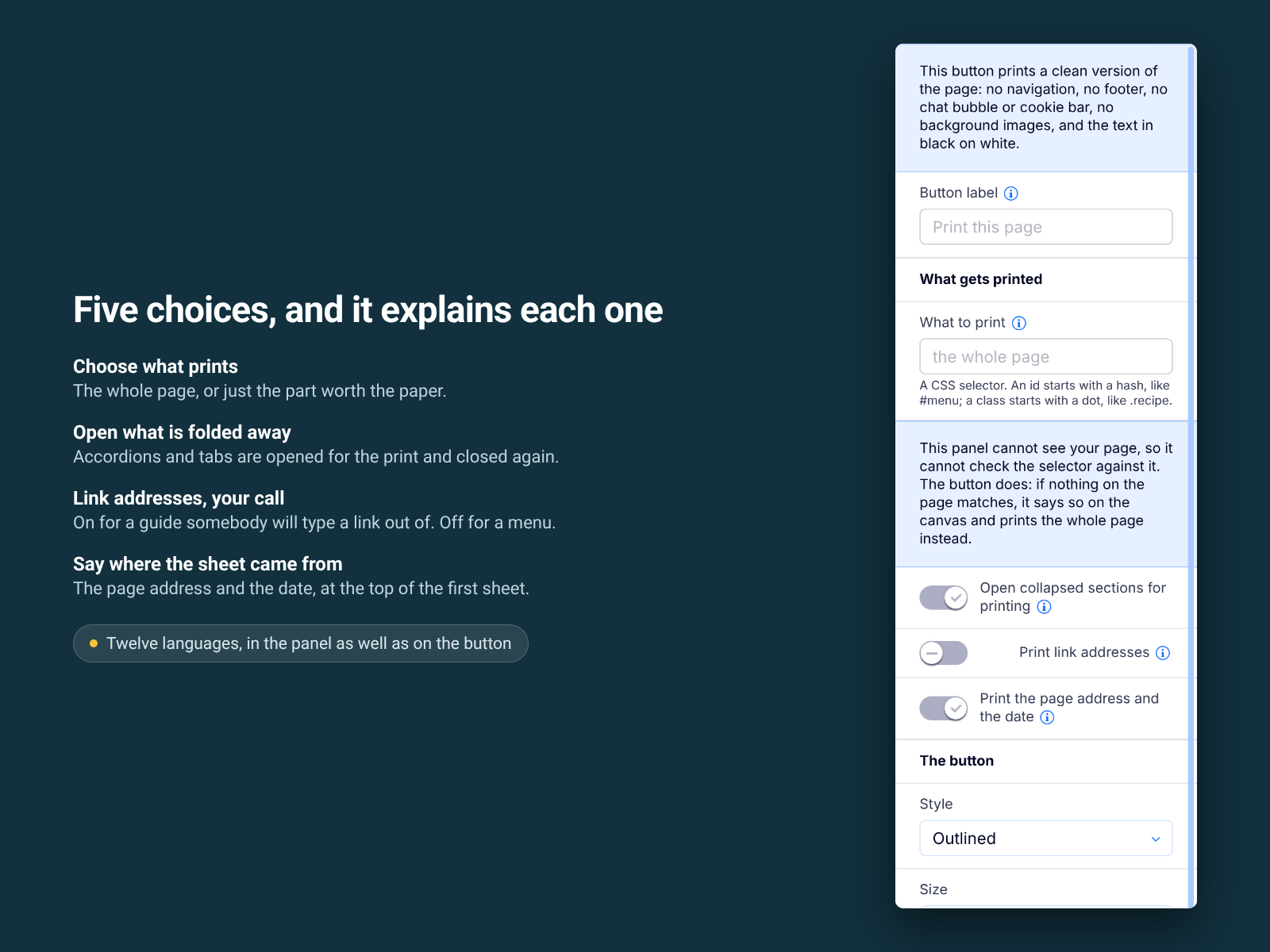
Accordions and tabs are opened for the print and closed again straight after
Print the whole page or one part by CSS selector, without splitting rows or headings
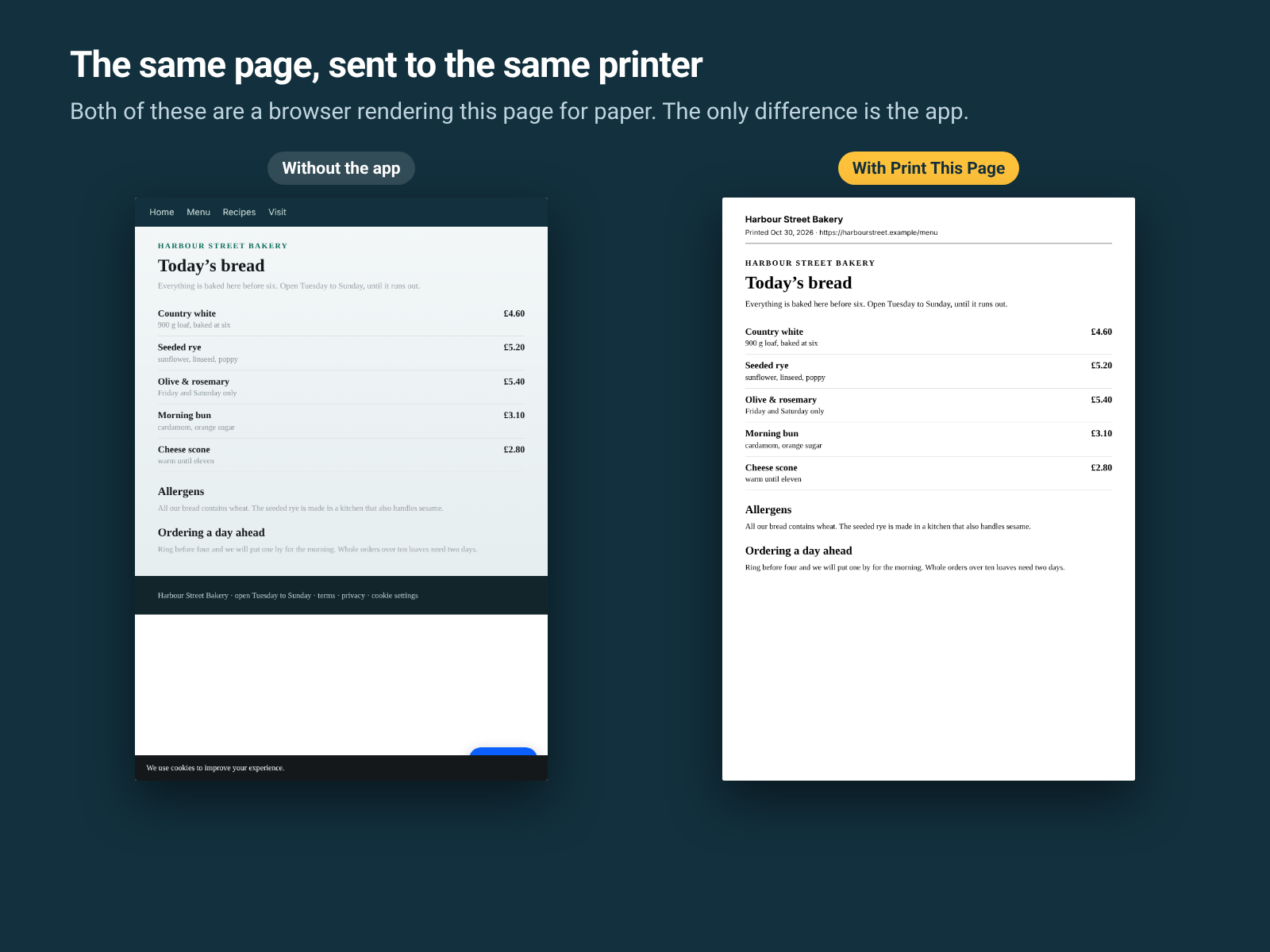
A site page prints badly, and always the same way: the navigation and footer land on the paper, the chat bubble and cookie bar print over the content, and the page stops after one sheet, because the page wrappers carry a fixed height and hide their overflow.
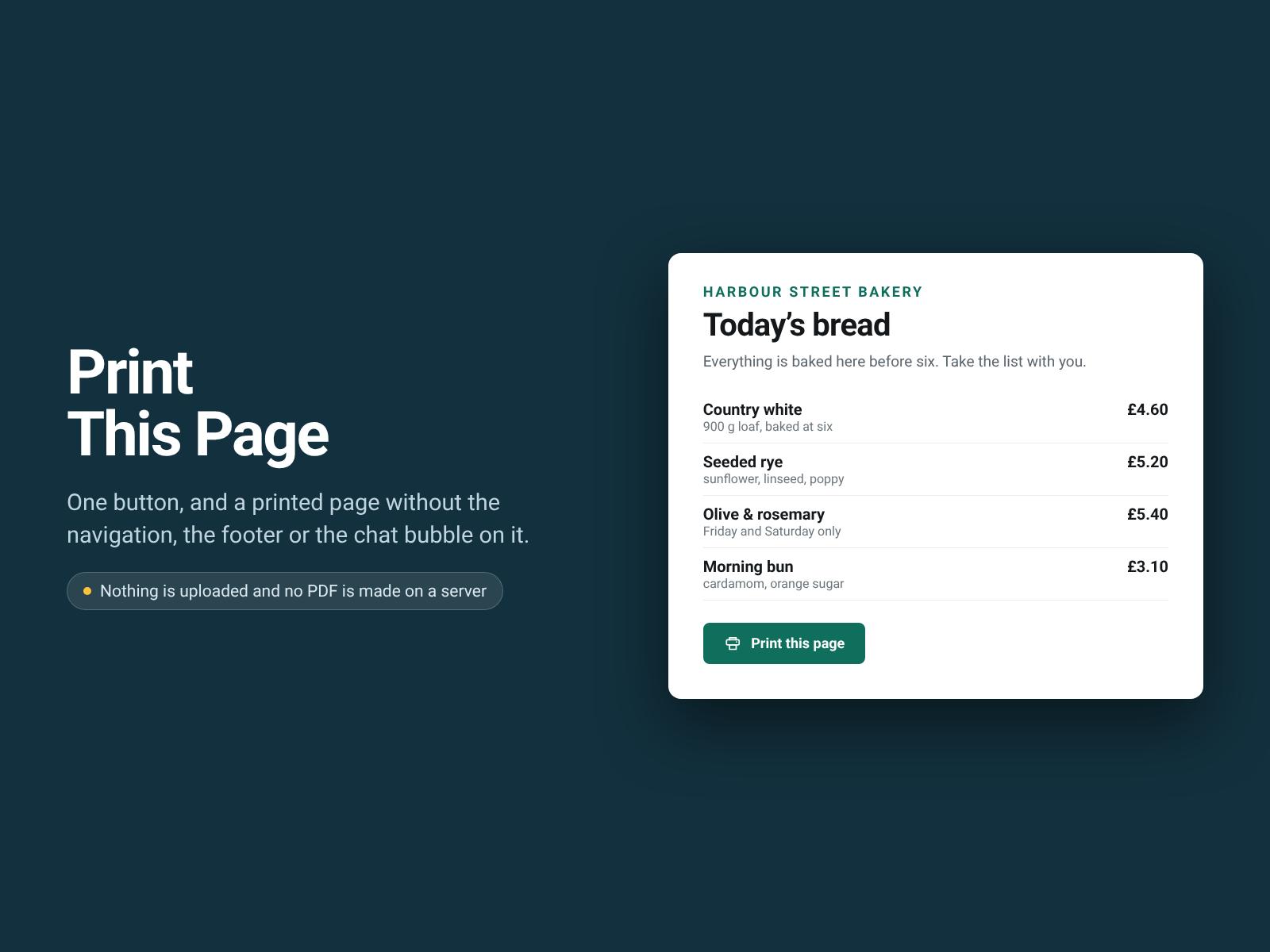
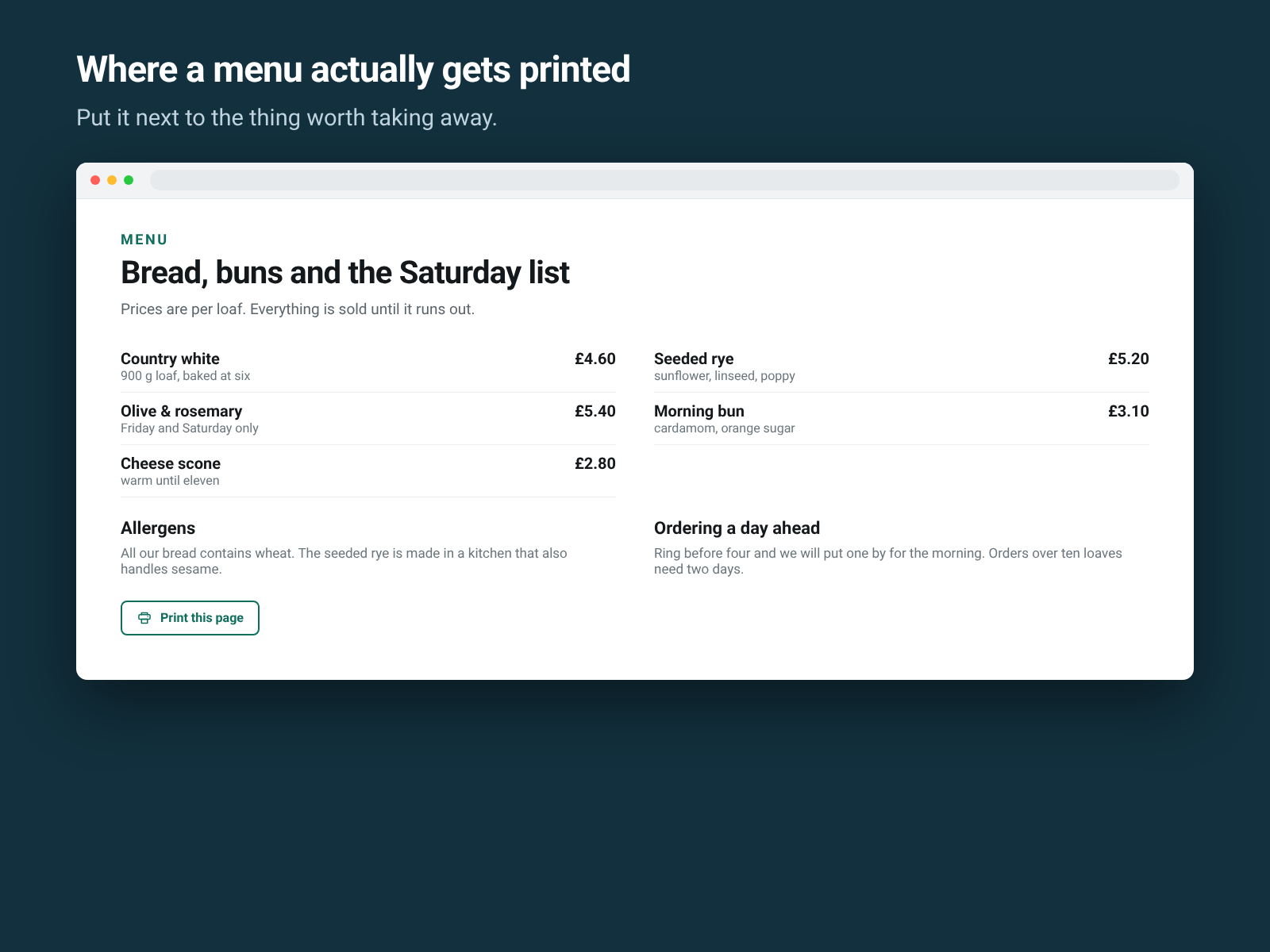
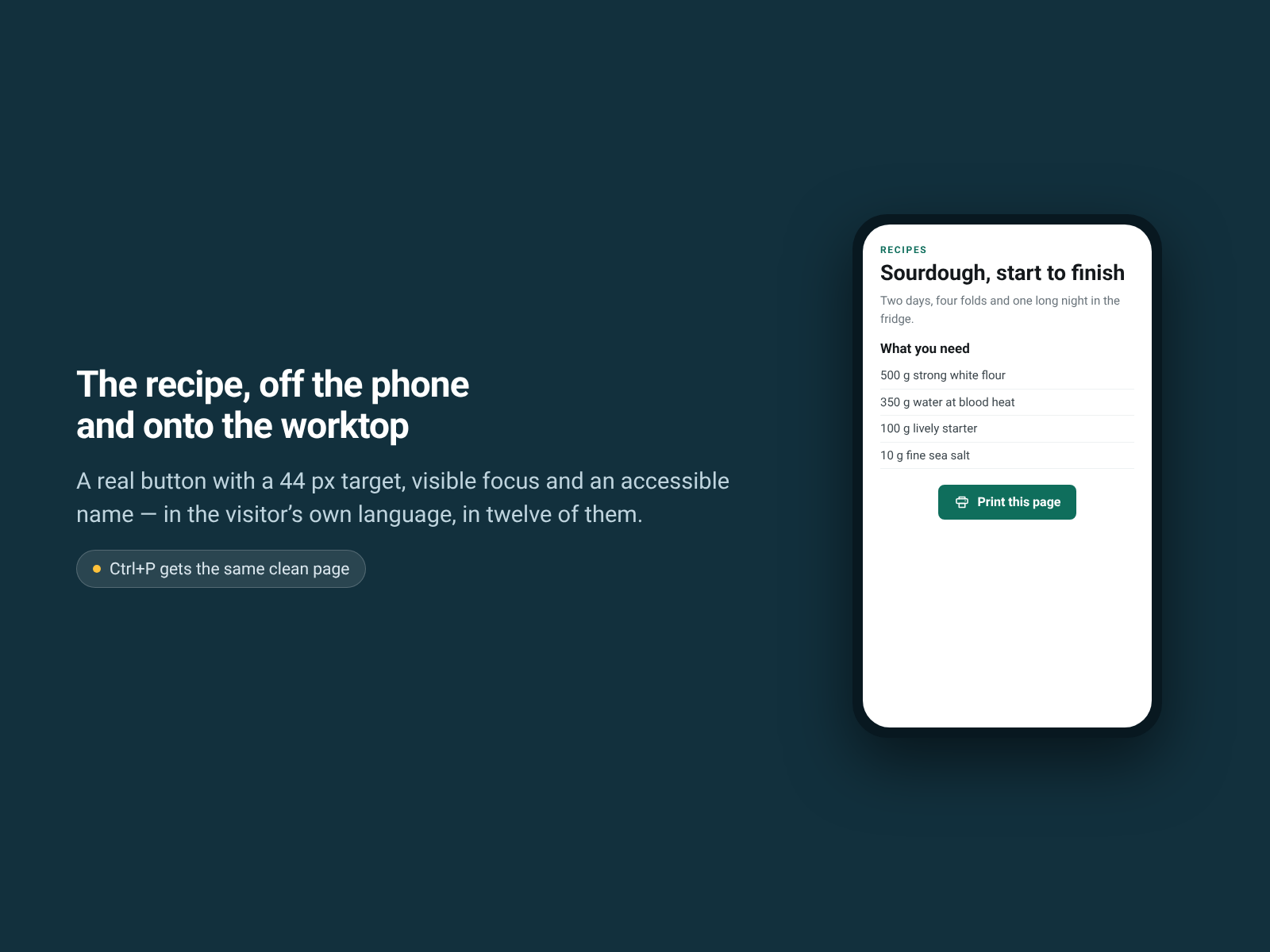
Print This Page fixes that, and puts a button on it. One press and the browser's own print dialog opens on a clean version of the page: the content, black on white, at the full width of the paper. Anything folded into an accordion or behind a tab is opened for the print and closed again after, so the page is left as it was found. Ctrl+P gives the same sheet.
For menus, wine lists, recipes, price lists, specs and appointment instructions.
You choose the whole page or one part of it by CSS selector, whether link addresses print after the link text, and the button's style, size, colour and wording.
What it does not do: it generates no PDF (your print dialog can still save one), and it does not print inside the editor, where the page on screen is the editor's canvas; use Preview or the published site. Nothing is uploaded and no third-party script, font or analytics call is made. Free, nothing locked.