

ร้านค้าออนไลน์
การจอง
อีเวนท์
ป๊อป-อัพ

Ask in Aria
Slideshow Studio
โดย
Make every slide count. Images, video, products
ยังไม่มีรีวิว
มีแพ็กเกจใช้งานฟรี

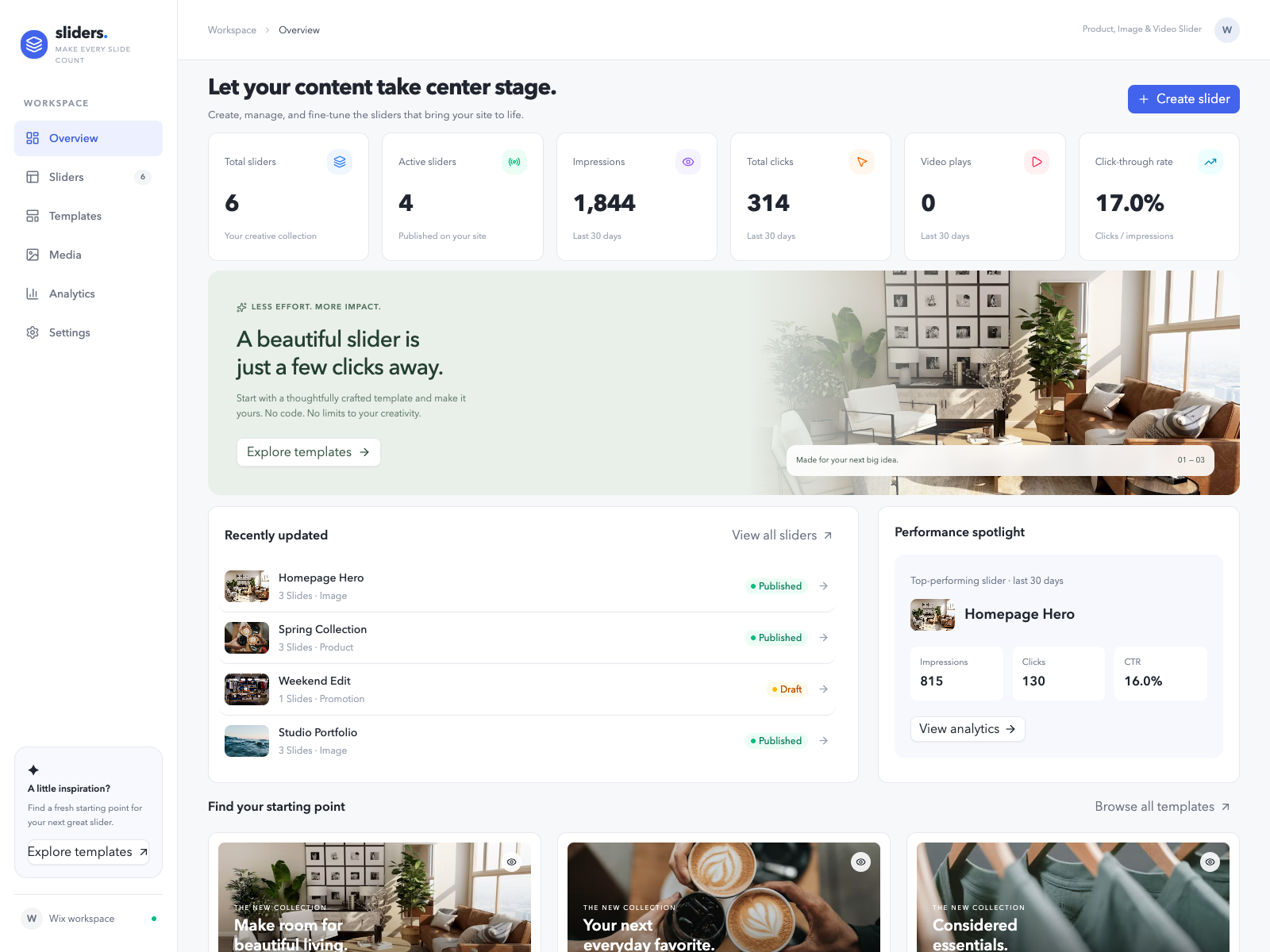
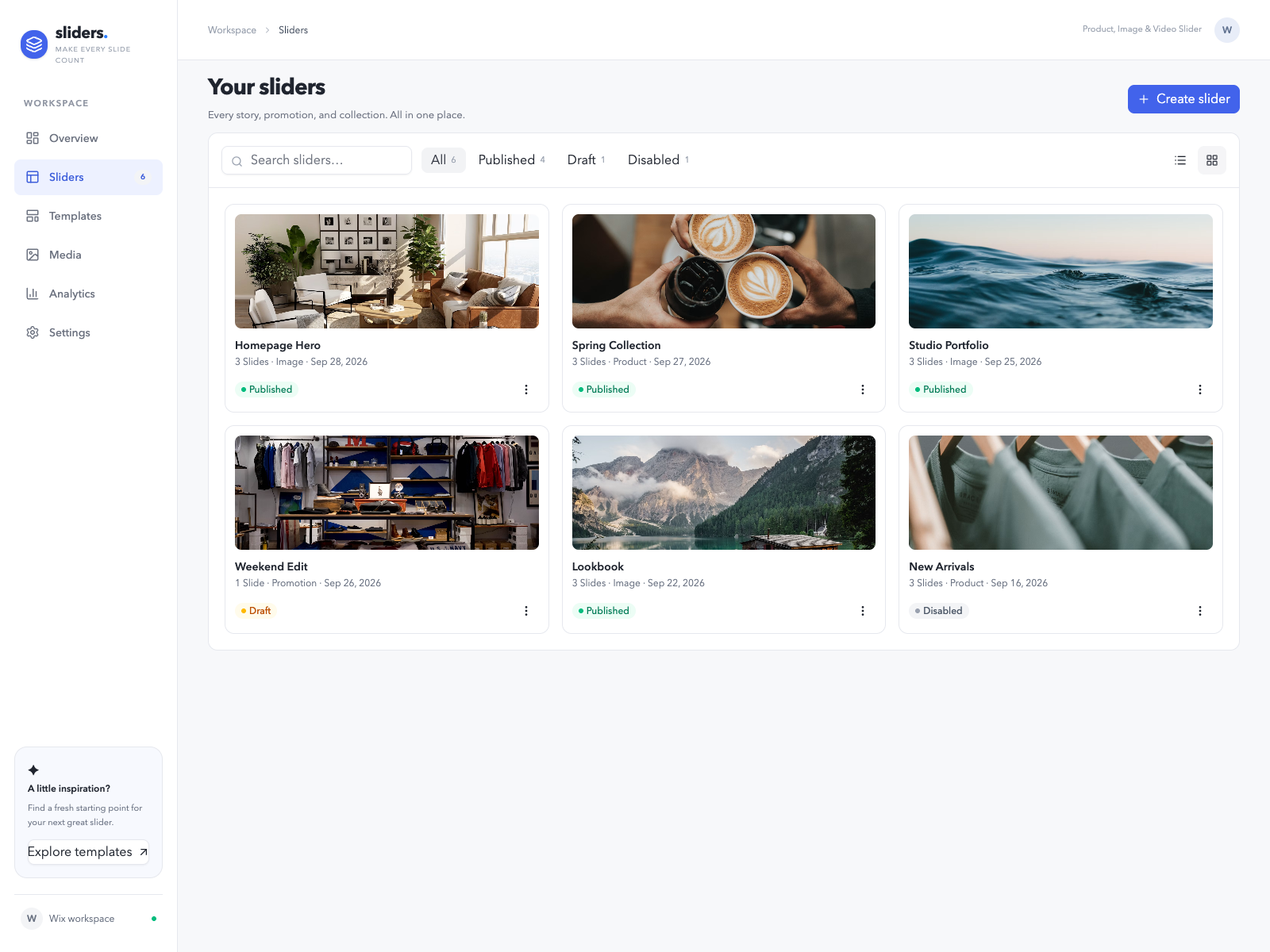
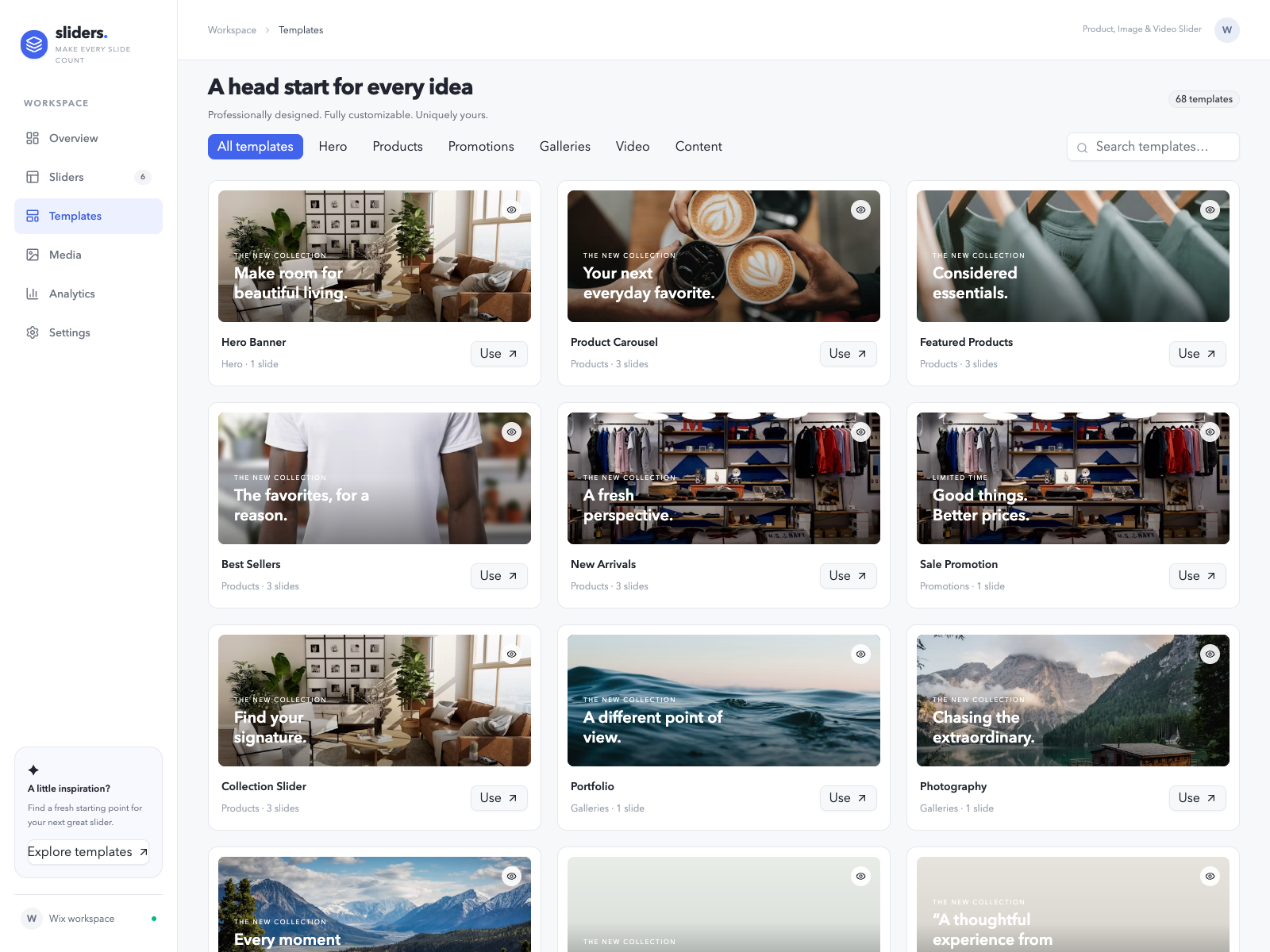
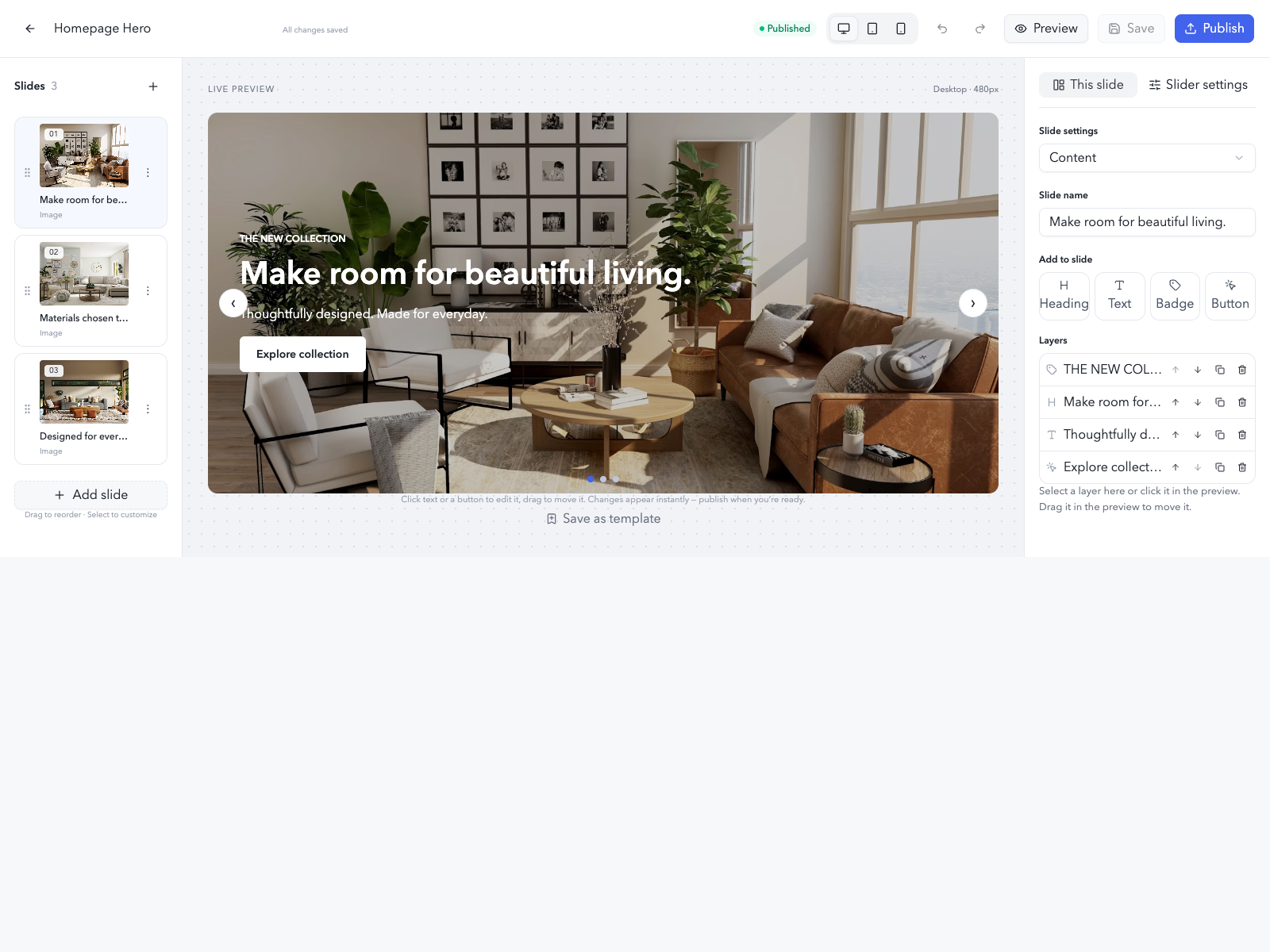
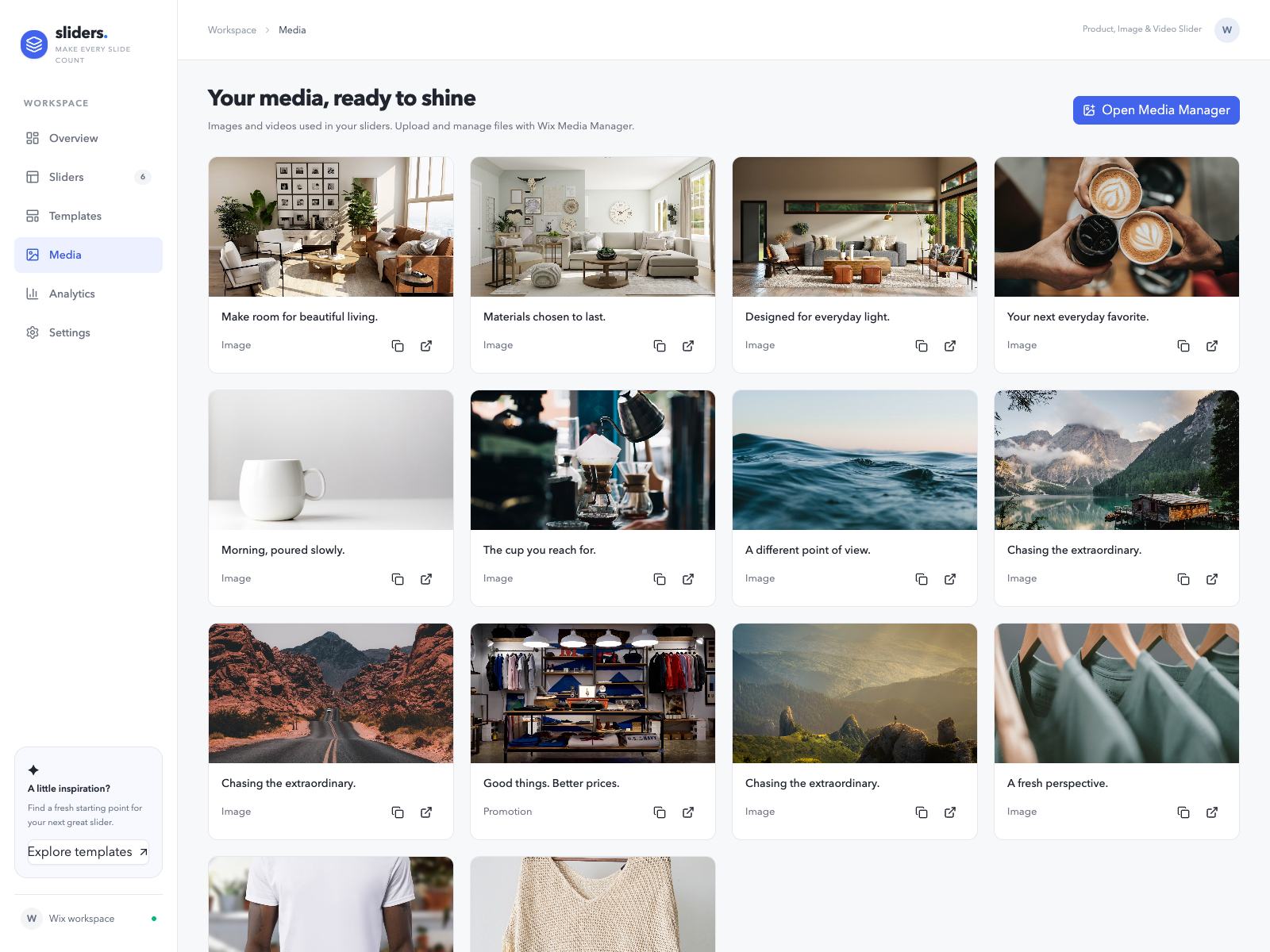
ภาพรวม Slideshow Studio
- Lets you start from a template
- Design each slide’s layers
- Place the widget any where on your website
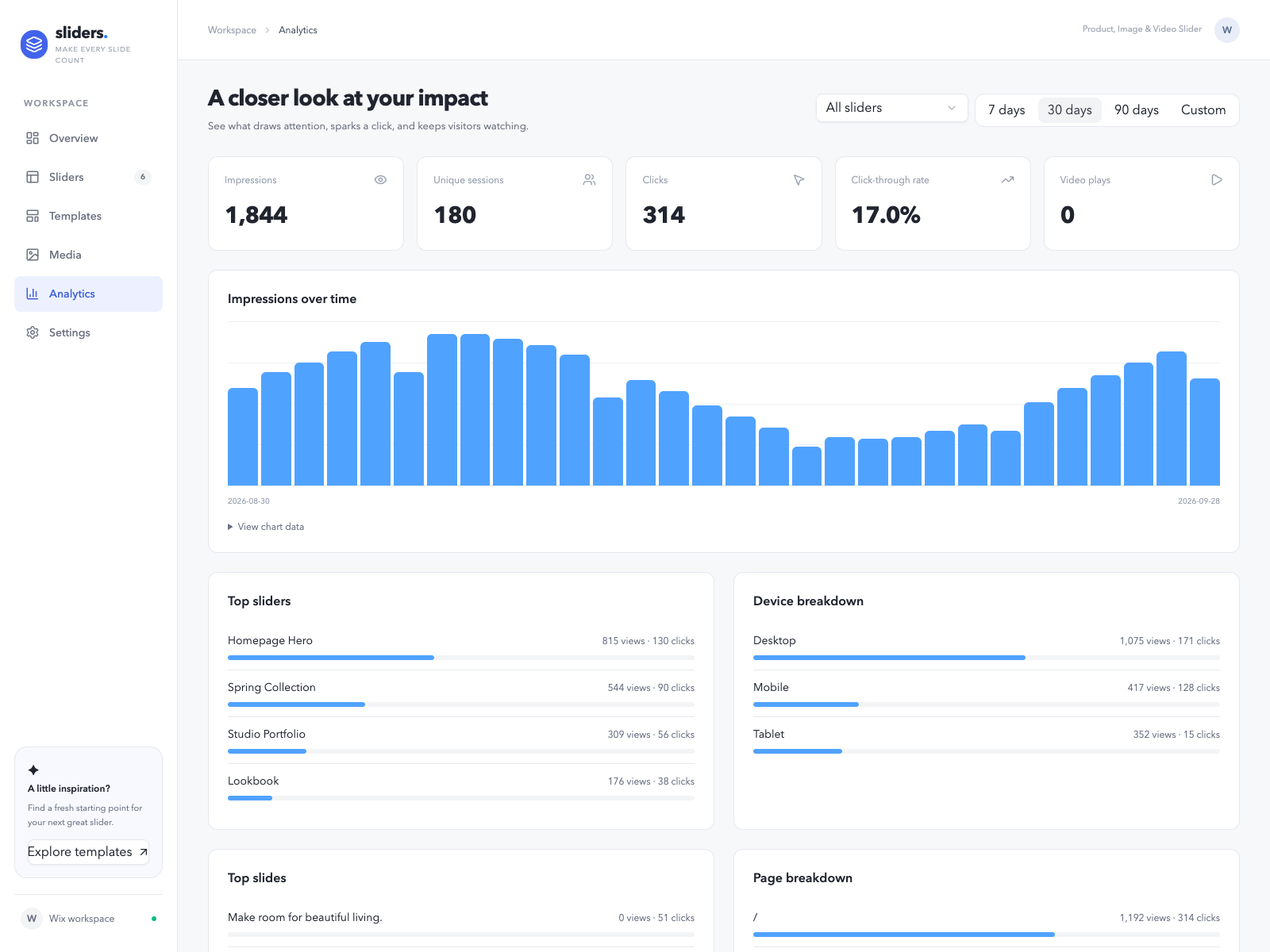
- Track impressions
ให้คะแนน & รีวิว
ยังไม่มีการรีวิวแอปนี้ คุณสามารถเริ่มต้นให้คะแนนเป็นคนแรกราคาและแพ็กเกจ
แพ็กเกจ Basic
ฟรี
Build and preview sliders in the editor with the essential controls and preset templates. Sliders don't appear on your published site.
แพ็กเกจ pro
$
6
00
/เดือน
Put your sliders on your live site, with autoplay, custom styling, layouts for each device, product slides, scheduling, analytics and Wix AI tools.
แพ็กเกจ business
$
9
00
/เดือน
Get full editor control, with layer positioning and styling, reusable templates, advanced visibility rules and priority support.
* ราคาในสกุลเงิน USD