

ร้านค้าออนไลน์
การจอง
อีเวนท์
ป๊อป-อัพ
Inclusify Accessibility
โดย
Accessibility toolbar and WCAG site audits
ยังไม่มีรีวิว
มีแพ็กเกจใช้งานฟรี

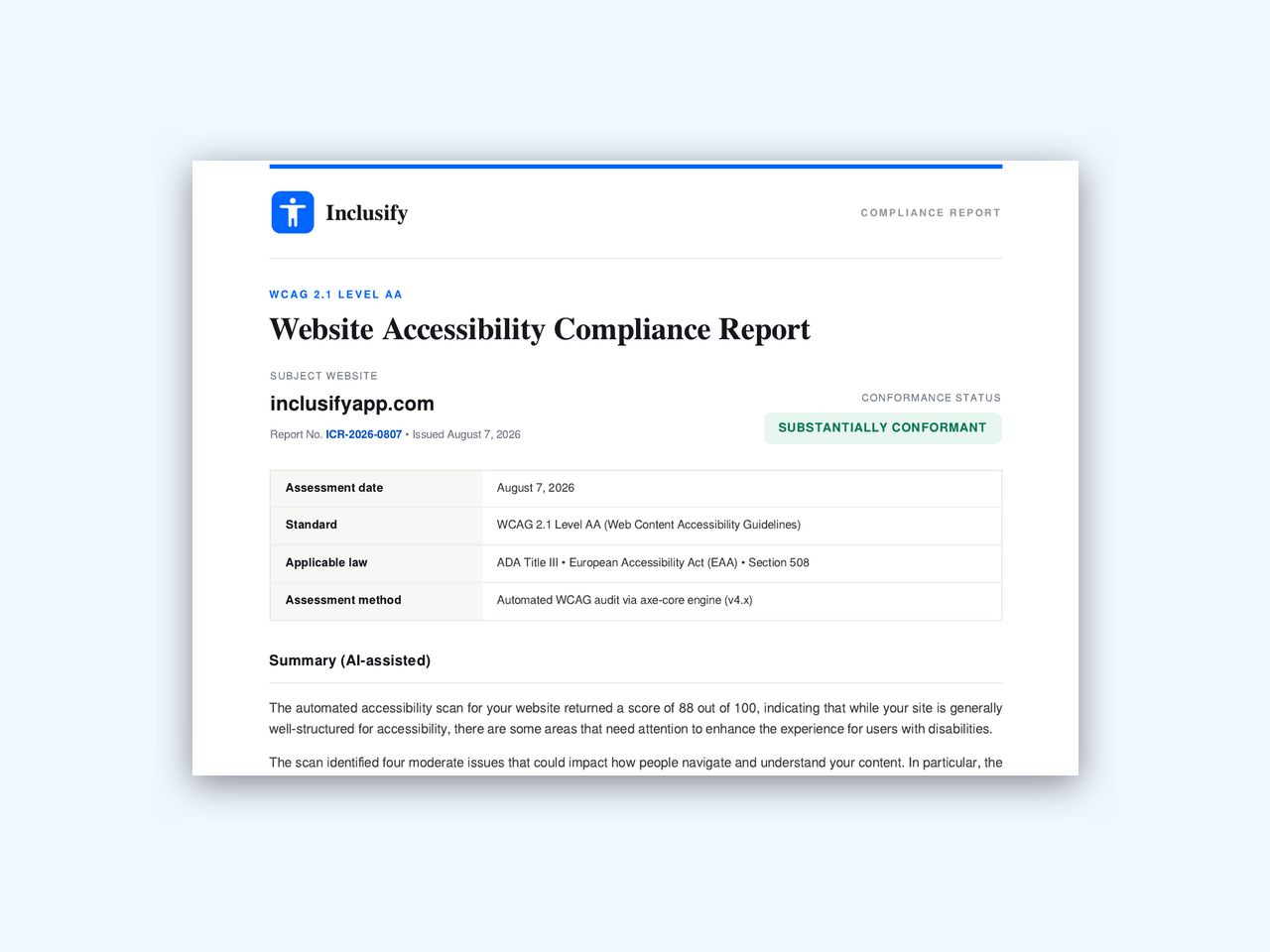
ภาพรวม Inclusify Accessibility
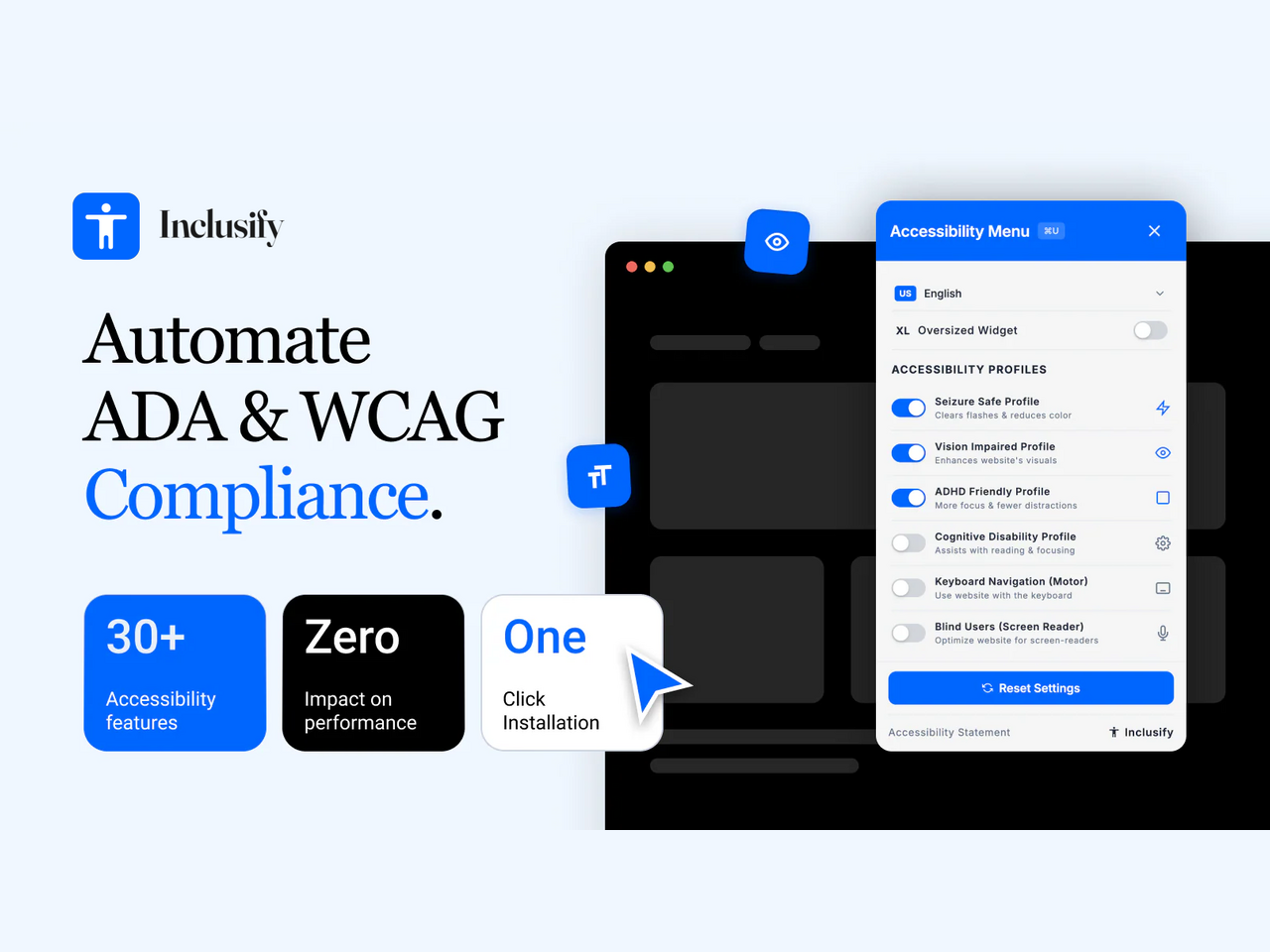
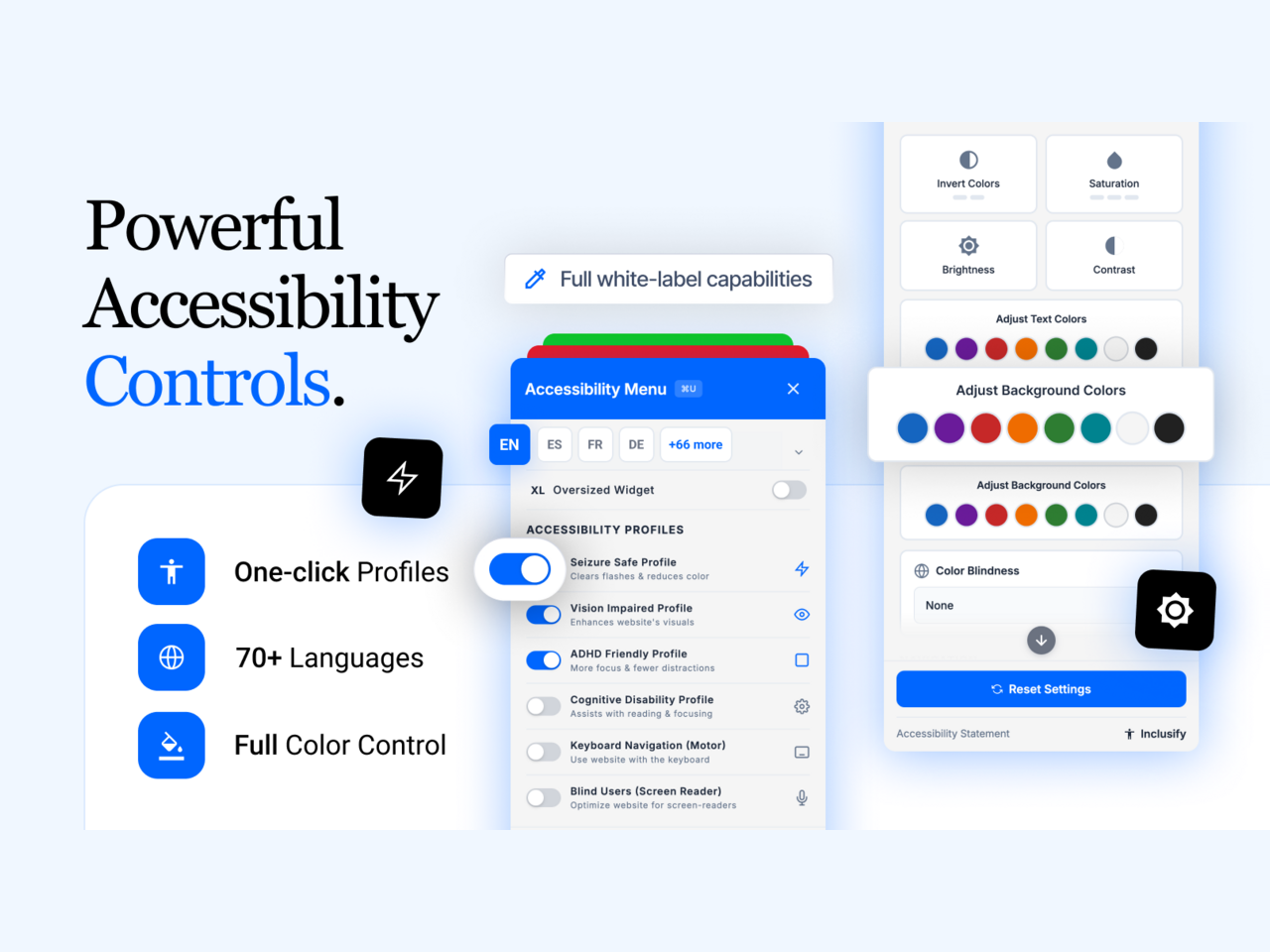
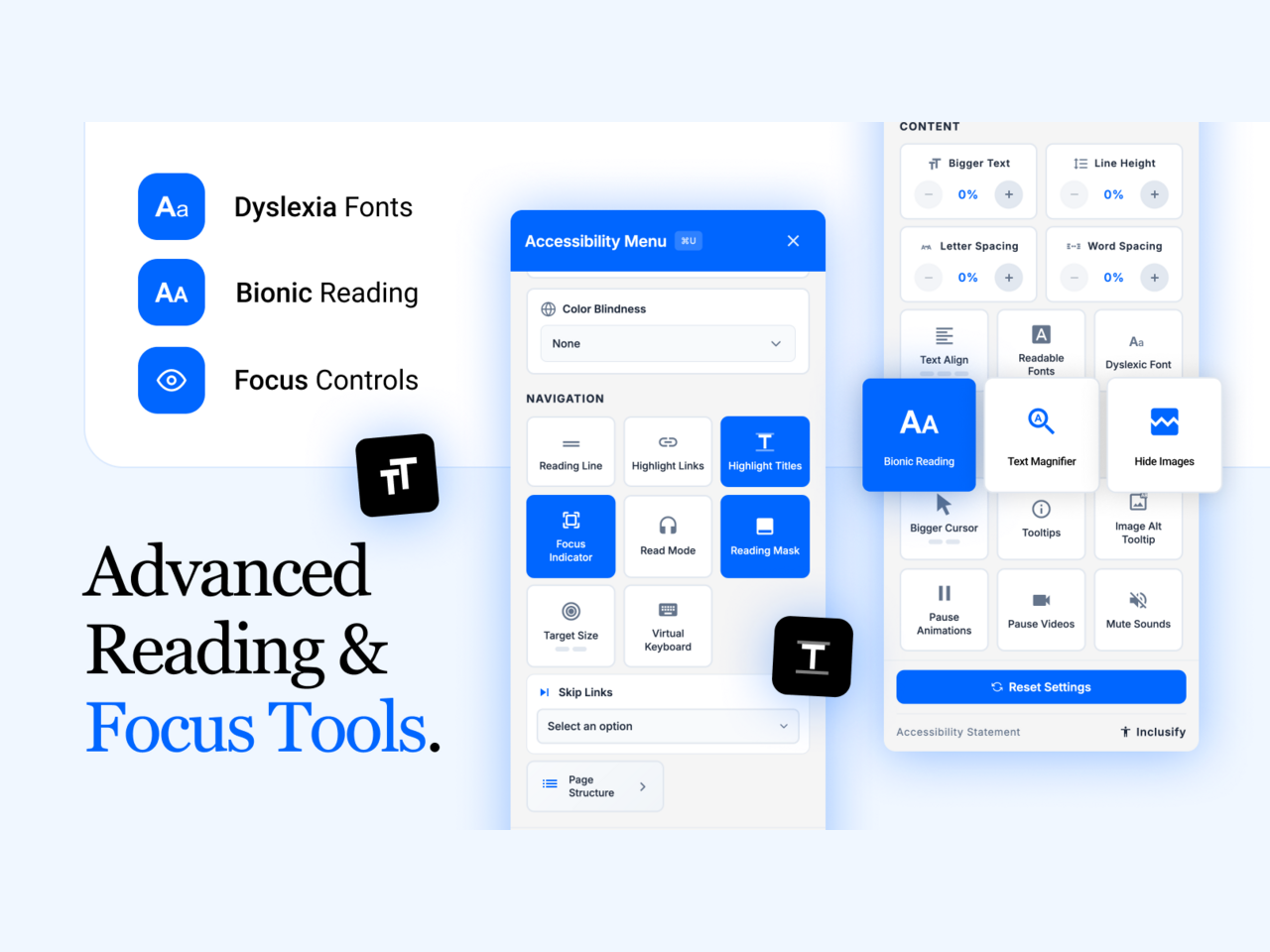
- Visitor controls for contrast, text size, spacing, cursor and motion
- Free plan includes the toolbar and all of its appearance settings
- Automated WCAG scans that name the element and a suggested fix (paid)
- Scheduled re-scans, score history and site-wide crawls (paid)
ให้คะแนน & รีวิว
ยังไม่มีการรีวิวแอปนี้ คุณสามารถเริ่มต้นให้คะแนนเป็นคนแรกราคาและแพ็กเกจ
แพ็กเกจ Free
ฟรี
1,000 visitors a month
35 accessibility adjustments
Your colour, position and language
แพ็กเกจ Starter
$
32
50
/เดือน
10,000 visitors a month
Daily checks of 5 pages
Monthly full-site crawl and report
Accessibility statement page
แพ็กเกจ Pro
$
82
50
/เดือน
50,000 visitors a month
Daily checks of 25 pages
Full-site crawls on demand
AI fix suggestions and reports
แพ็กเกจ Enterprise
$
232
50
/เดือน
Unlimited visitors
Daily checks of 100 pages
Dedicated account manager
Everything in Pro
* ราคาในสกุลเงิน USD