

ร้านค้าออนไลน์
การจอง
อีเวนท์
ป๊อป-อัพ
PDF Sign
โดย
Send PDFs for signing from your own site
ยังไม่มีรีวิว
ทดลองใช้ฟรี 14 วัน

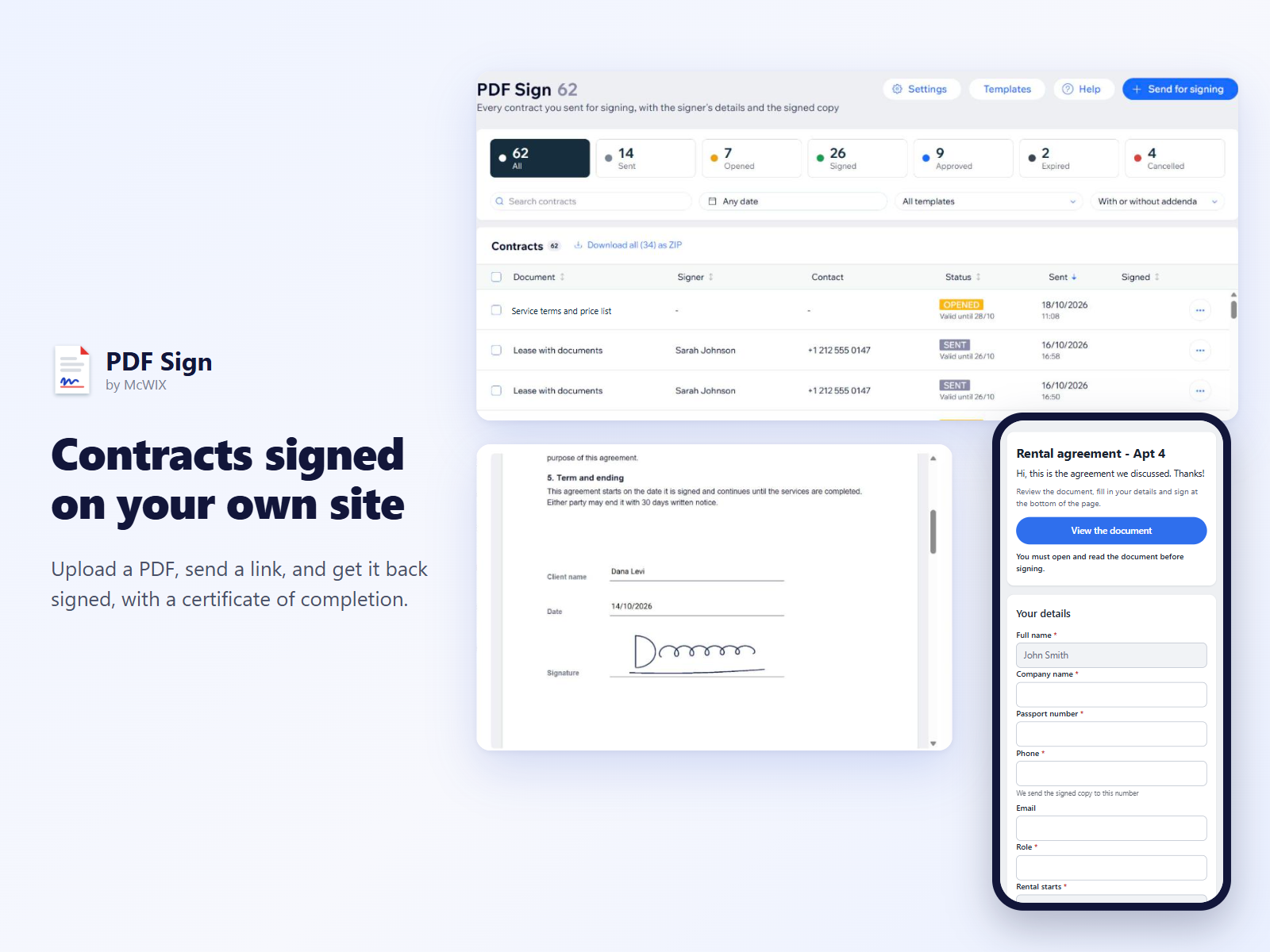
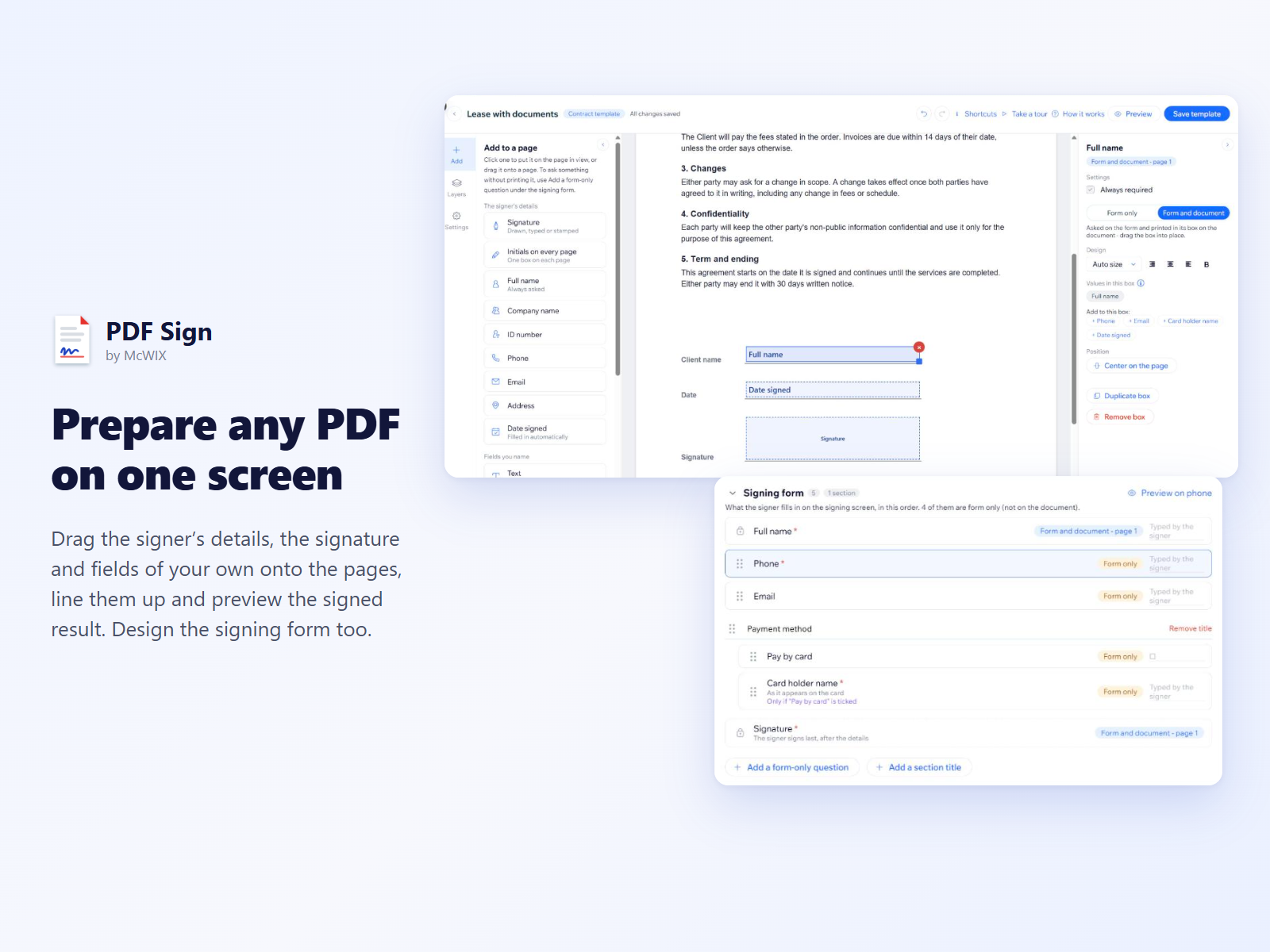
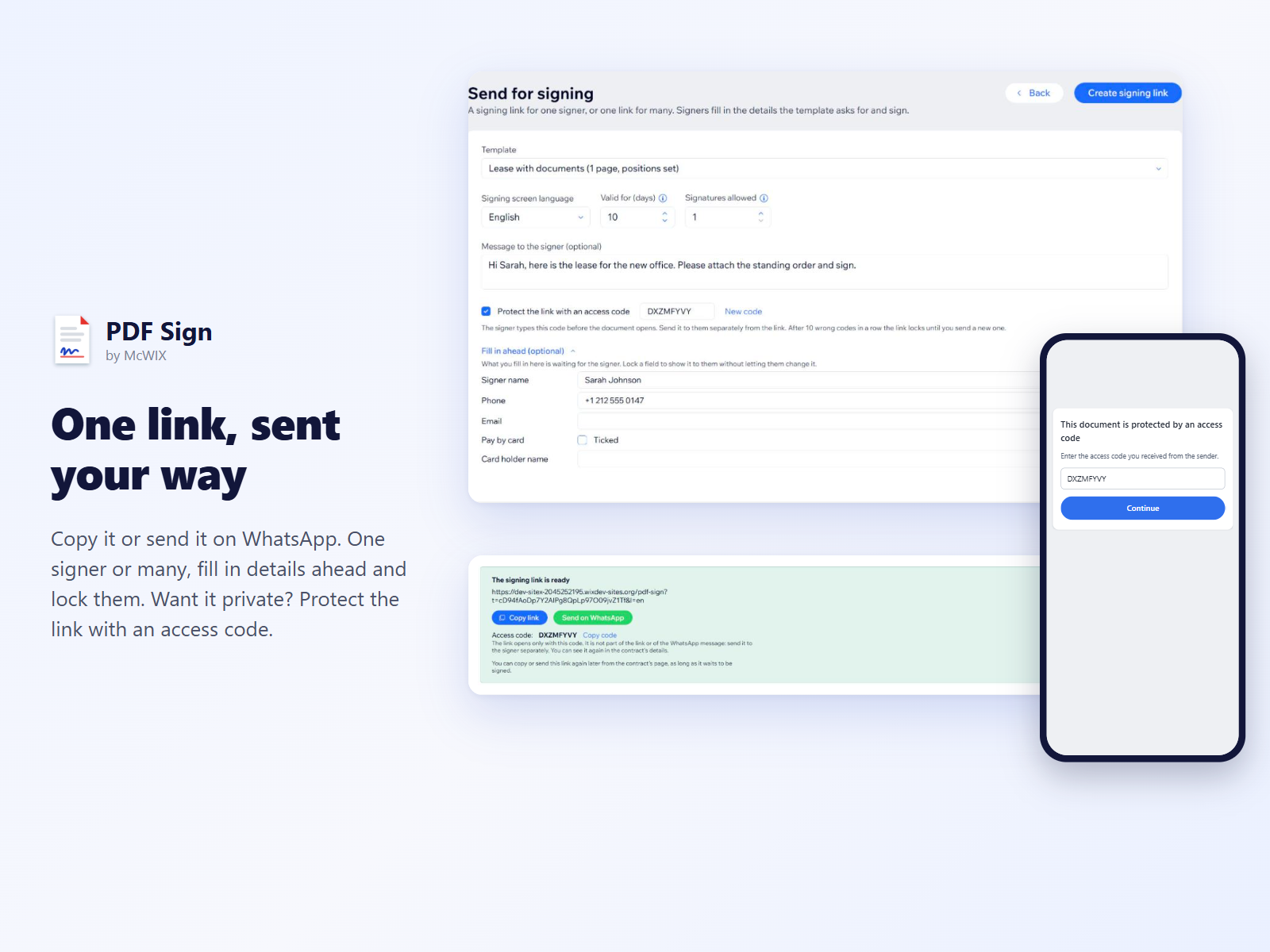
ภาพรวม PDF Sign
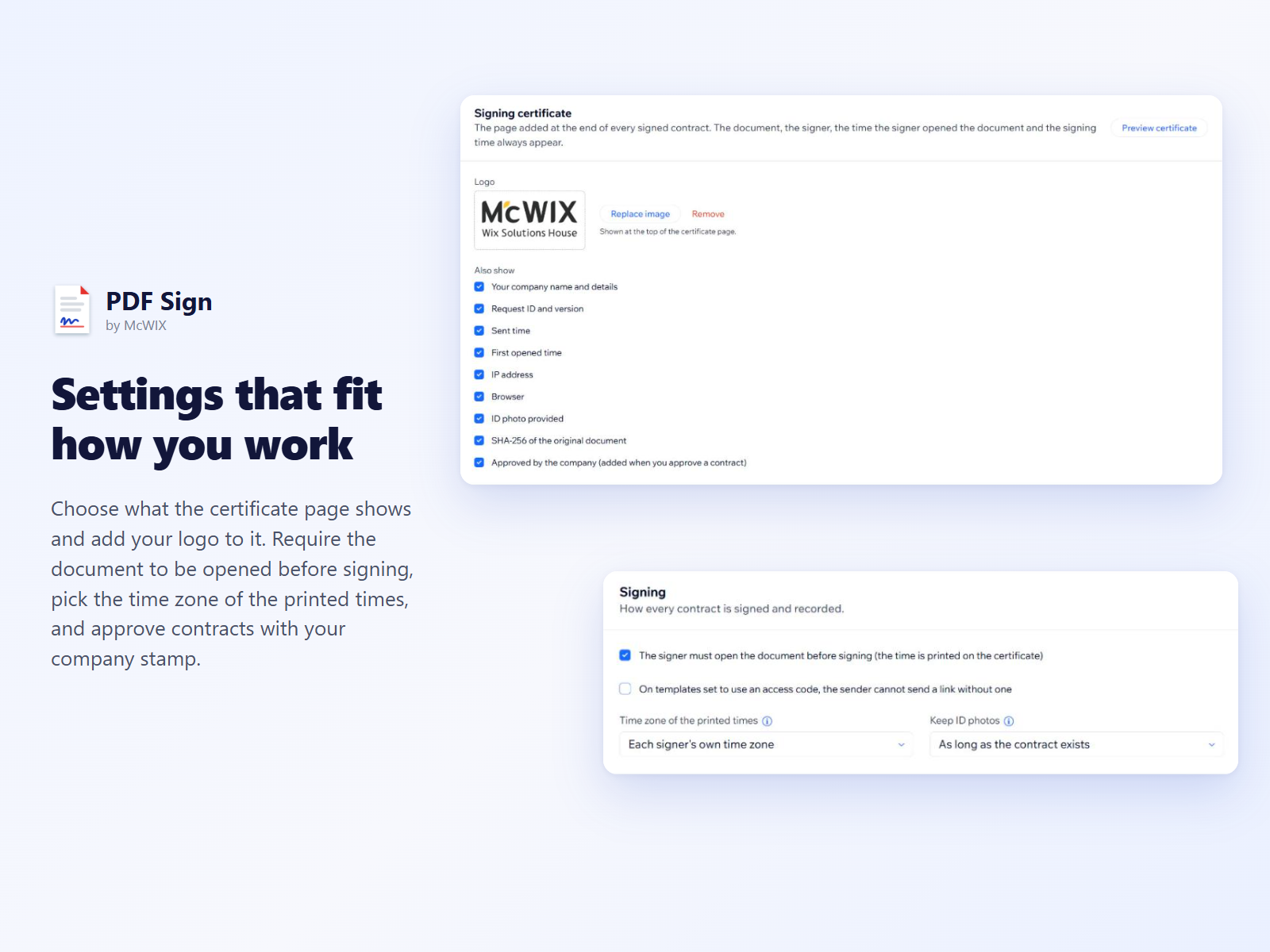
- Drag-and-drop editor for any PDF contract
- Signing links on WhatsApp, for one or many
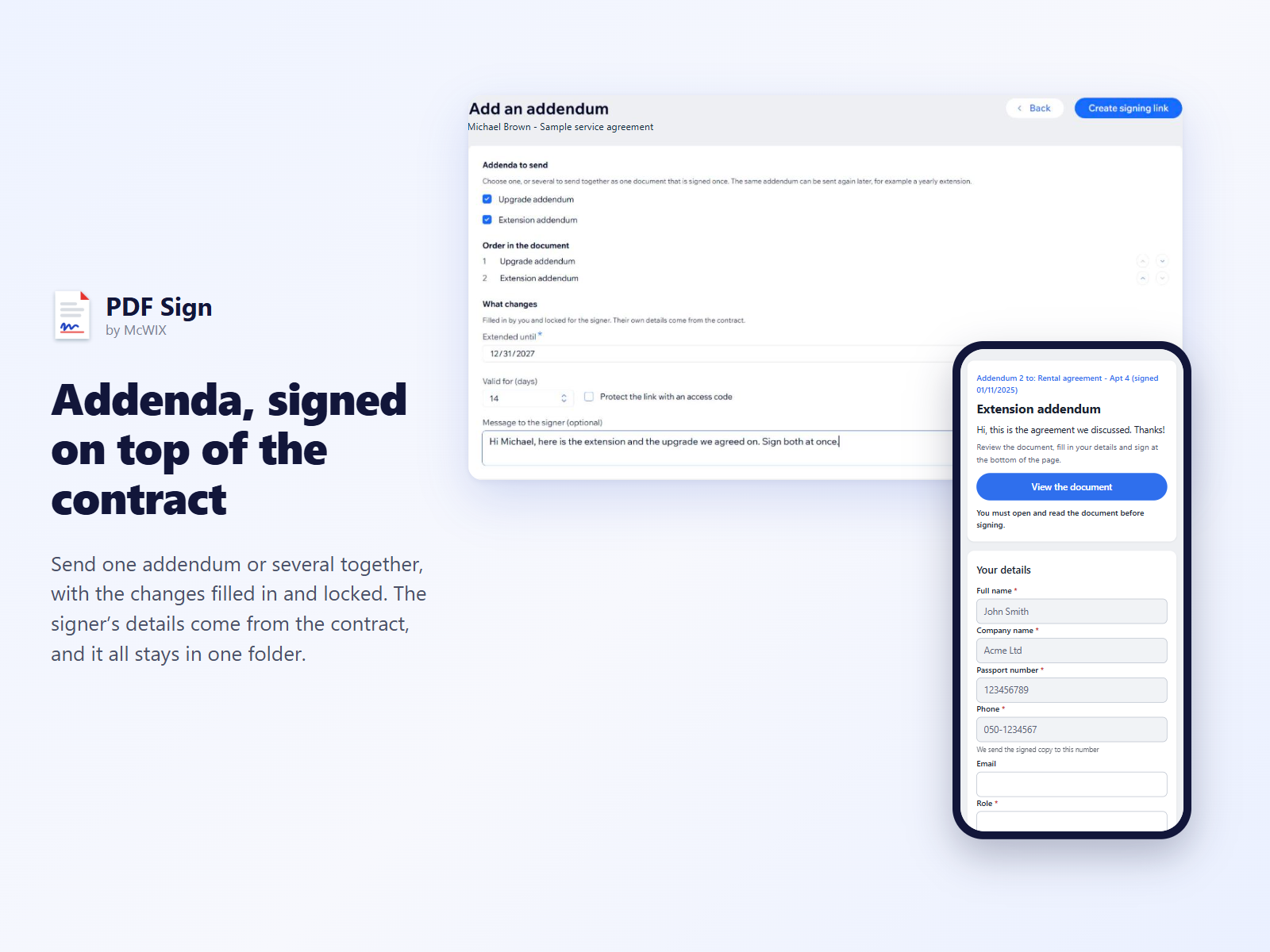
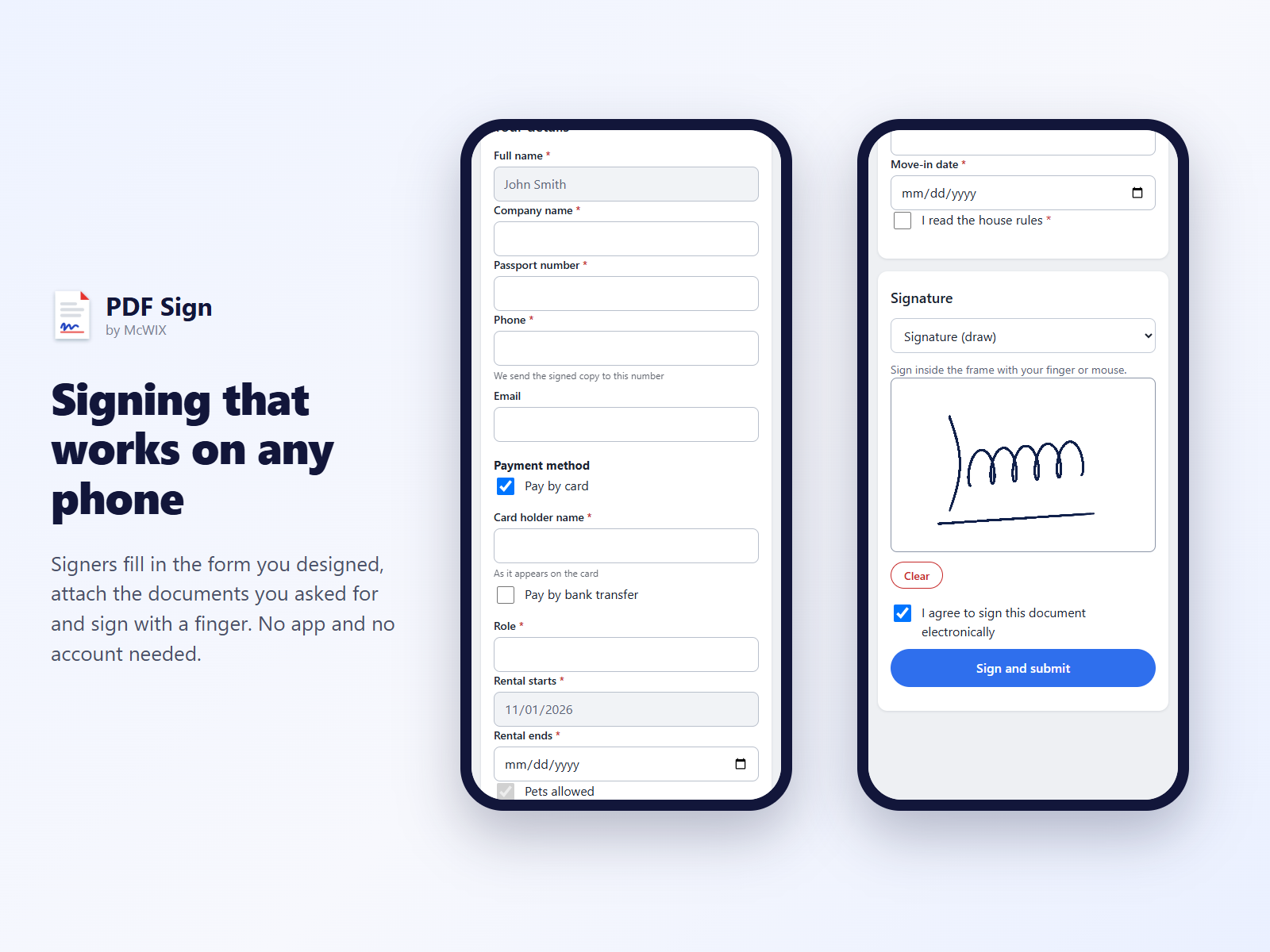
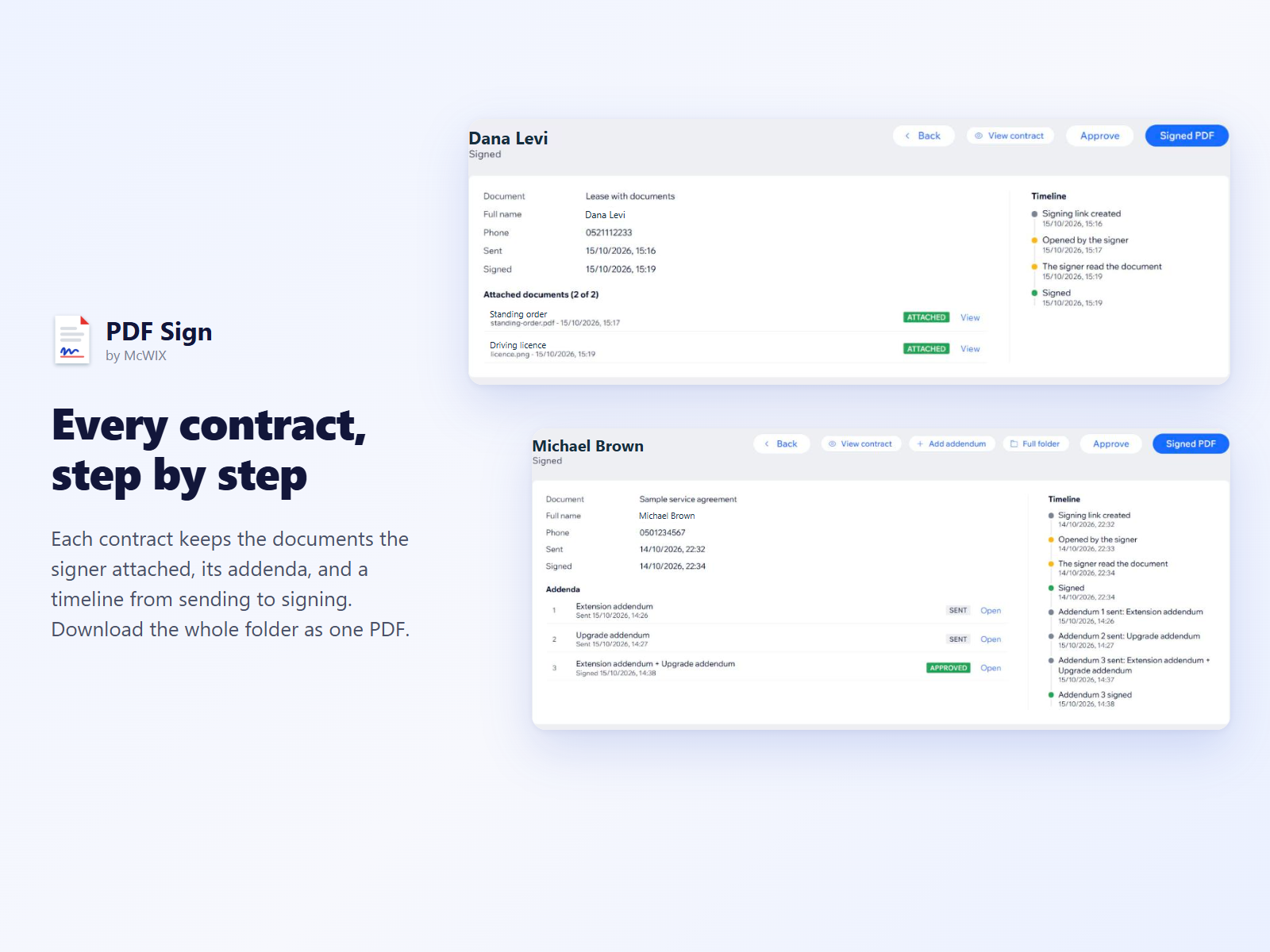
- Signer forms, attached documents and addenda
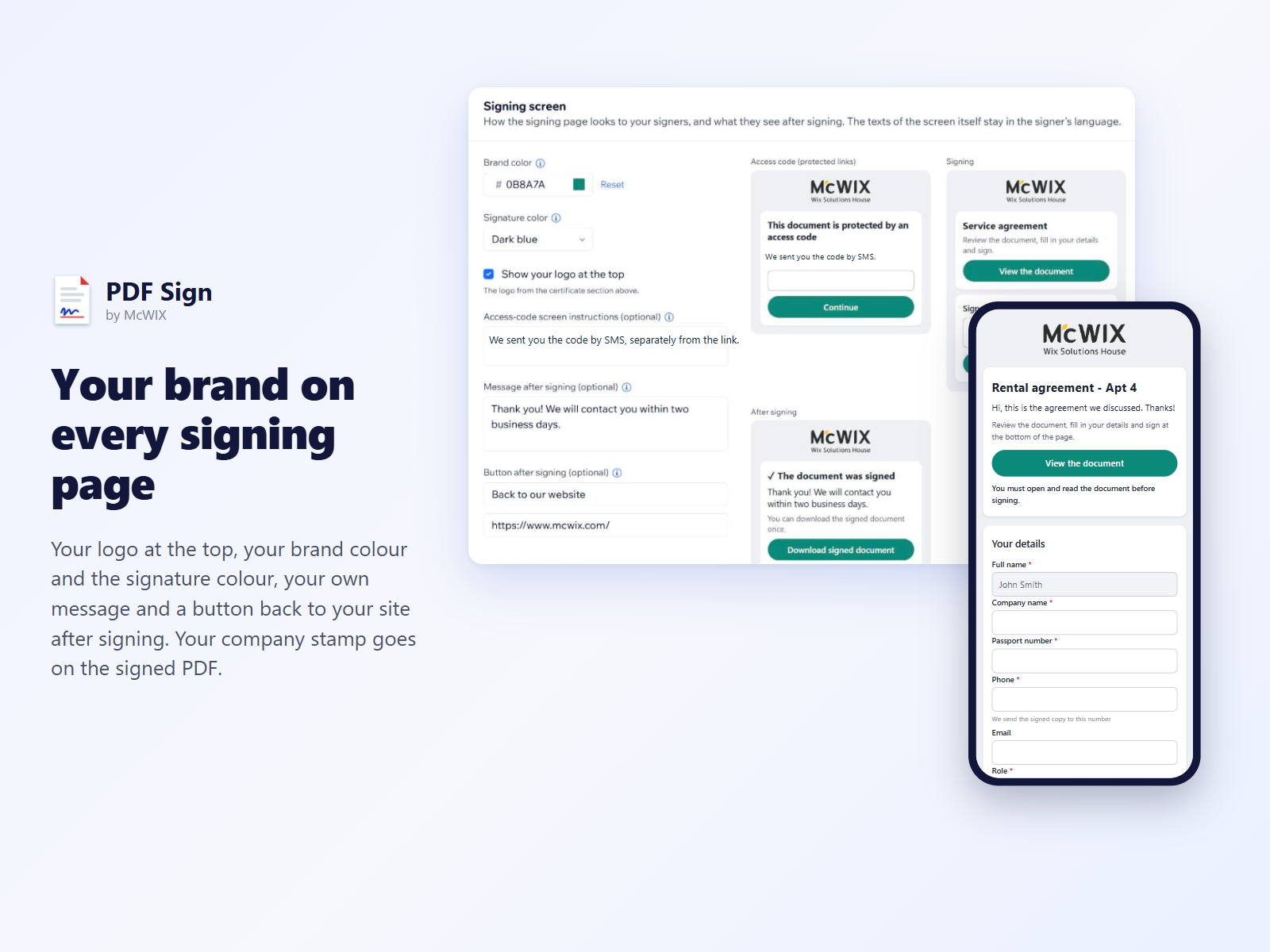
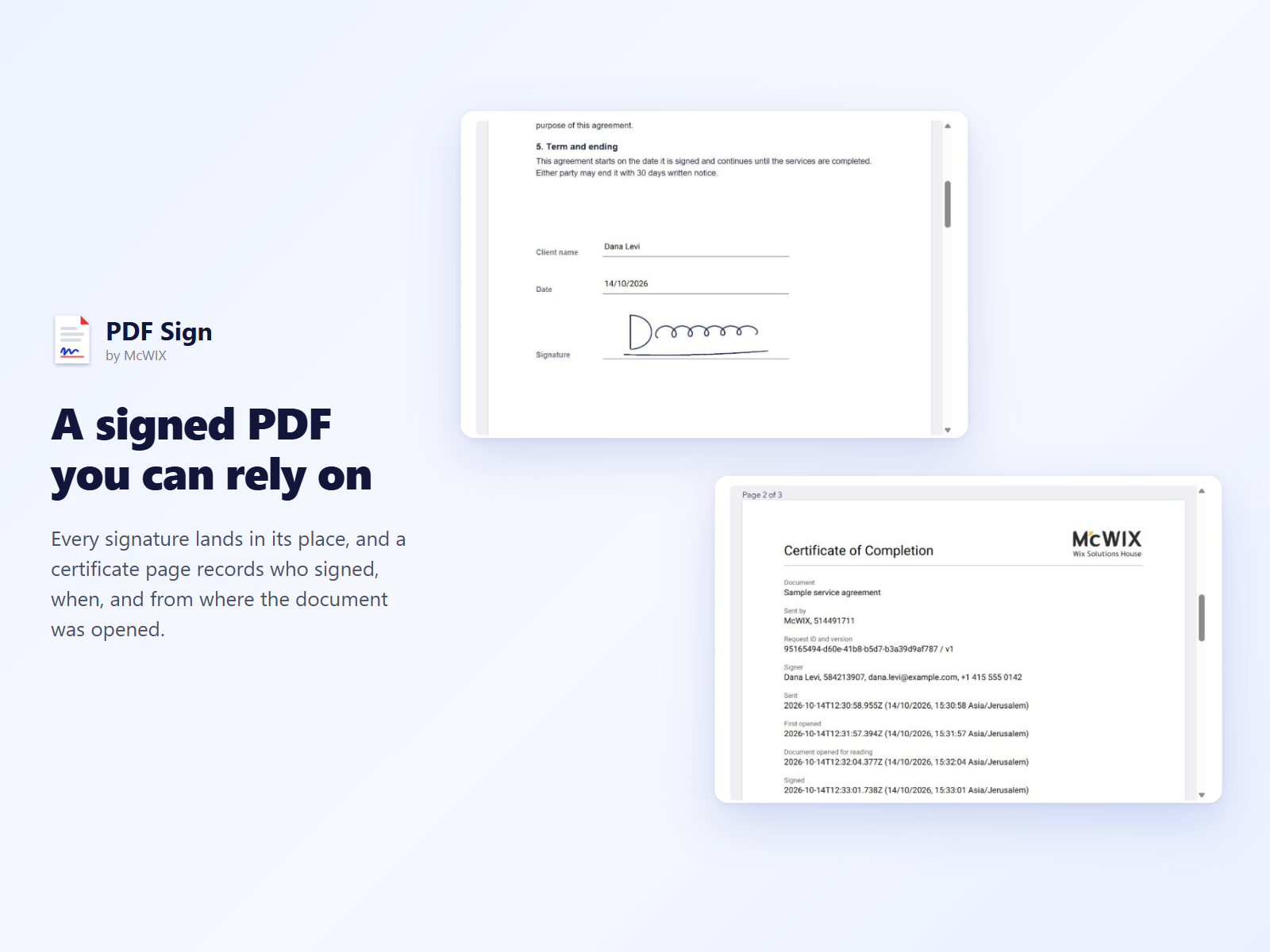
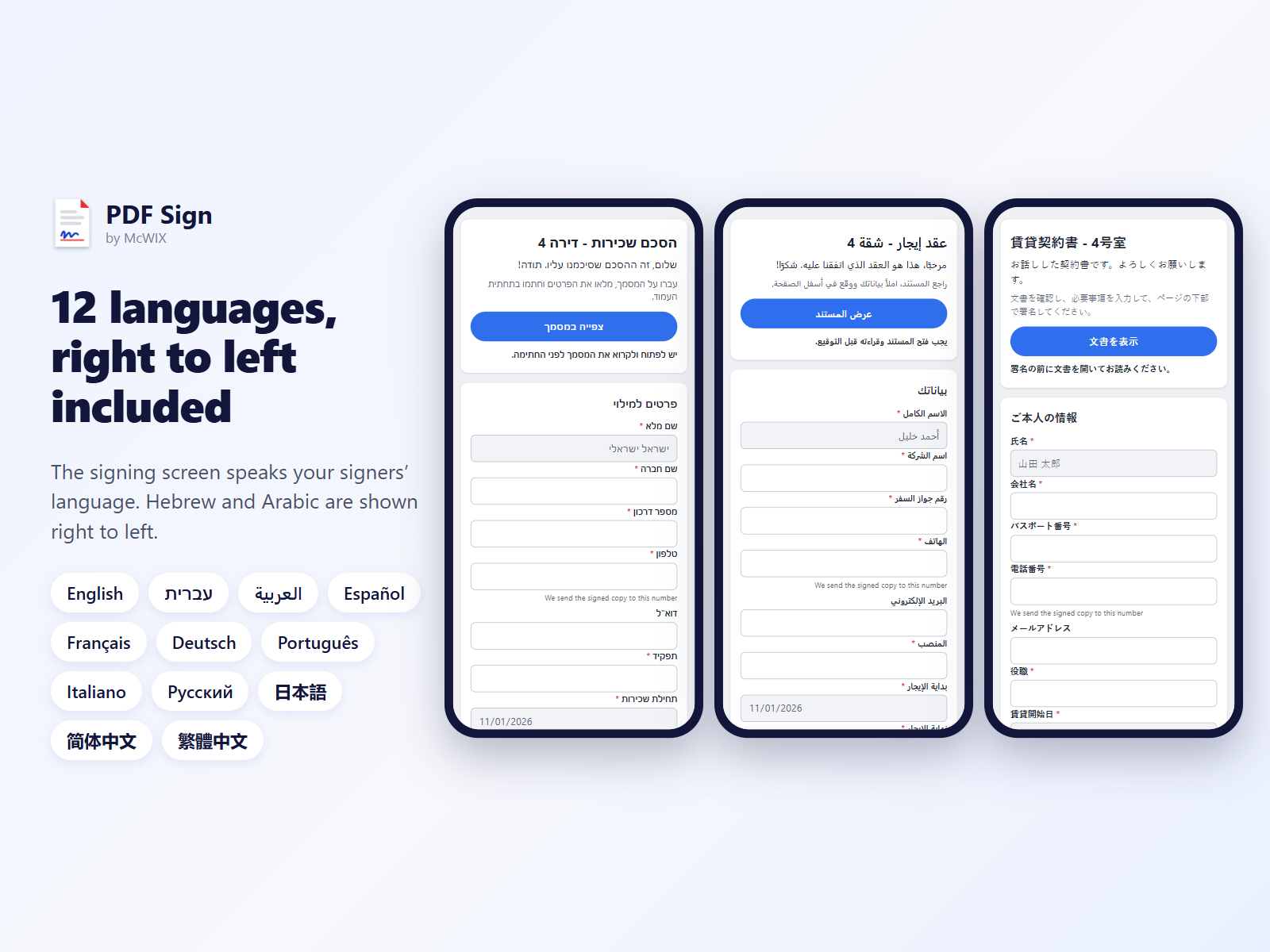
- Signed PDF with a certificate, 12 languages
ให้คะแนน & รีวิว
ยังไม่มีการรีวิวแอปนี้ คุณสามารถเริ่มต้นให้คะแนนเป็นคนแรกราคาและแพ็กเกจ
แอปนี้มีให้ทดลองใช้ฟรี 14 วันแพ็กเกจ Full Access
$
20
00
/เดือน
Unlimited signing links
Unlimited templates and signers
Attached documents and addenda
Signed PDF with certificate
* ราคาในสกุลเงิน USD