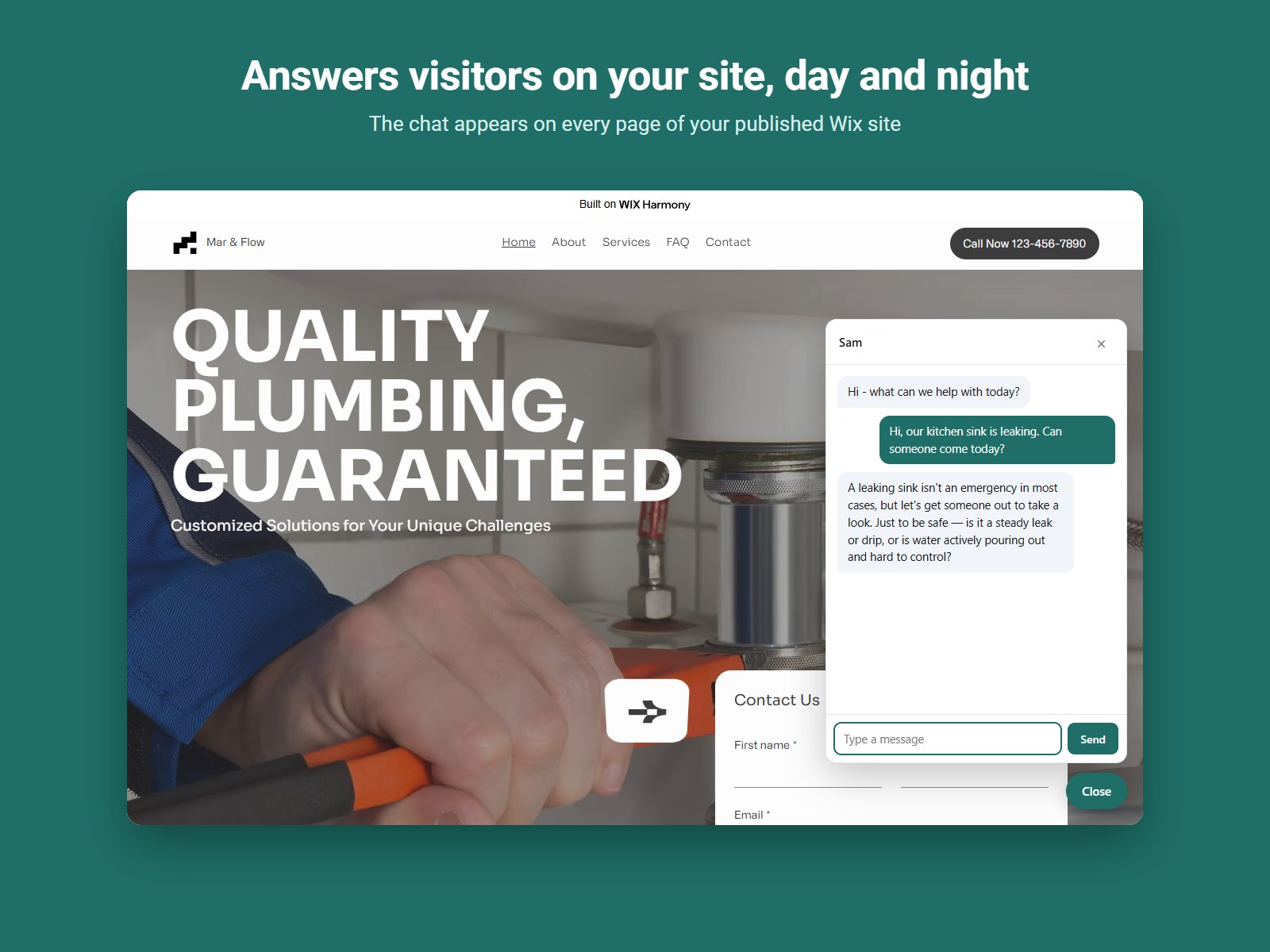
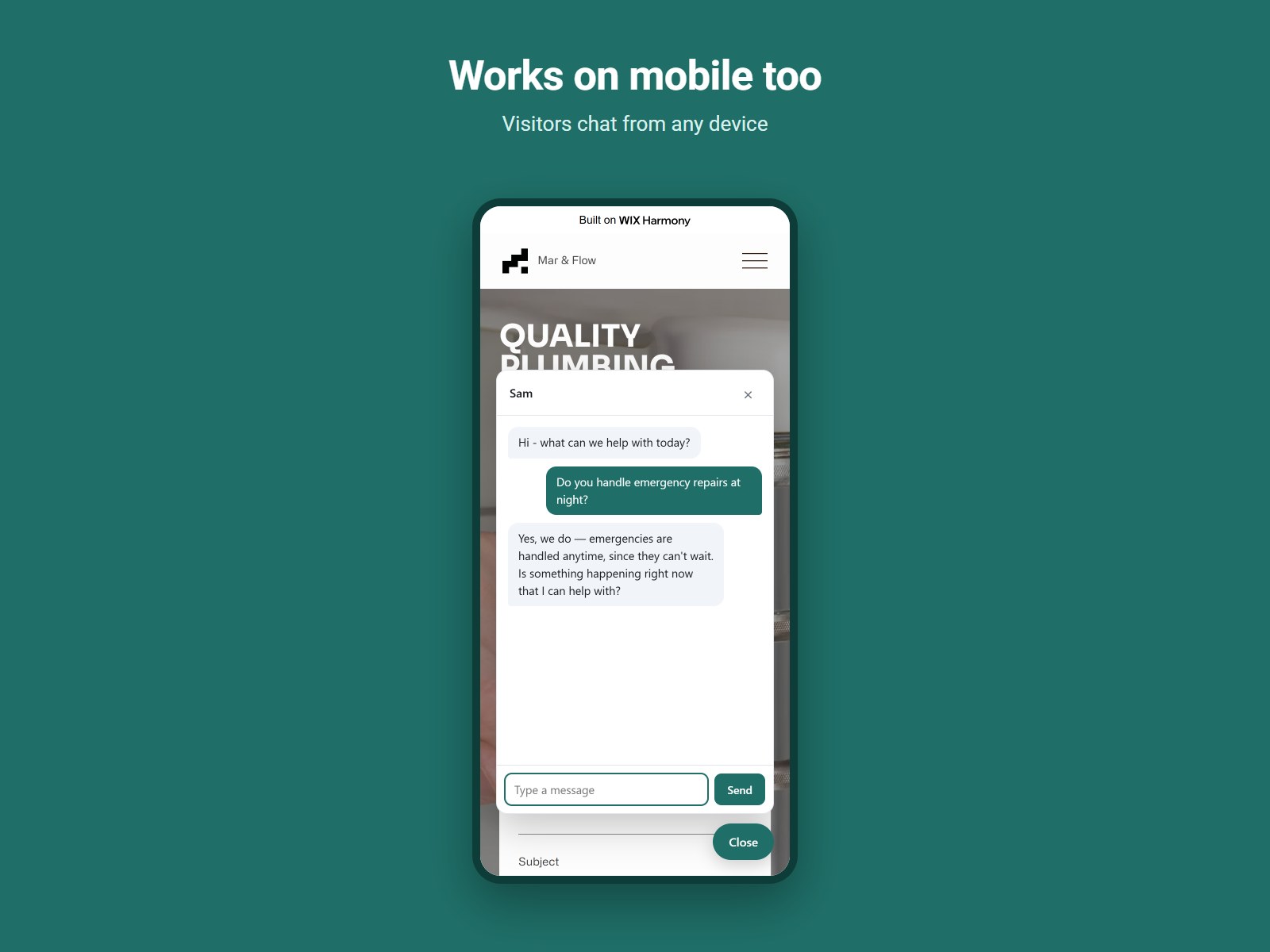
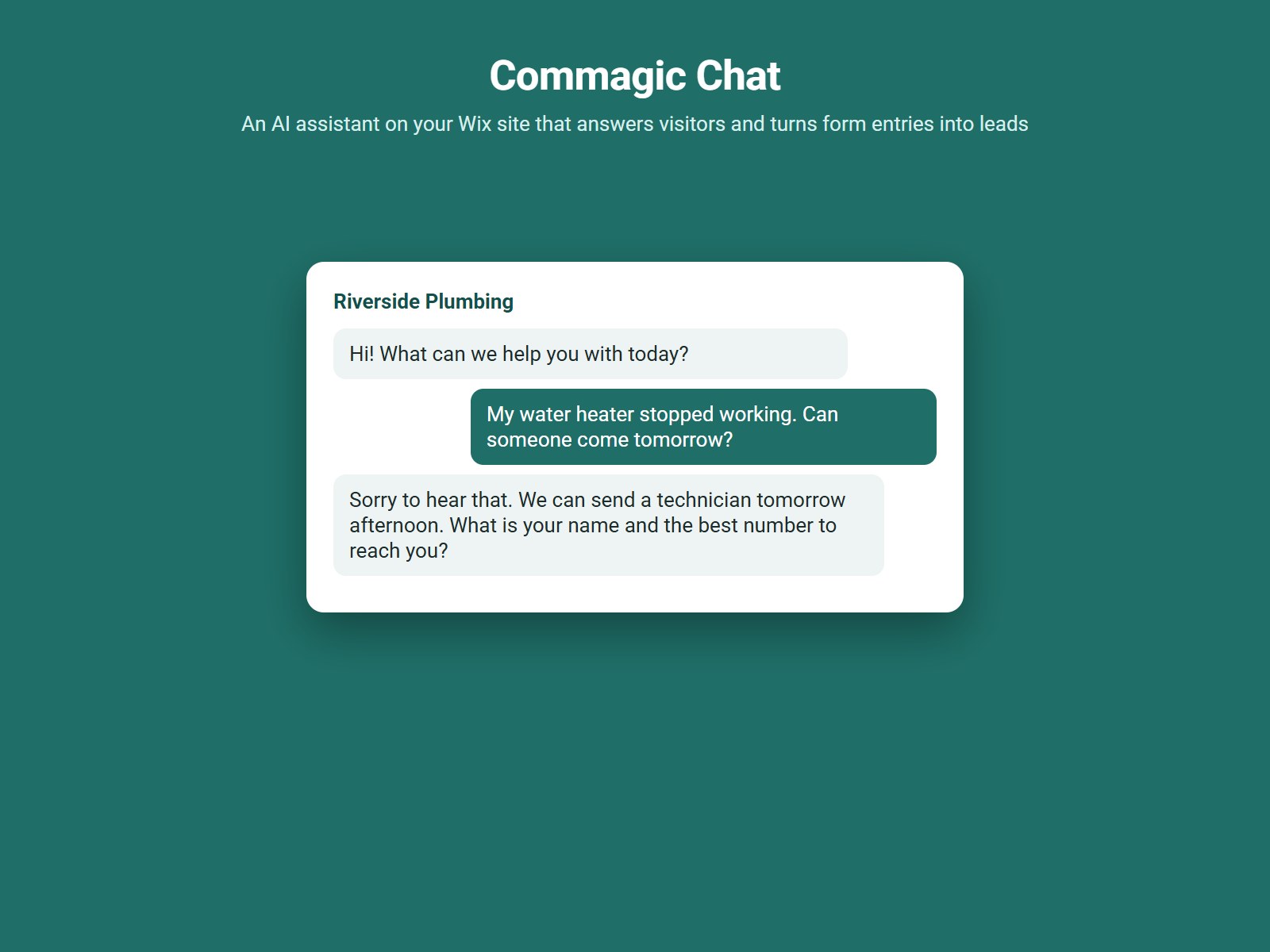
An AI chat assistant on every page of your published site
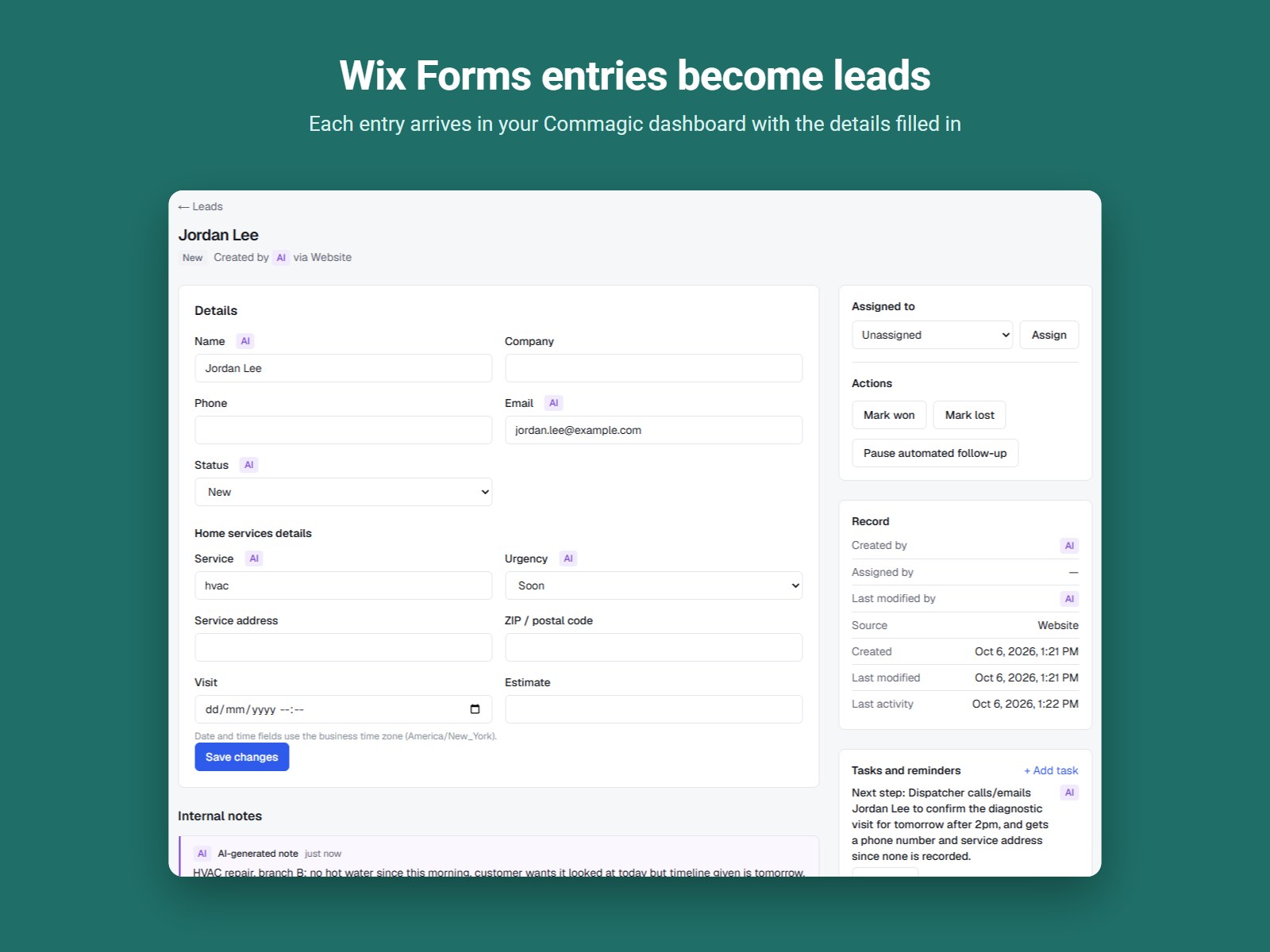
Form entries from your site sent straight to your leads
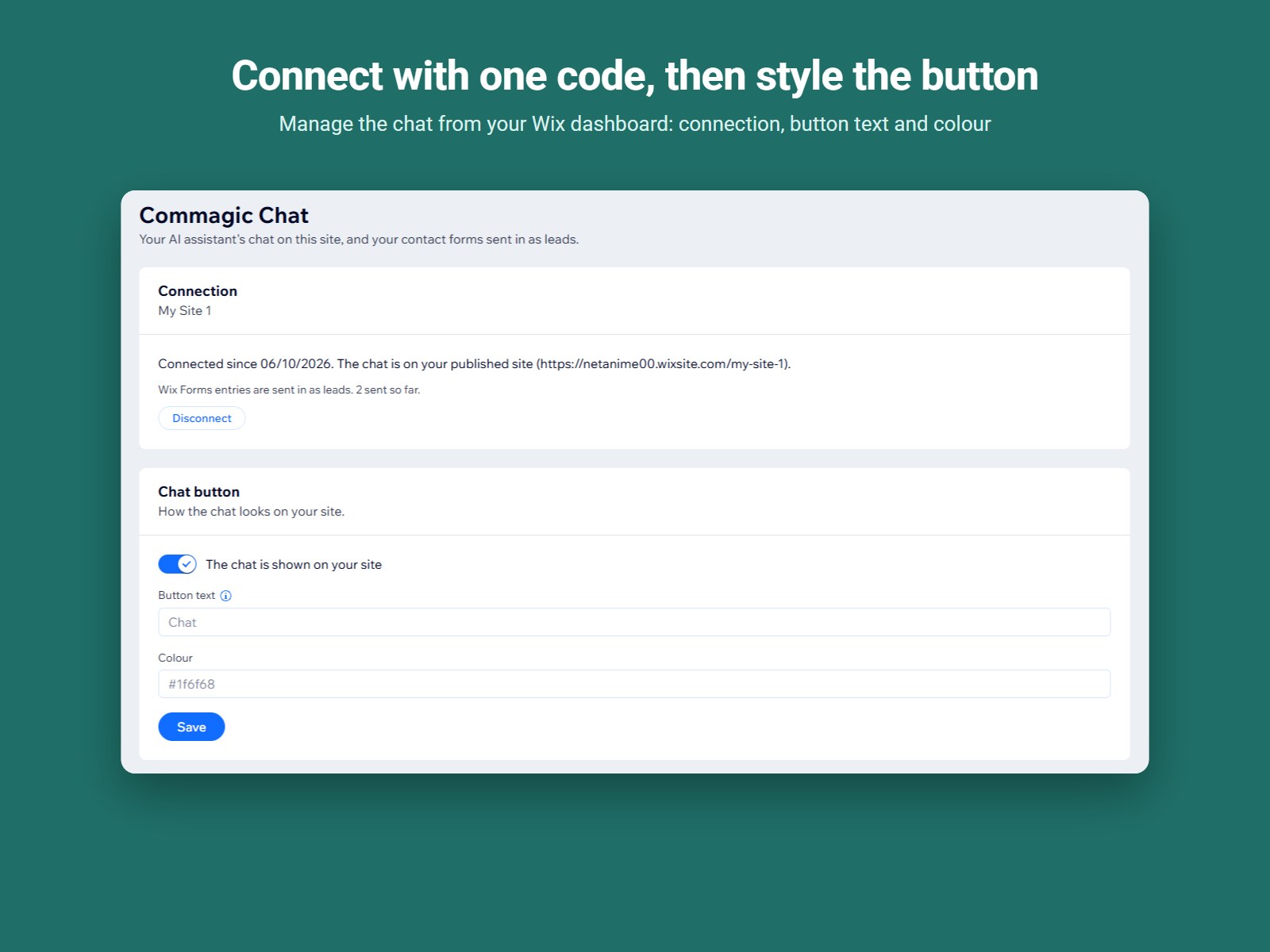
Show or hide the chat and set its button text and colour
Connect in one step with a one-time code
Commagic Chat adds your Commagic AI assistant to your website, so visitors can ask questions and get answers on the pages they are reading. Entries from your site's contact forms are sent to Commagic as leads, so enquiries from the chat and from your forms are kept in one place for you and your team to follow up.
The app connects your site to your Commagic account with a one-time code from your Commagic dashboard and adds the chat to your published site, without code on your pages. You can show or hide the chat whenever you like and choose the button text and colour to suit your brand.
Commagic Chat requires a Commagic account, which you can create for free at https://app.commagic.ai/signup. Form entries are collected from your site's forms, and the chat appears on your published site.