

ร้านค้าออนไลน์
การจอง
อีเวนท์
ป๊อป-อัพ
Blog Backup & Export
โดย
Download all blog posts as Markdown or HTML
ยังไม่มีรีวิว
มีแพ็กเกจใช้งานฟรี

ภาพรวม Blog Backup & Export
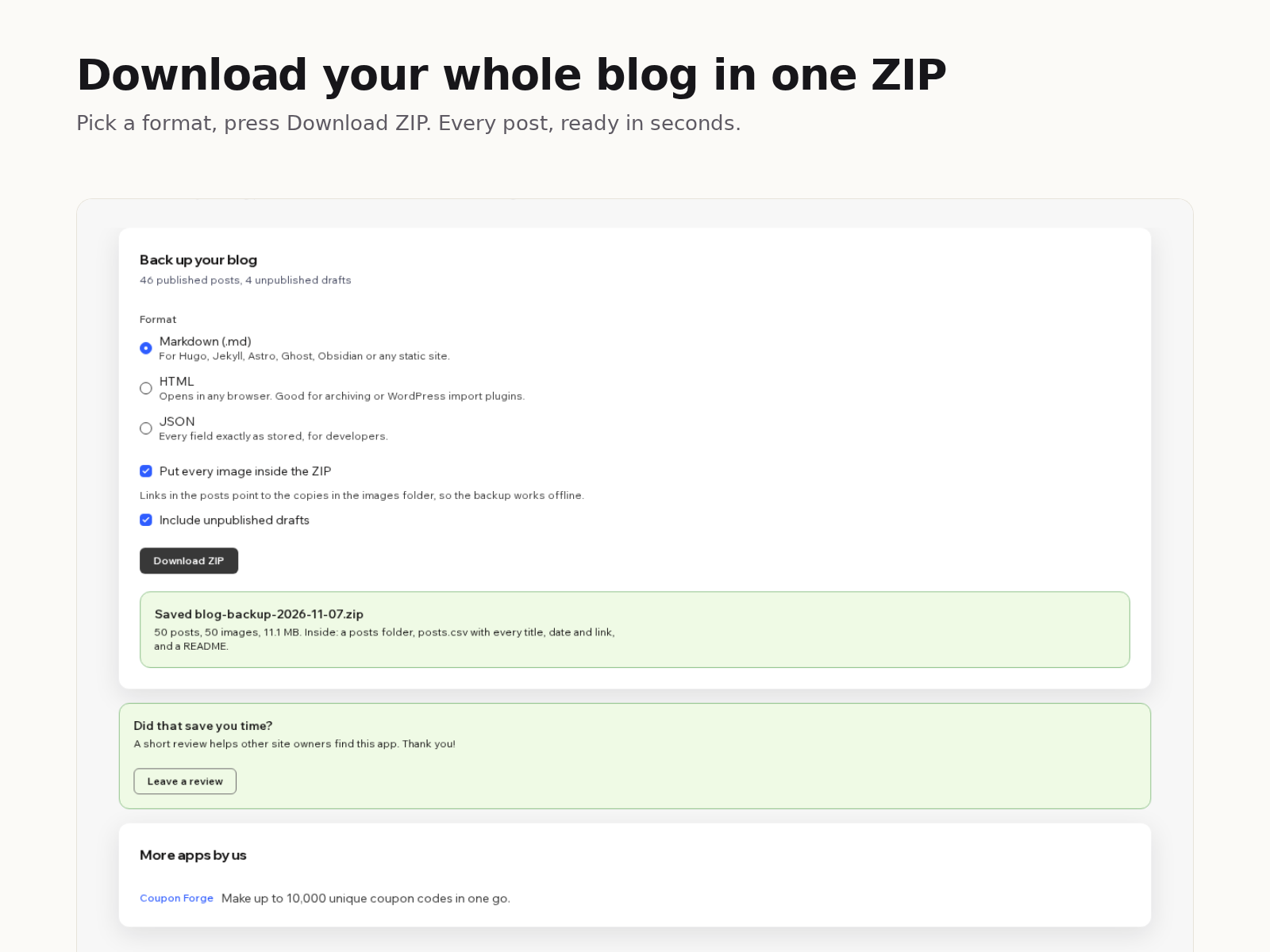
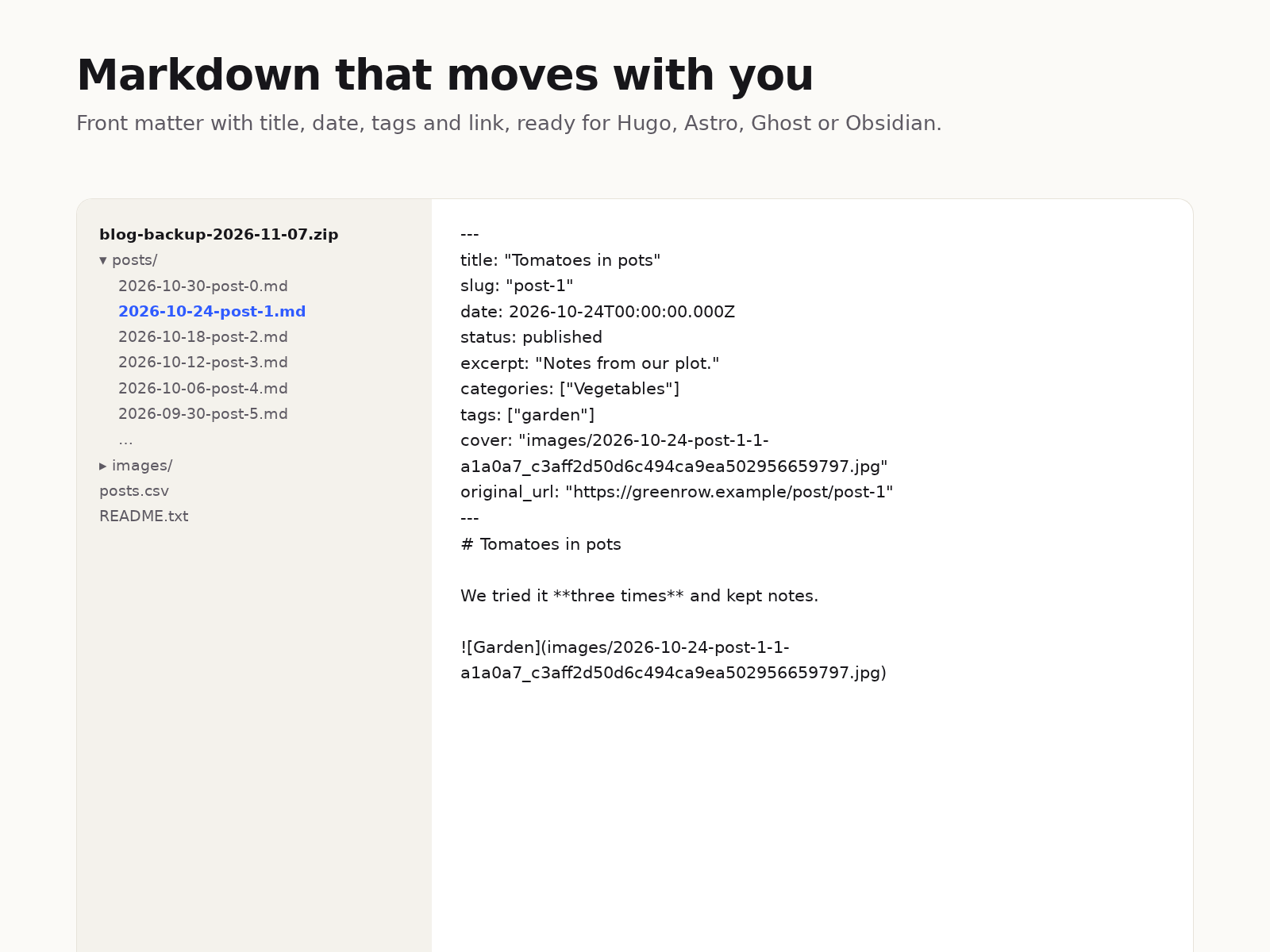
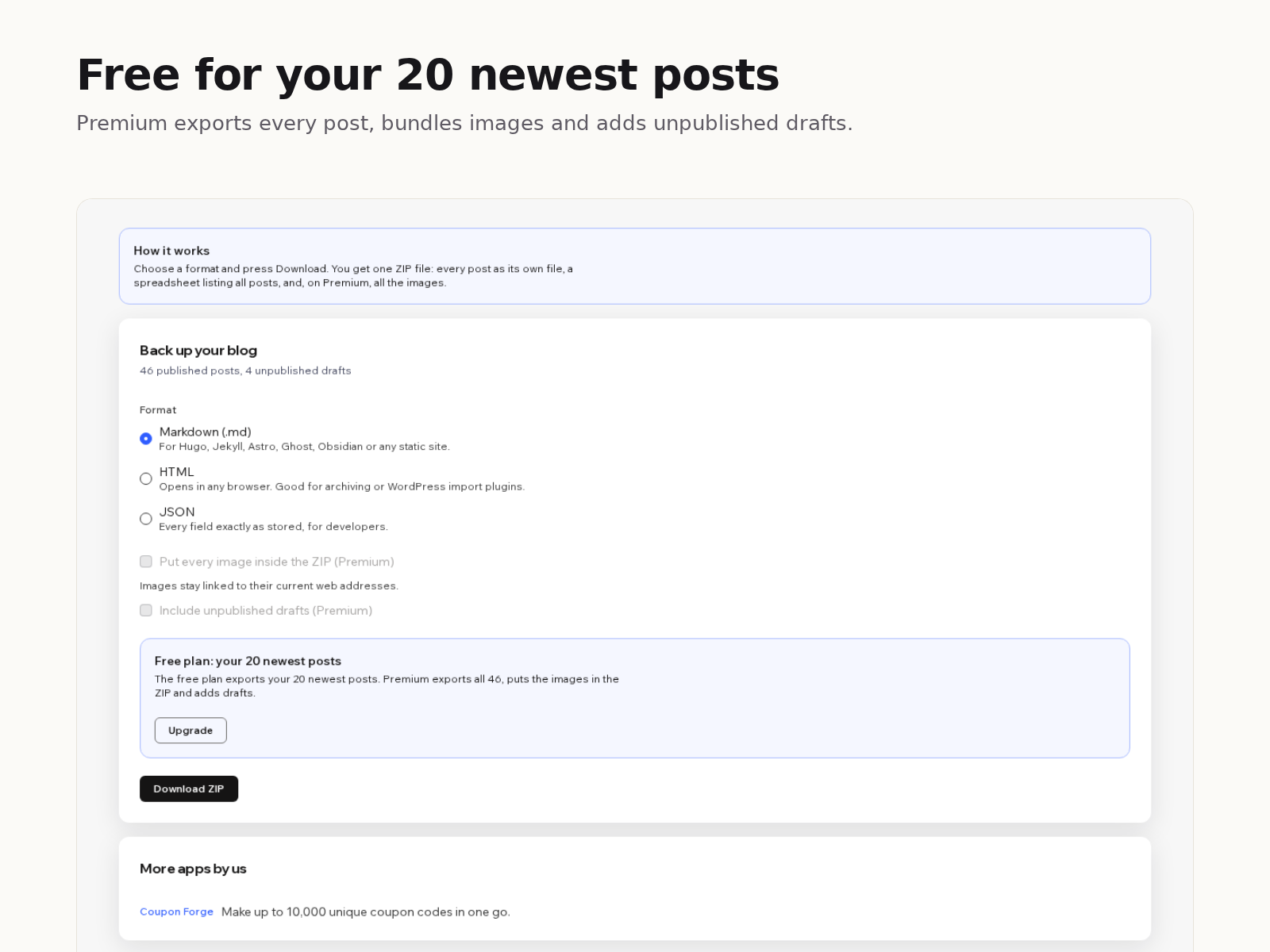
- Every post as its own Markdown, HTML or JSON file
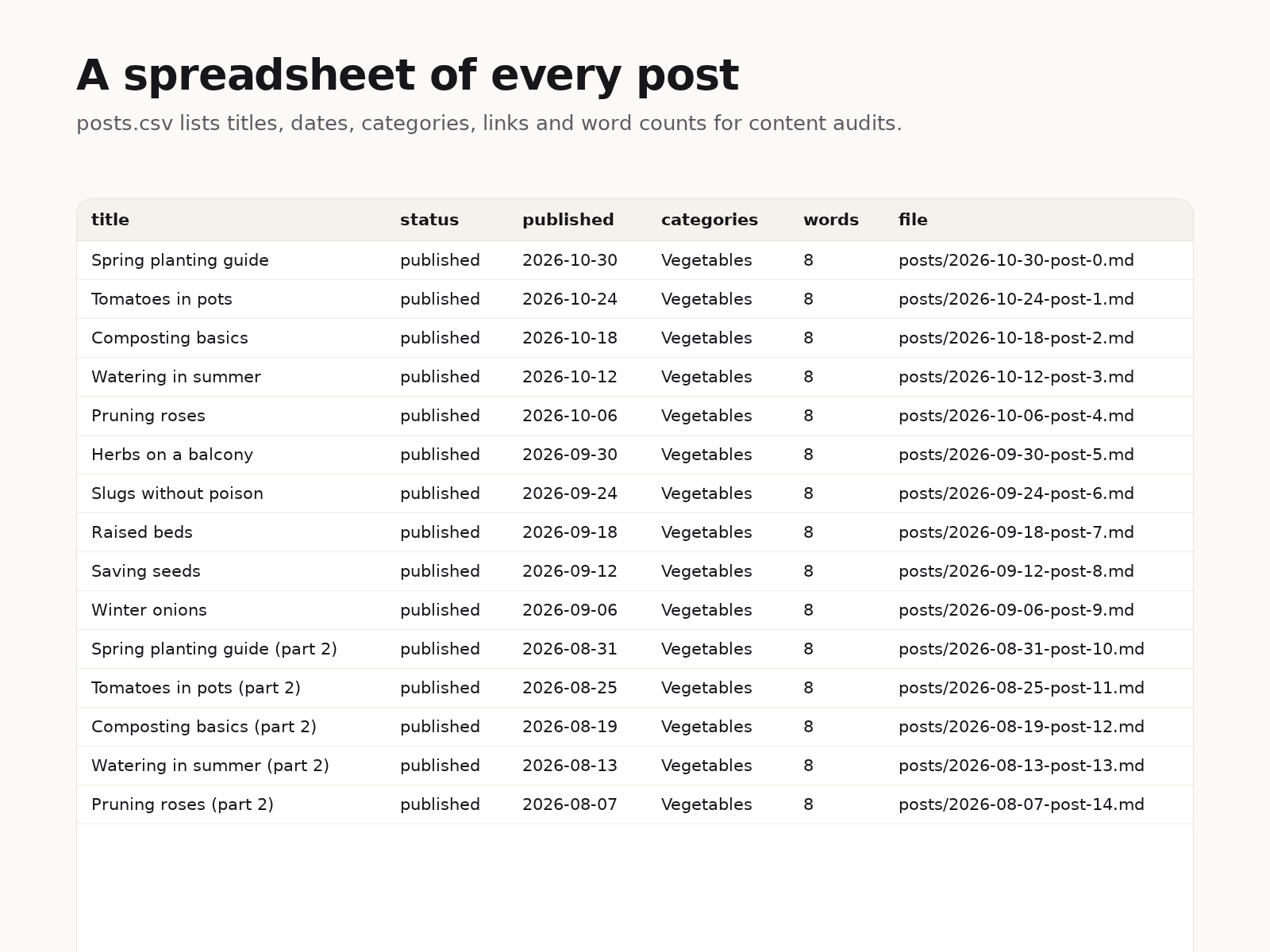
- A spreadsheet of all posts with dates, links and word counts
- Titles, dates, categories and tags kept in each file
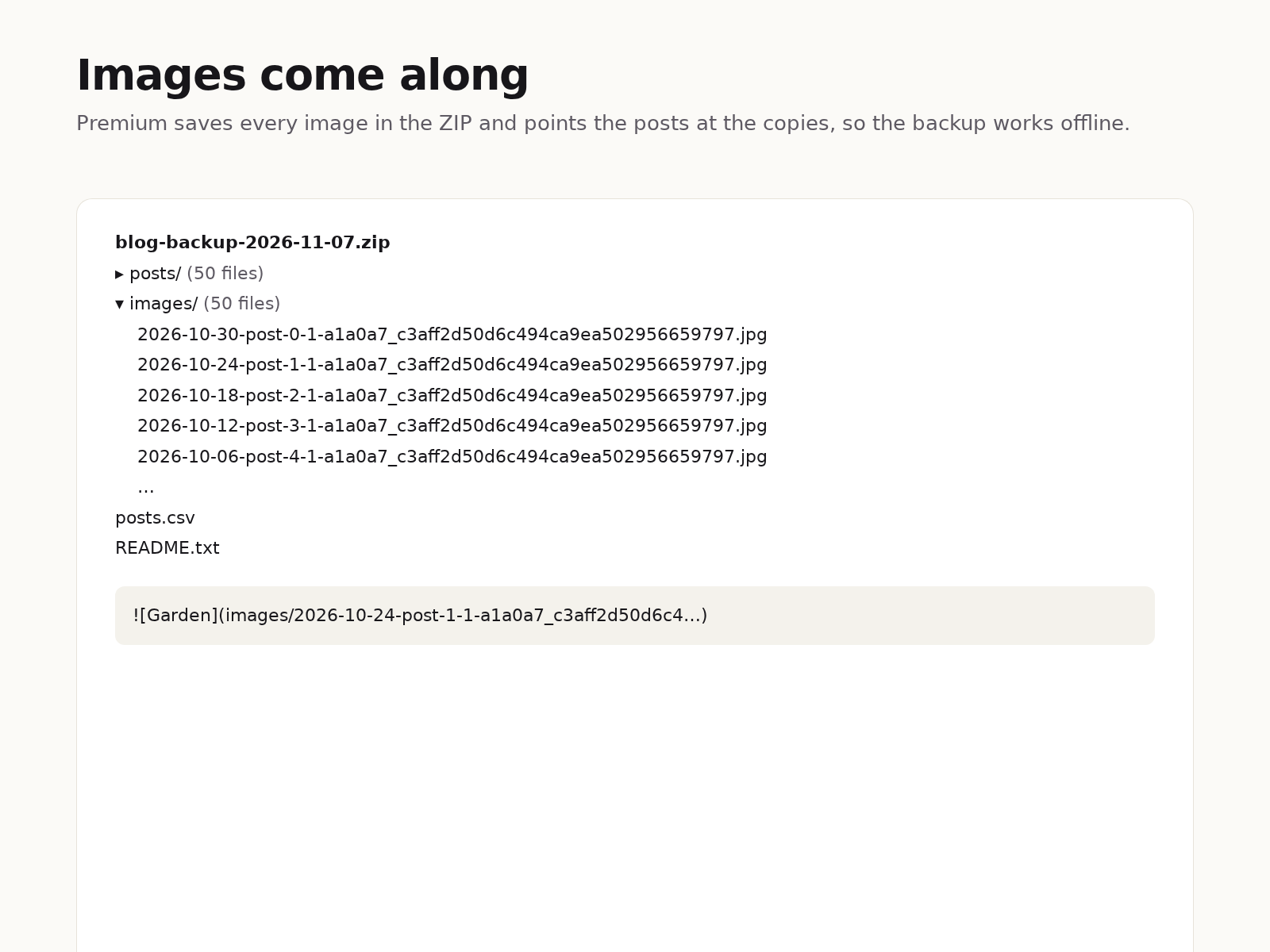
- Images saved inside the ZIP so the backup works offline
ให้คะแนน & รีวิว
ยังไม่มีการรีวิวแอปนี้ คุณสามารถเริ่มต้นให้คะแนนเป็นคนแรกราคาและแพ็กเกจ
แพ็กเกจ Basic
ฟรี
Your 20 newest posts
Markdown, HTML or JSON
posts.csv index and README
Image links kept as they are
แพ็กเกจ Premium
$
3
00
/เดือน
Every published post, no limit
Images inside the ZIP
Unpublished drafts
Everything in the free plan
* ราคาในสกุลเงิน USD