

ร้านค้าออนไลน์
การจอง
อีเวนท์
ป๊อป-อัพ

QuickSync for Tiktok
โดย
TikTok Shop integration for inventory sync
ยังไม่มีรีวิว
มีแพ็กเกจใช้งานฟรี

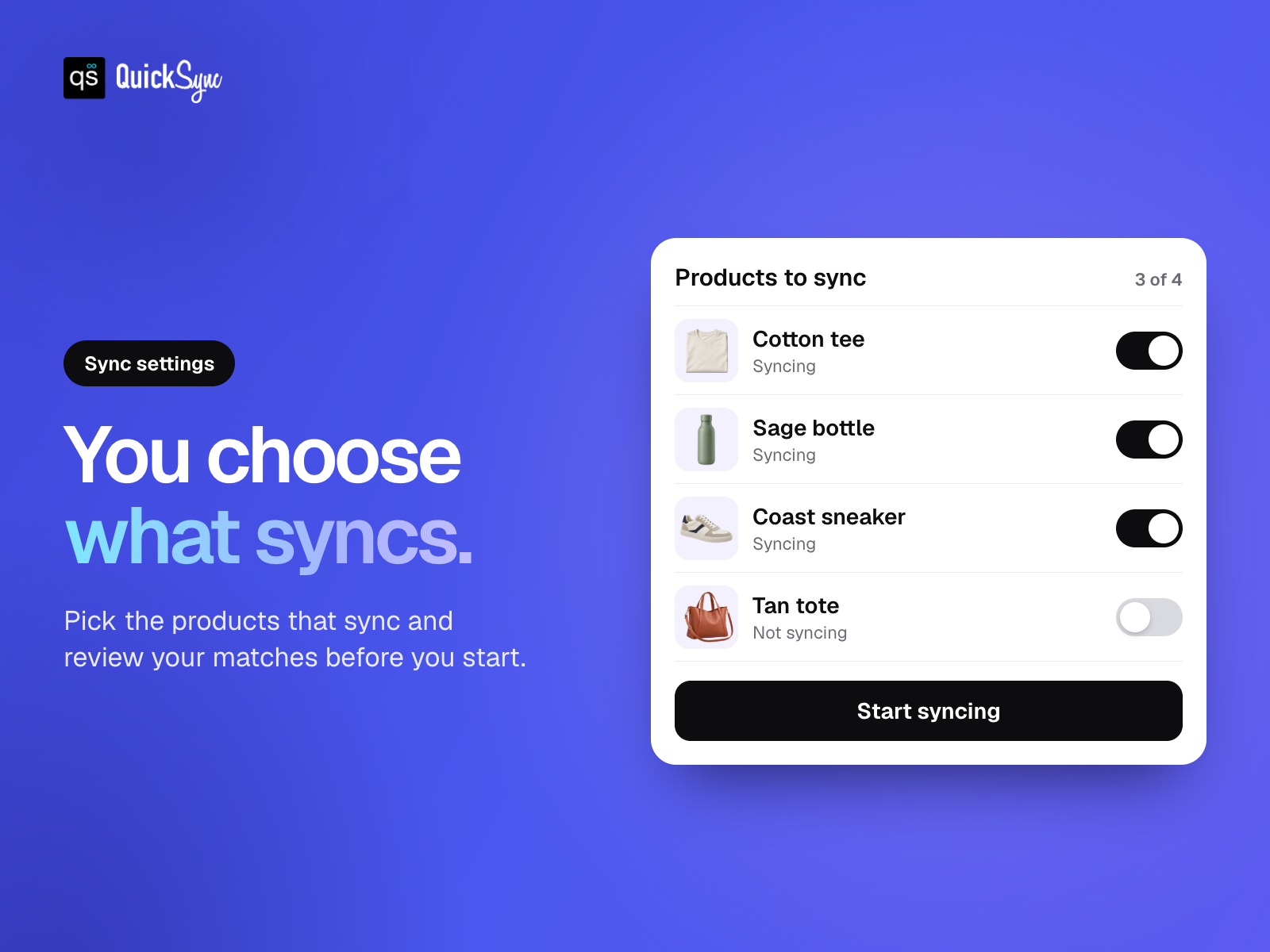
ภาพรวม QuickSync for Tiktok
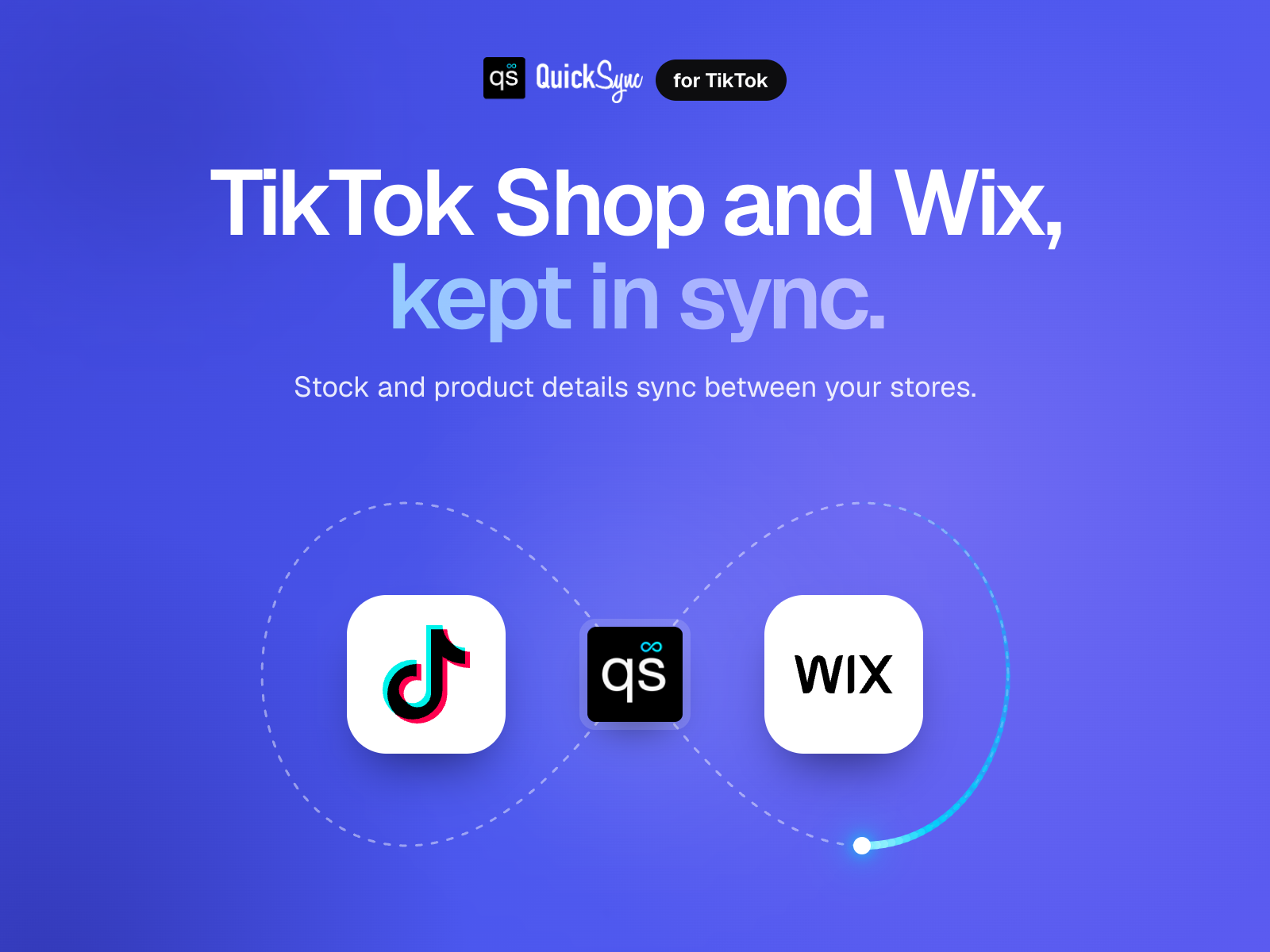
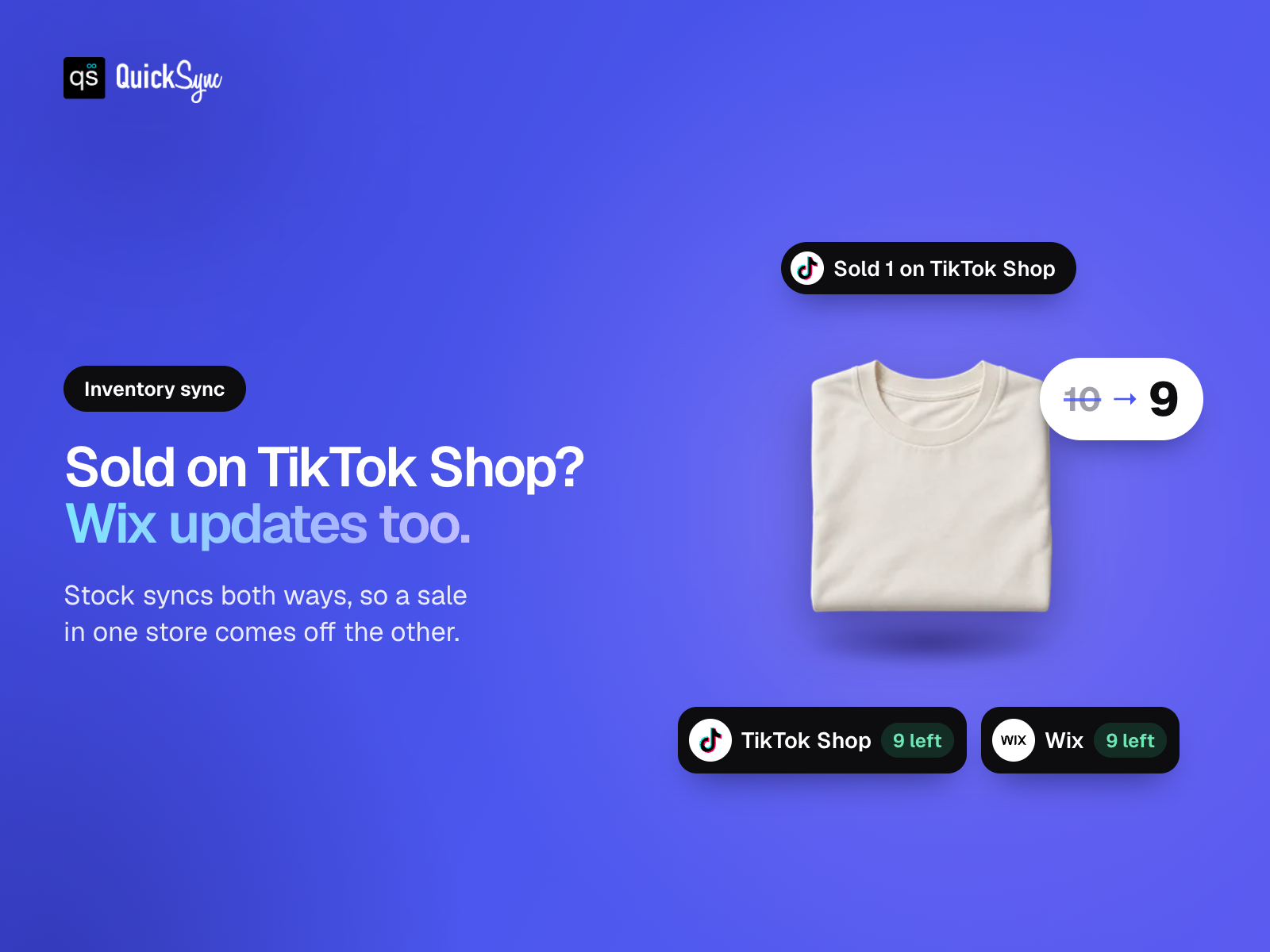
- Keep stock in sync. Connect TikTok Shop with your online store
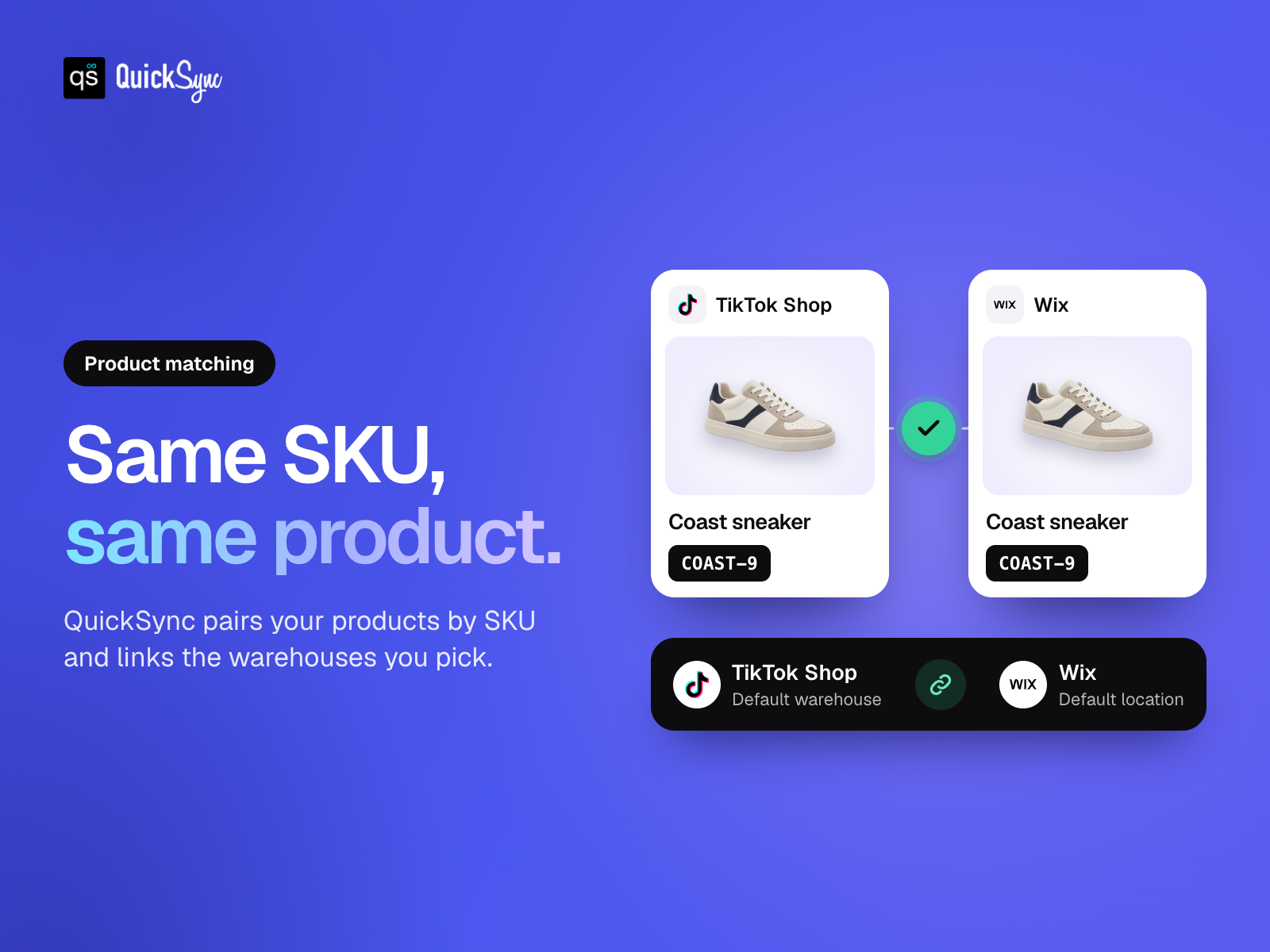
- Match your products. Link products and variants across stores by SKU
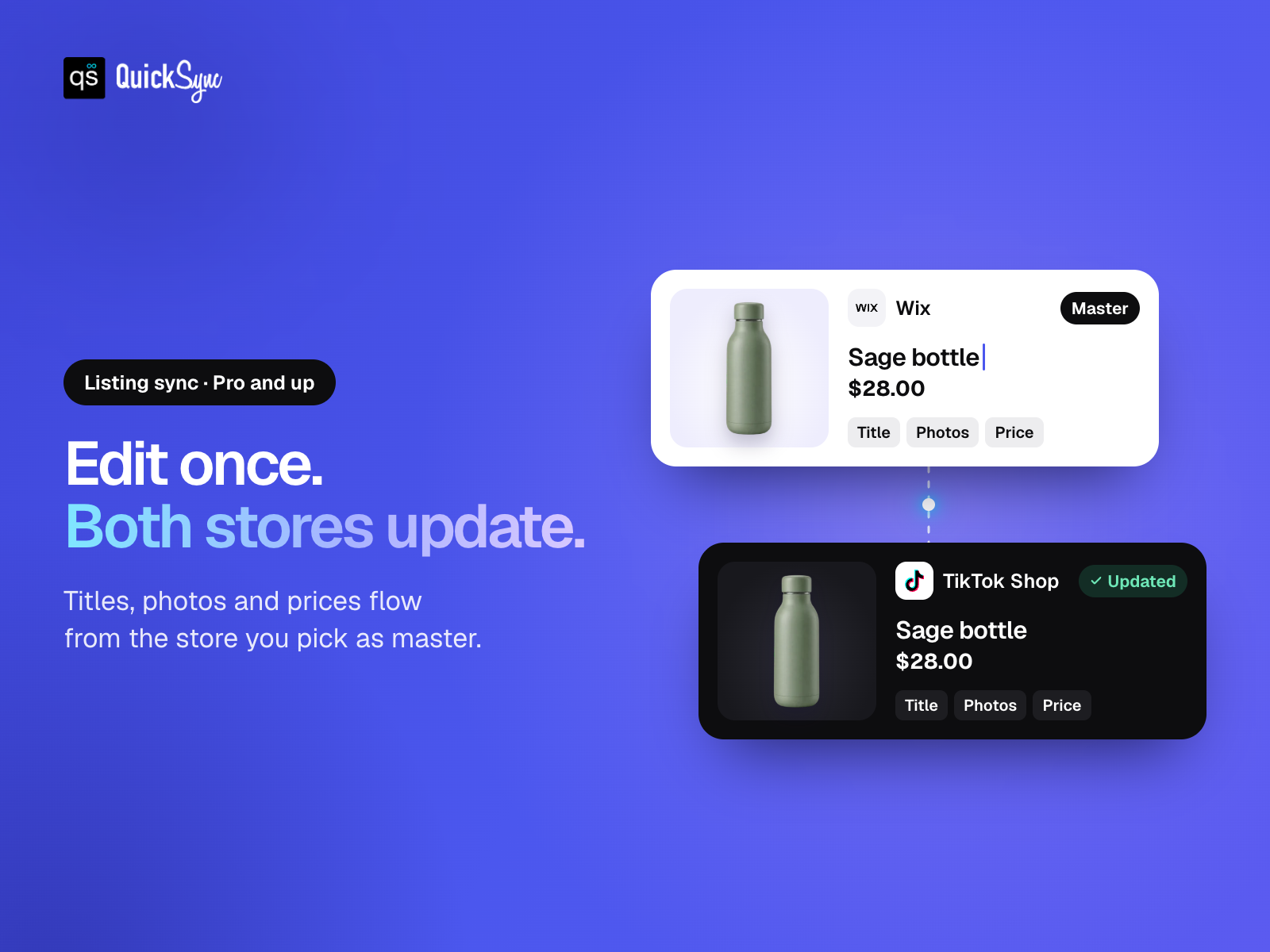
- Update listings once. Copy supported details from your chosen source store
- Choose what syncs. Select your products and connect available warehouses
ให้คะแนน & รีวิว
ยังไม่มีการรีวิวแอปนี้ คุณสามารถเริ่มต้นให้คะแนนเป็นคนแรกราคาและแพ็กเกจ
แพ็กเกจ Basic
ฟรี
Inventory syncing
Up to 100 syncing variants
Choose which products sync
Standard support
แพ็กเกจ Pro
$
26
00
/เดือน
Product and inventory syncing
Up to 2,500 syncing variants
Choose your product master
Review product and location matches
แพ็กเกจ Ultra Standard
$
62
00
/เดือน
Everything in Pro
Up to 10,000 syncing variants
Choose which products sync
Review product and location matches
แพ็กเกจ Ultra Plus
$
89
00
/เดือน
Everything in Ultra Standard
Up to 20,000 syncing variants
Choose which products sync
Review product and location matches
* ราคาในสกุลเงิน USD