

ร้านค้าออนไลน์
การจอง
อีเวนท์
ป๊อป-อัพ

Ask in Aria
RiceX Disable Right Click
โดย
Disable right click and protect images and text
5.0
มีแพ็กเกจใช้งานฟรี

ภาพรวม RiceX Disable Right Click
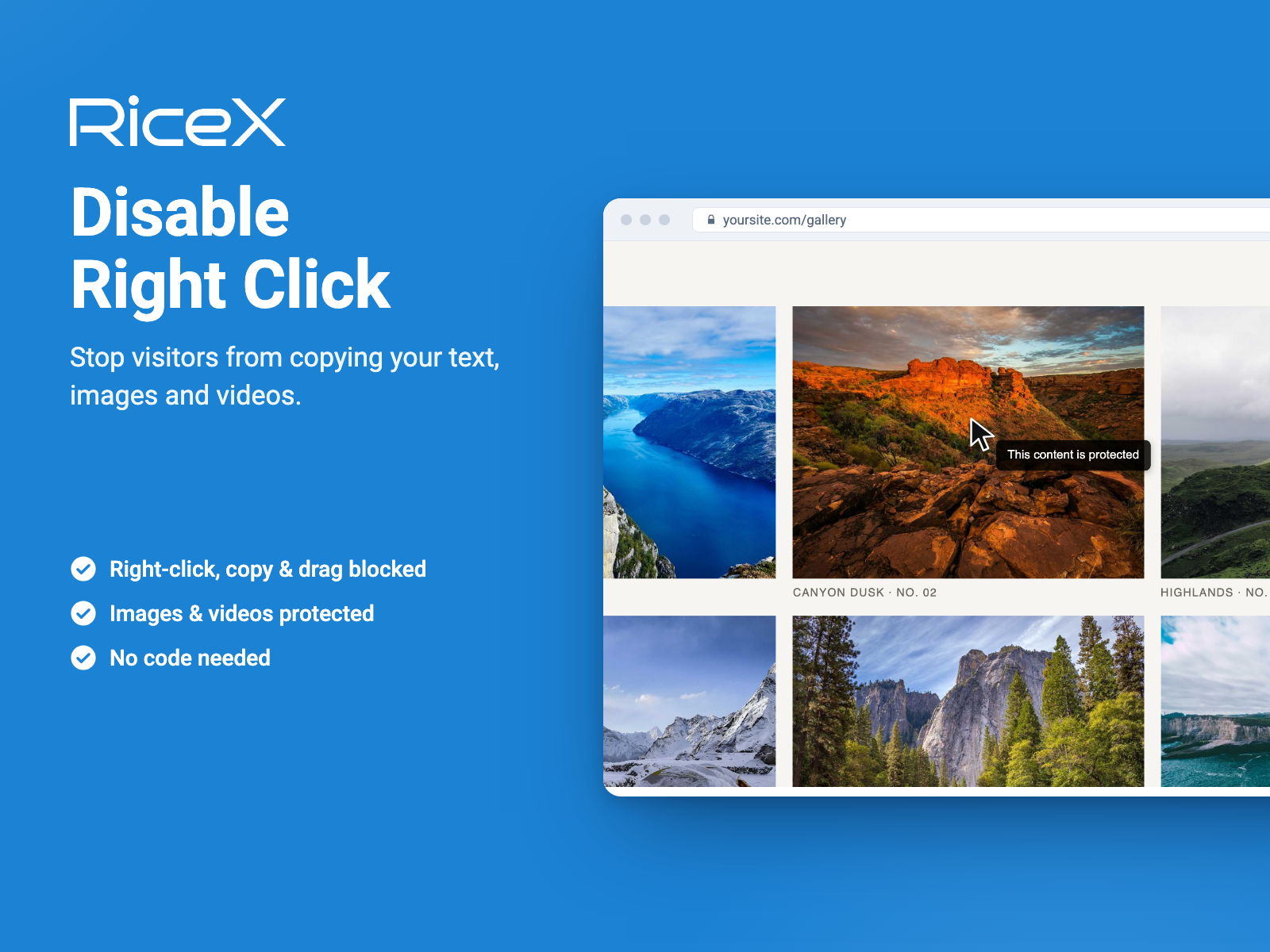
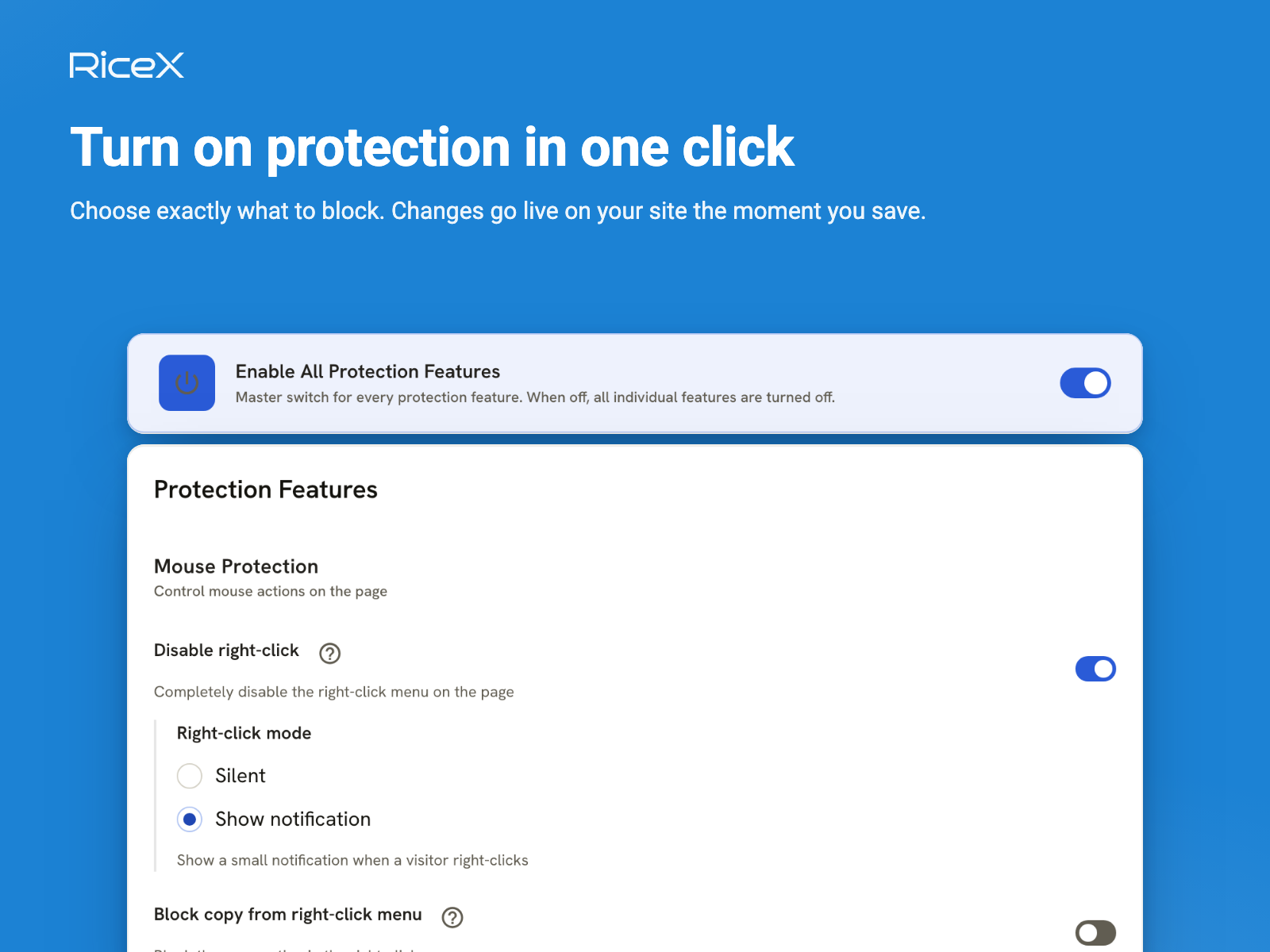
- Disable right click, text selection and copy paste
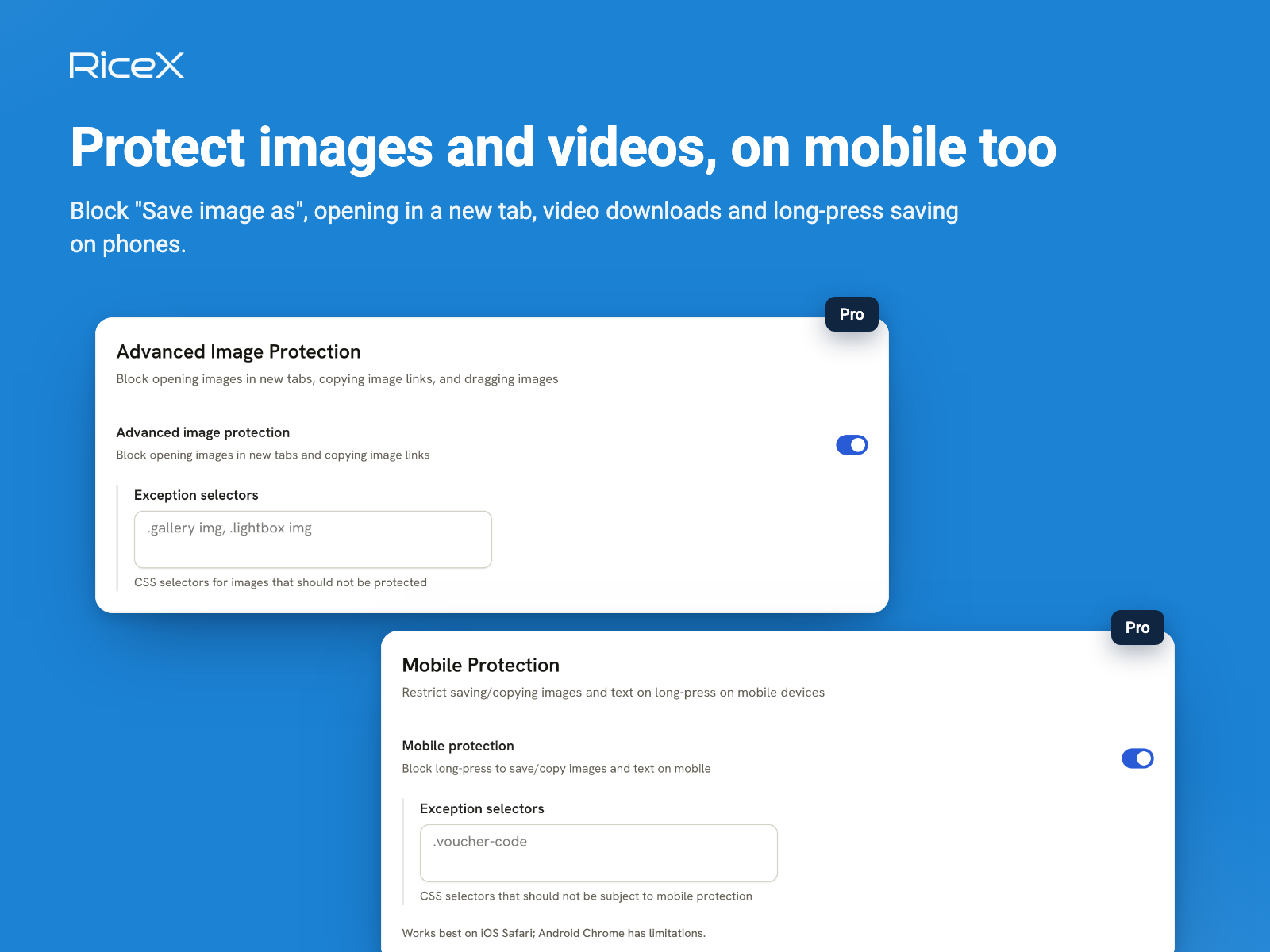
- Protect images and videos from saving, also on mobile
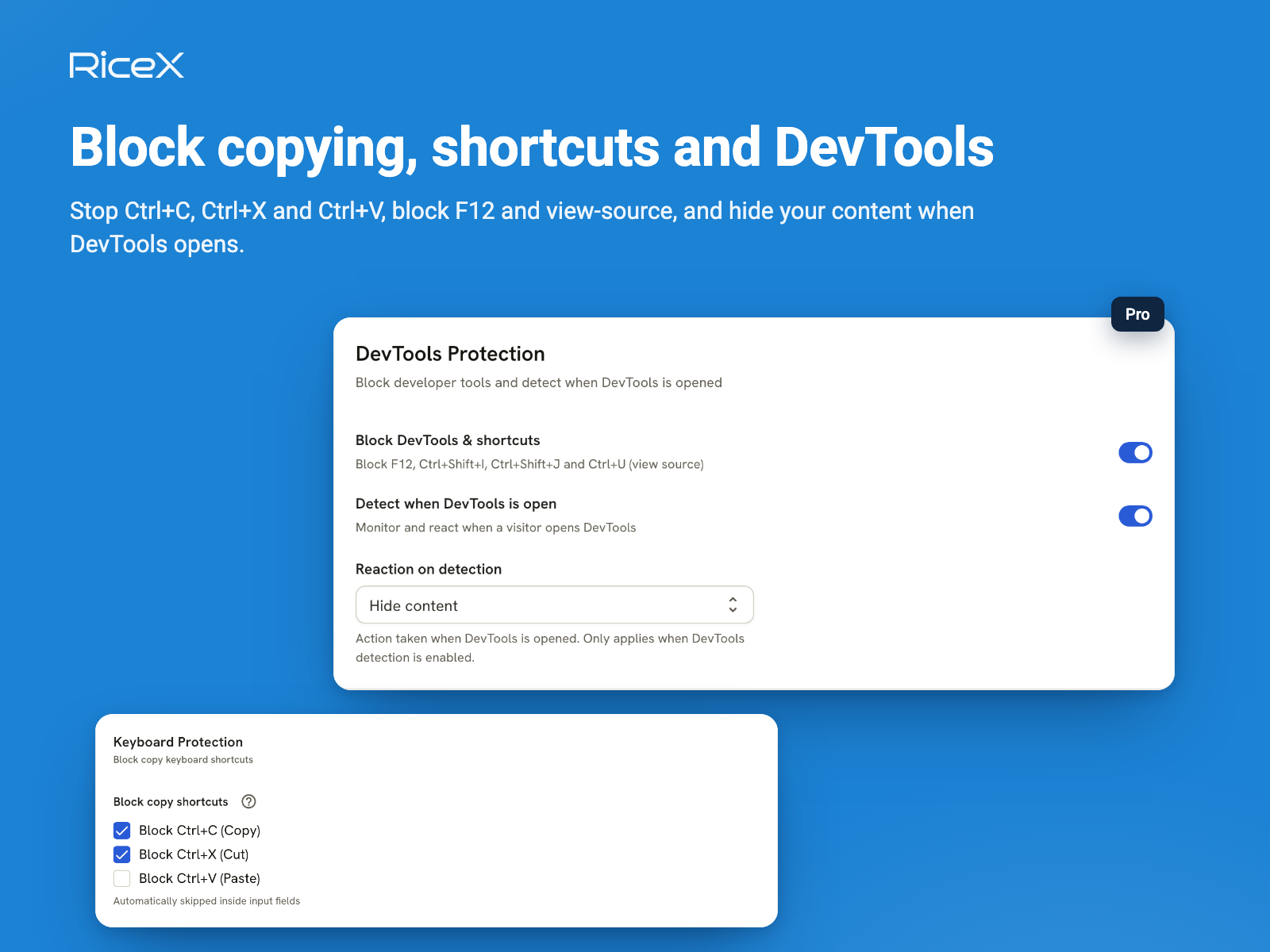
- Disable DevTools, view source and page printing
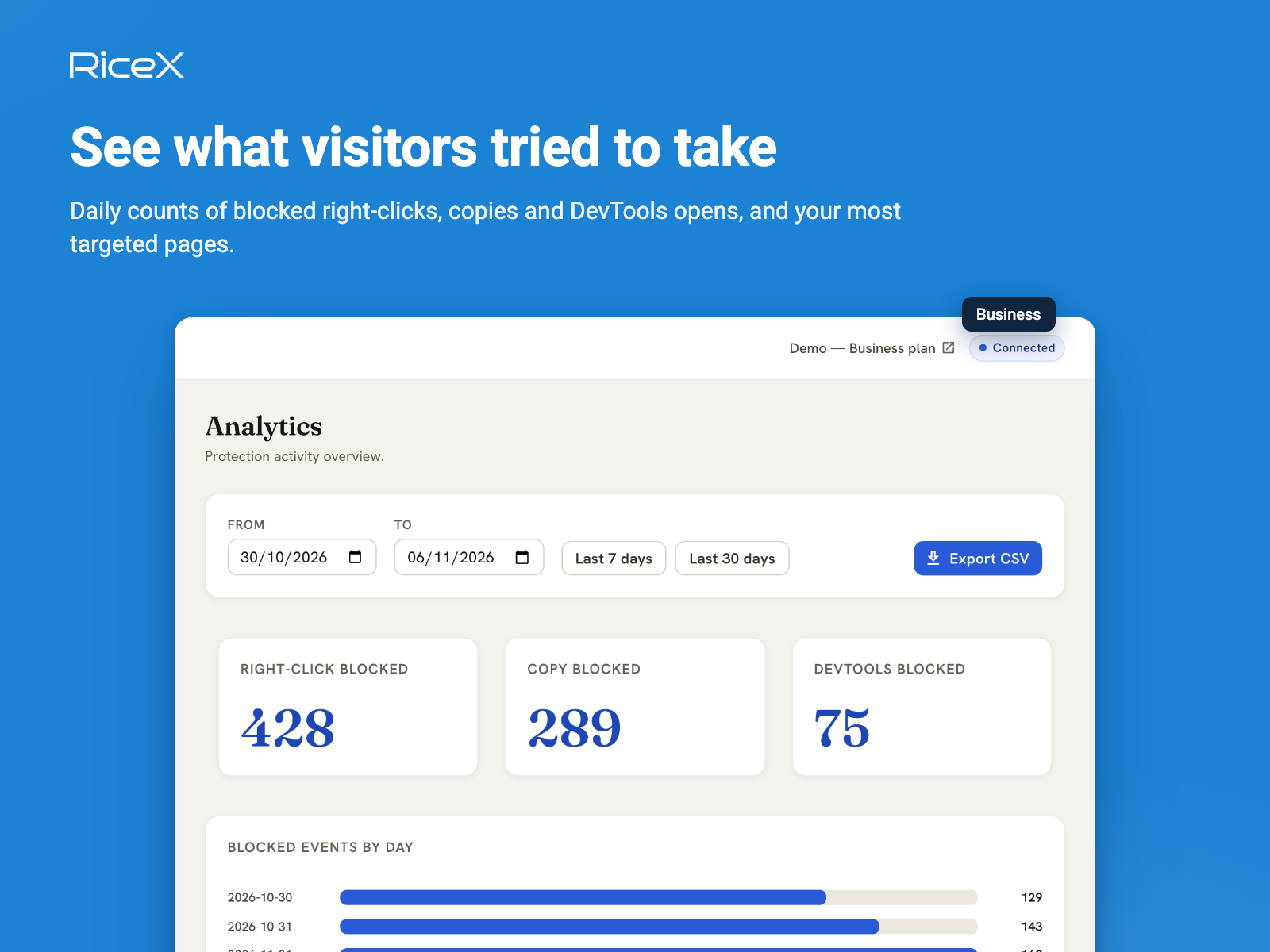
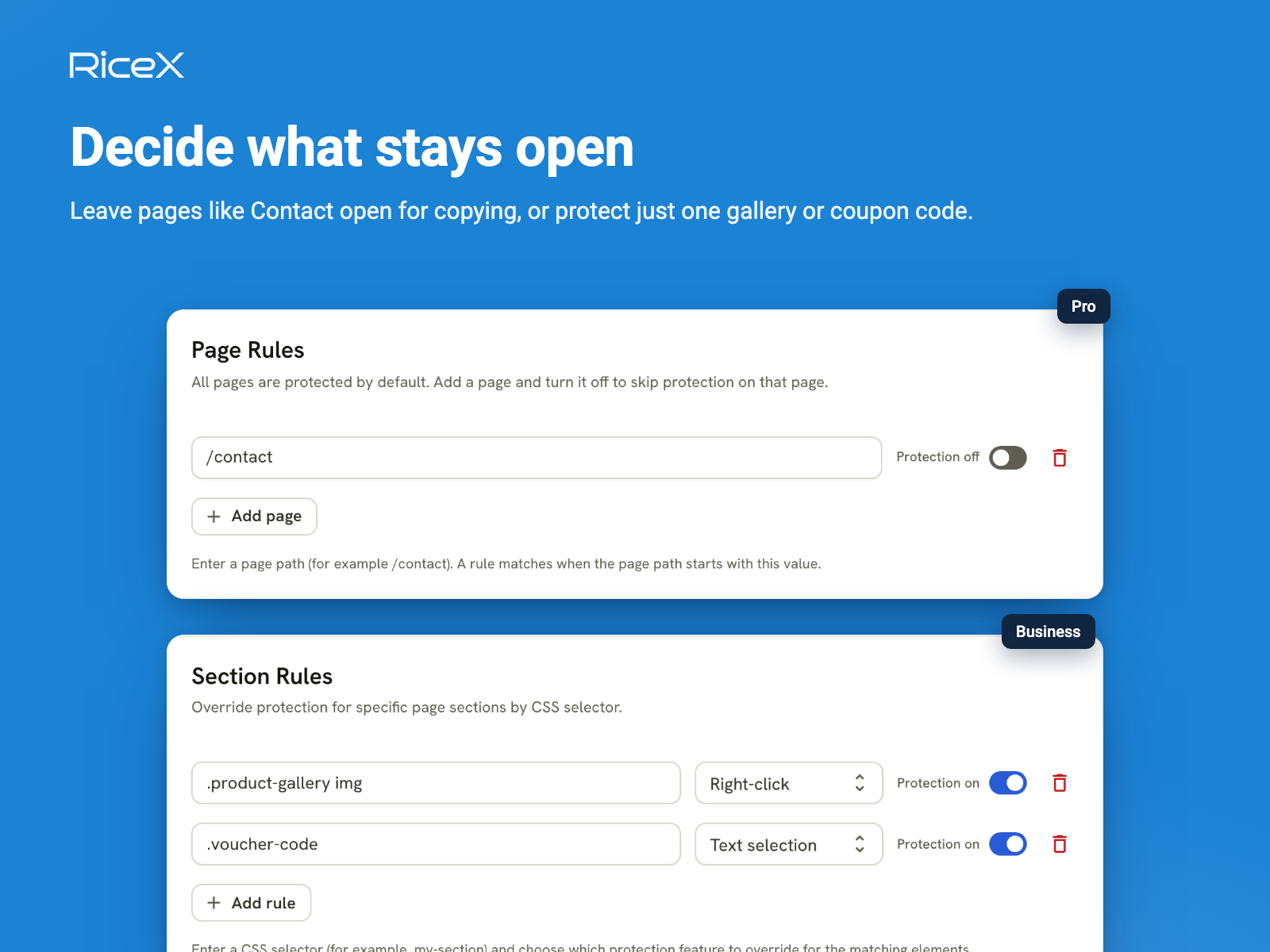
- Set copy protection per page and track copy attempts
คะแนนเฉลี่ย 5.0
1 รีวิว
5
1
4
0
3
0
2
0
1
0
VA
Vanvobookstore/ Aug 2, 2025
Hữu íchMột công cụ, ứng dụng tuyệt vời để sử dụng
(0)
ขอบคุณสำหรับข้อเสนอแนะของคุณ
ราคาและแพ็กเกจ
แพ็กเกจ Free
ฟรี
Disable right click
Block text selection
Block copy, cut and paste
Prevent image dragging
แพ็กเกจ Pro
$
1
50
/เดือน
Everything in Free, plus:
Disable DevTools and view source
Image and video protection
Mobile long-press protection
Custom warning message
Page rules
แพ็กเกจ Business
$
4
99
/เดือน
Print protection
Full mobile protection
Section rules
Copy attempt analytics
Priority support
* ราคาในสกุลเงิน USD