

ร้านค้าออนไลน์
การจอง
อีเวนท์
ป๊อป-อัพ

Product Quote Request Buttons
โดย
Request a quote, make an offer, ask a question
ยังไม่มีรีวิว
ทดลองใช้ฟรี 7 วัน

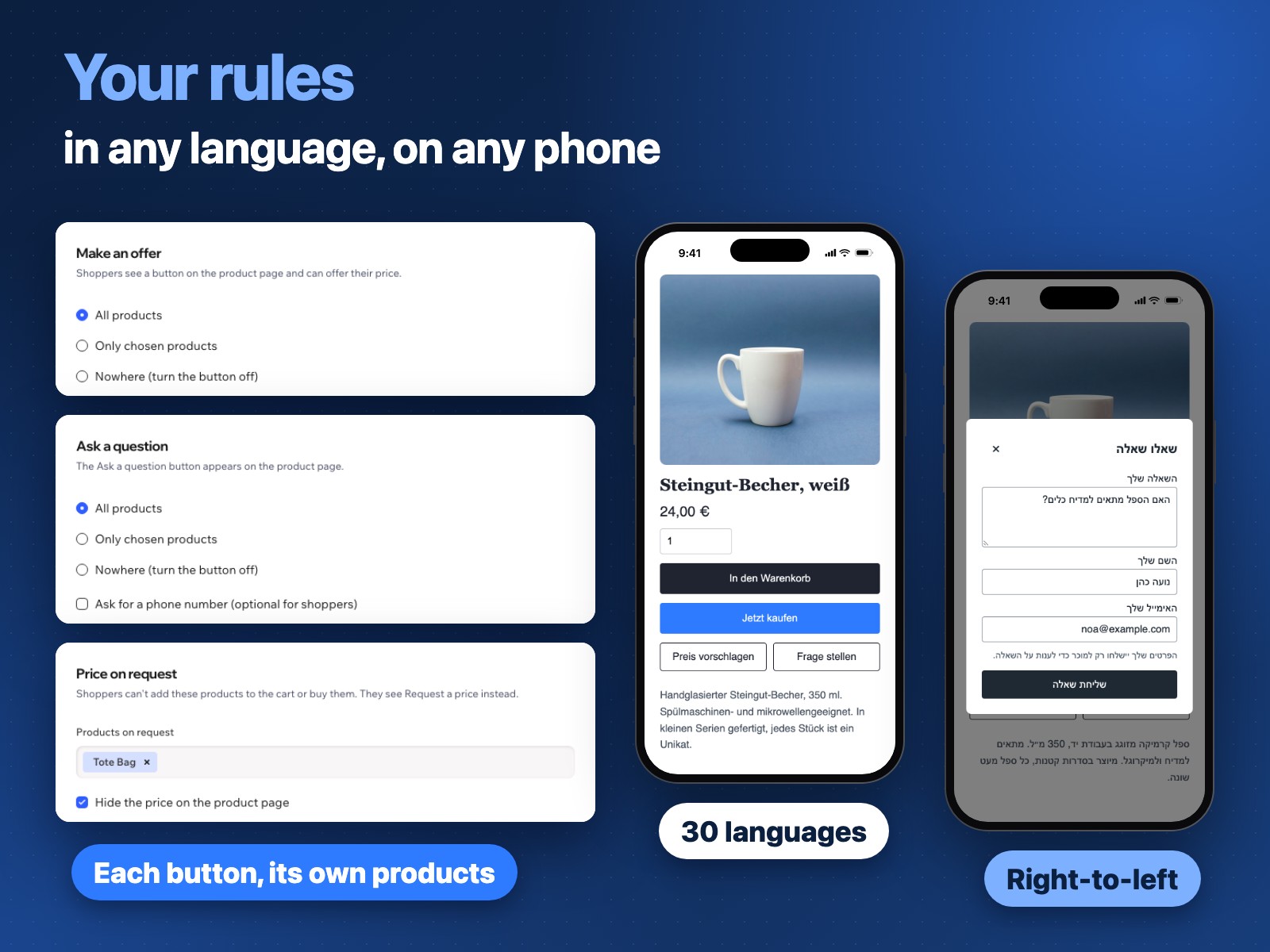
ภาพรวม Product Quote Request Buttons
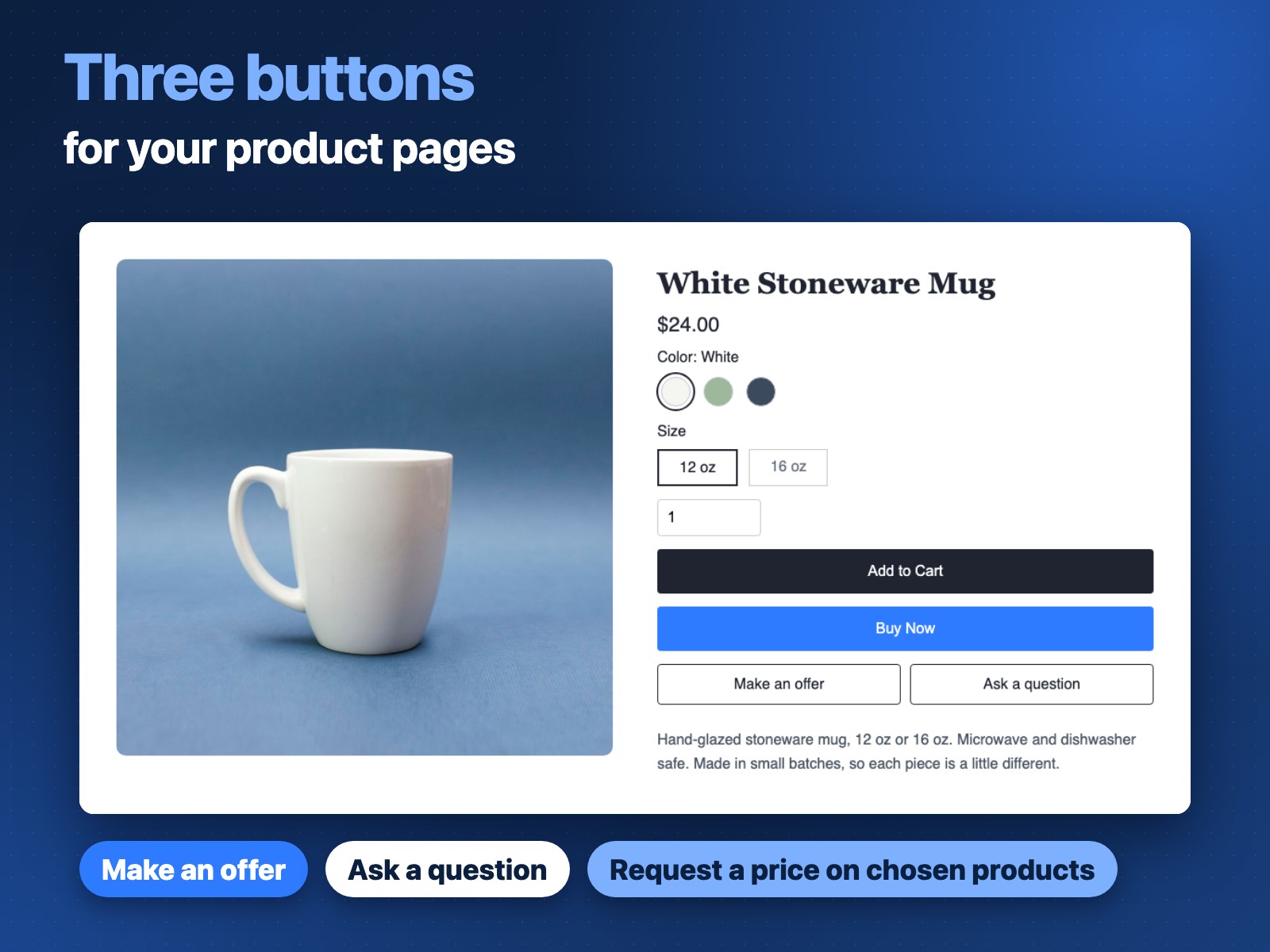
- Add Make an offer, Ask a question and Request a price buttons
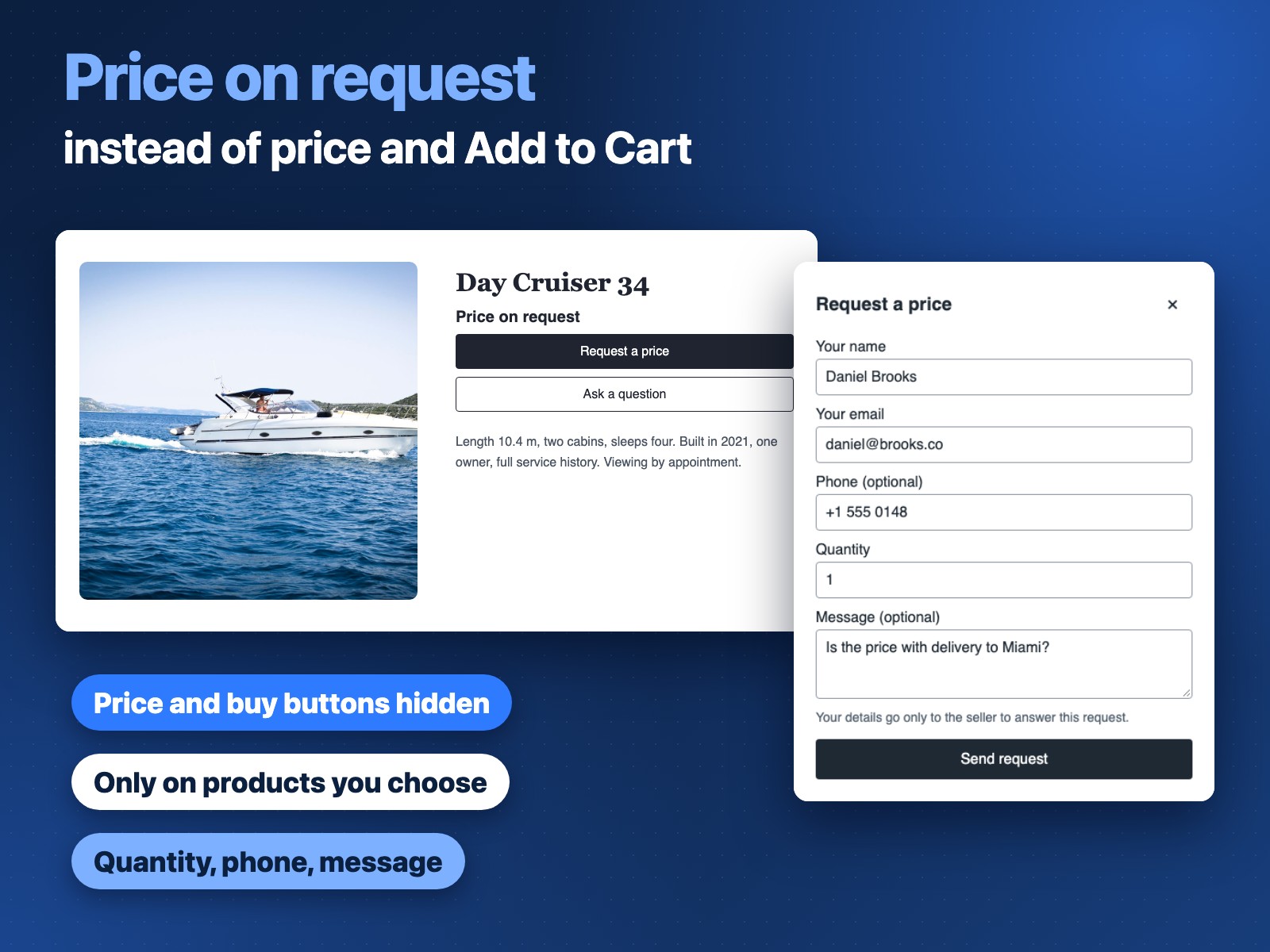
- Hide the price and buy buttons on chosen products, get price requests
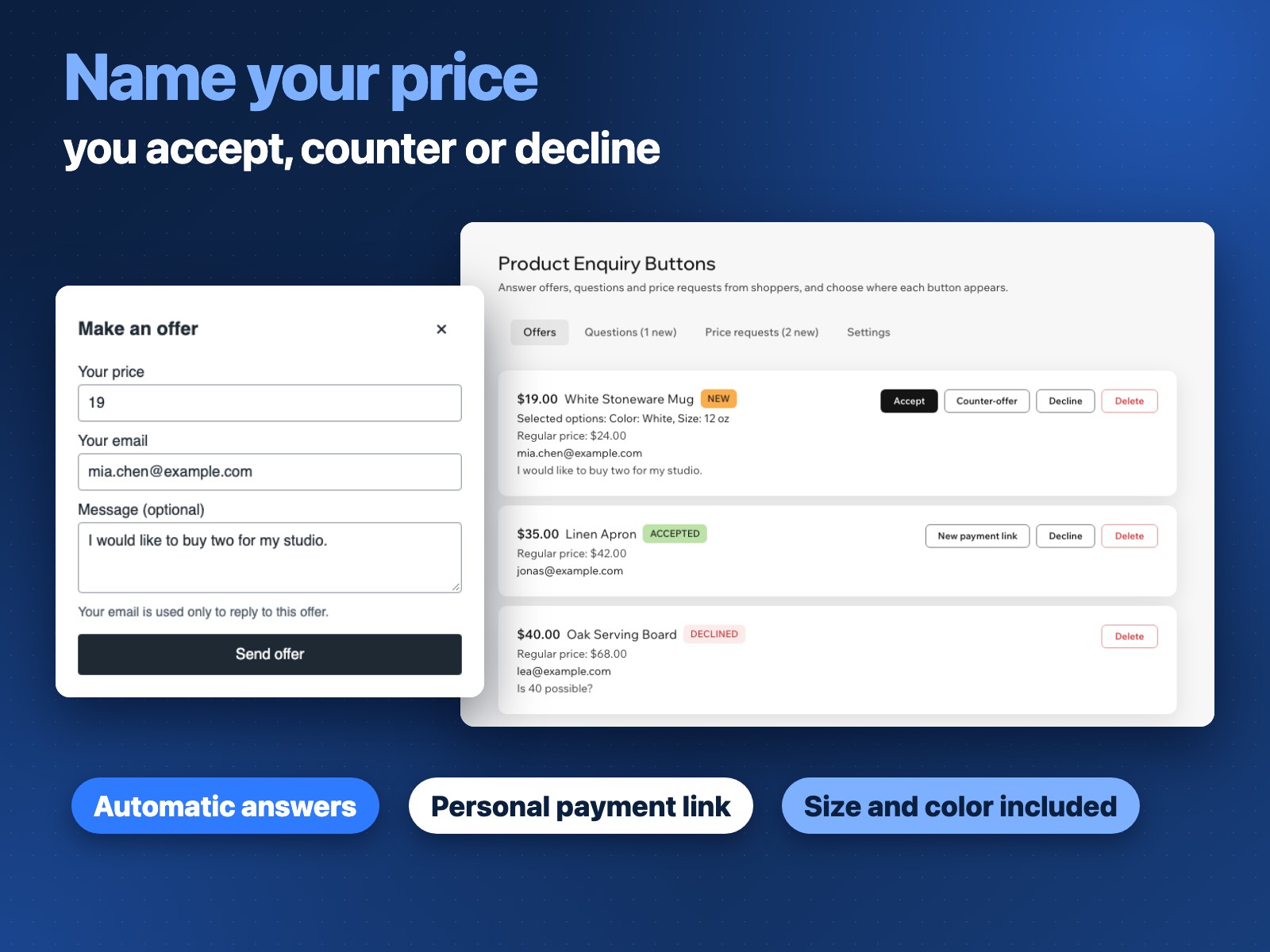
- Accept, decline or counter offers, buyers pay by a personal link
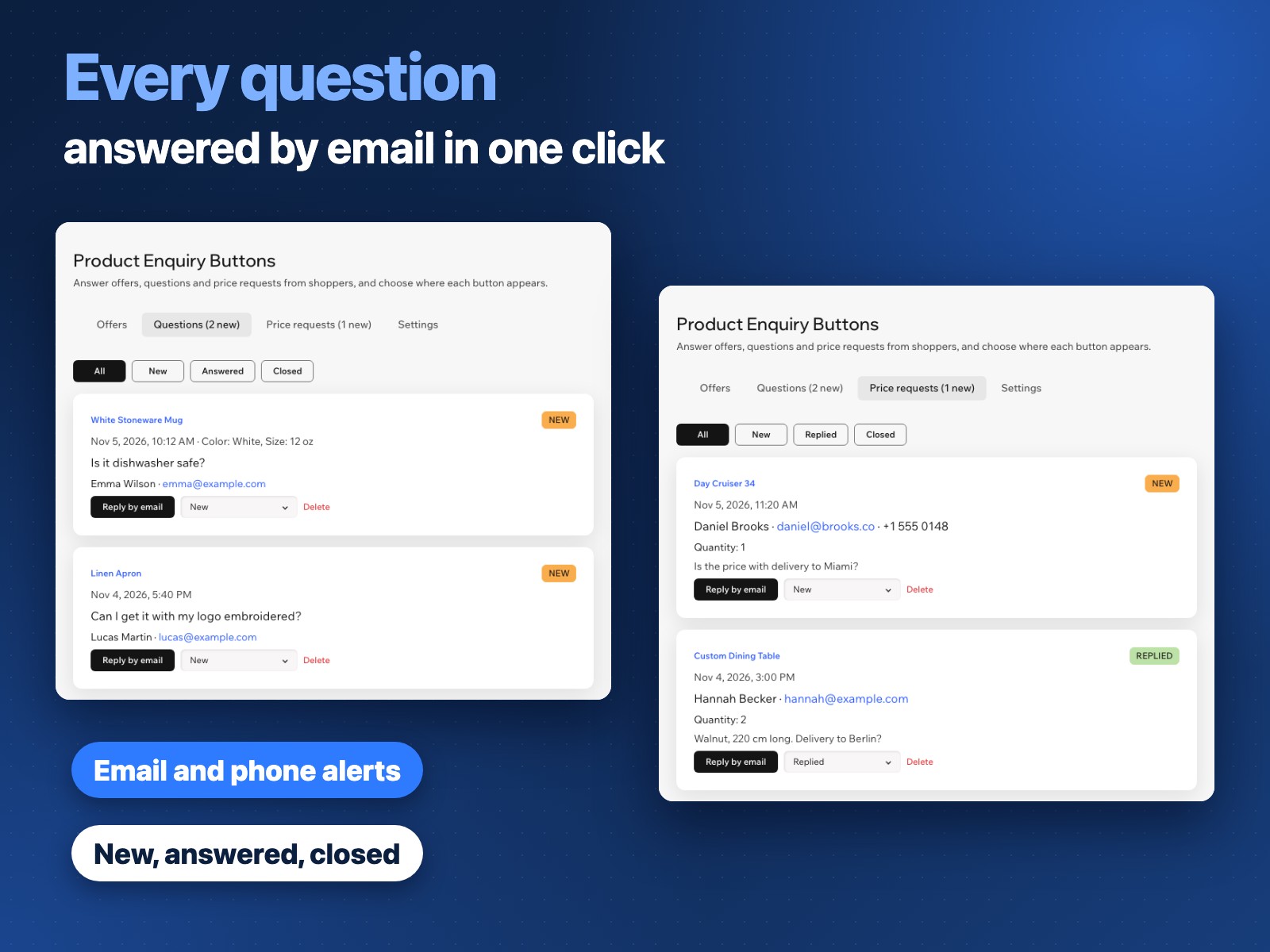
- Get an email and a dashboard and mobile alert for every request
ให้คะแนน & รีวิว
ยังไม่มีการรีวิวแอปนี้ คุณสามารถเริ่มต้นให้คะแนนเป็นคนแรกราคาและแพ็กเกจ
แอปนี้มีให้ทดลองใช้ฟรี 7 วันแพ็กเกจ Pro
$
5
59
/เดือน
$699
Offer, question and price buttons
Unlimited offers and requests
Counter-offers and auto answers
Email and dashboard alerts
* ราคาในสกุลเงิน USD