

ร้านค้าออนไลน์
การจอง
อีเวนท์
ป๊อป-อัพ

Team: Staff for Bookings
โดย
Team member cards synced from your booking staff
ยังไม่มีรีวิว
มีแพ็กเกจใช้งานฟรี

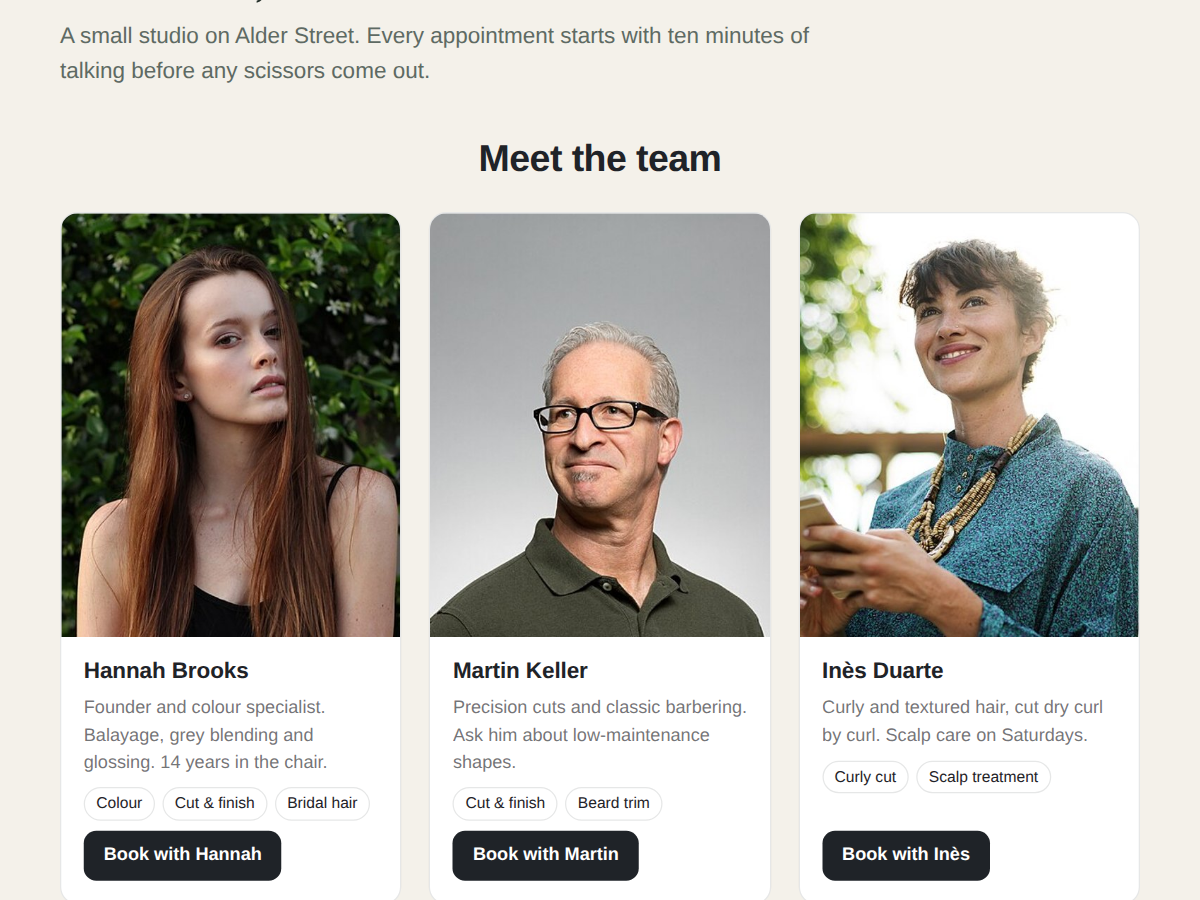
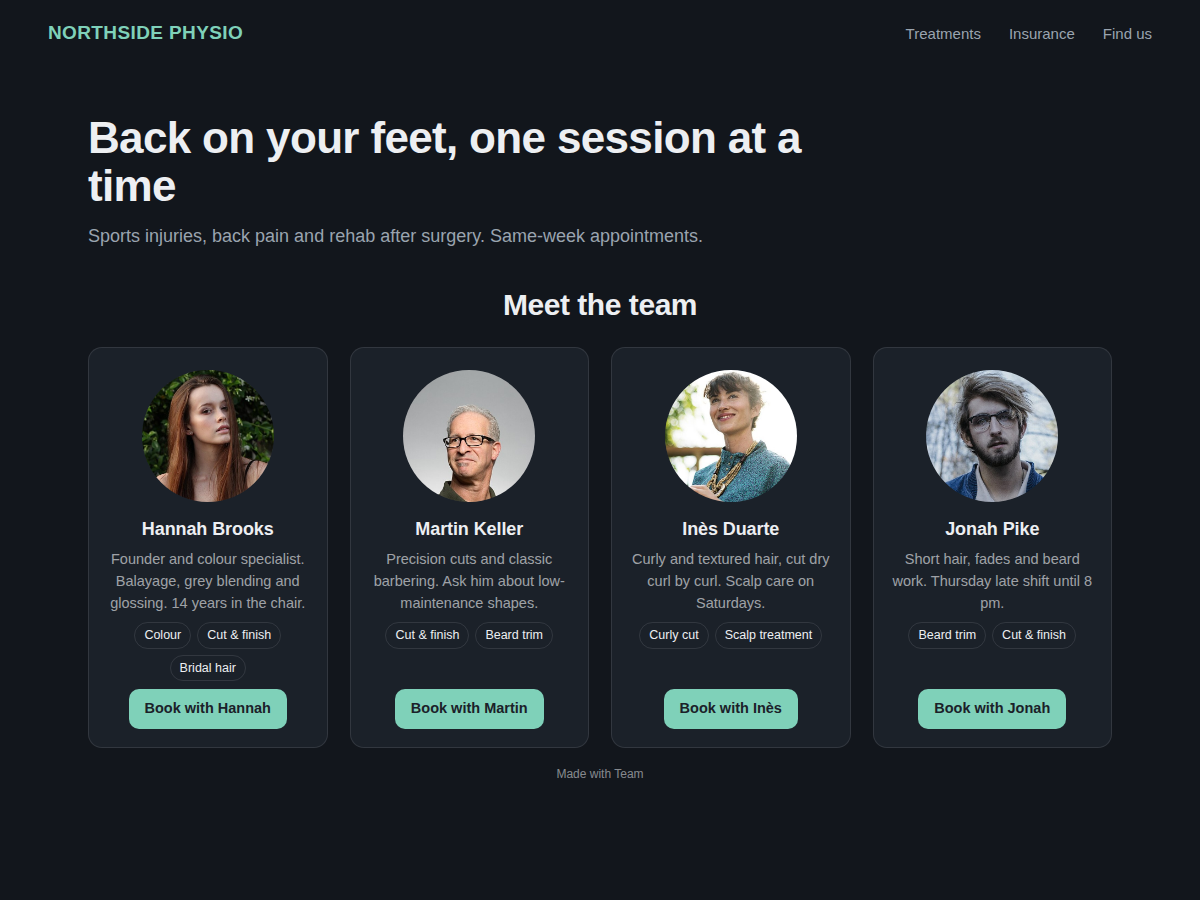
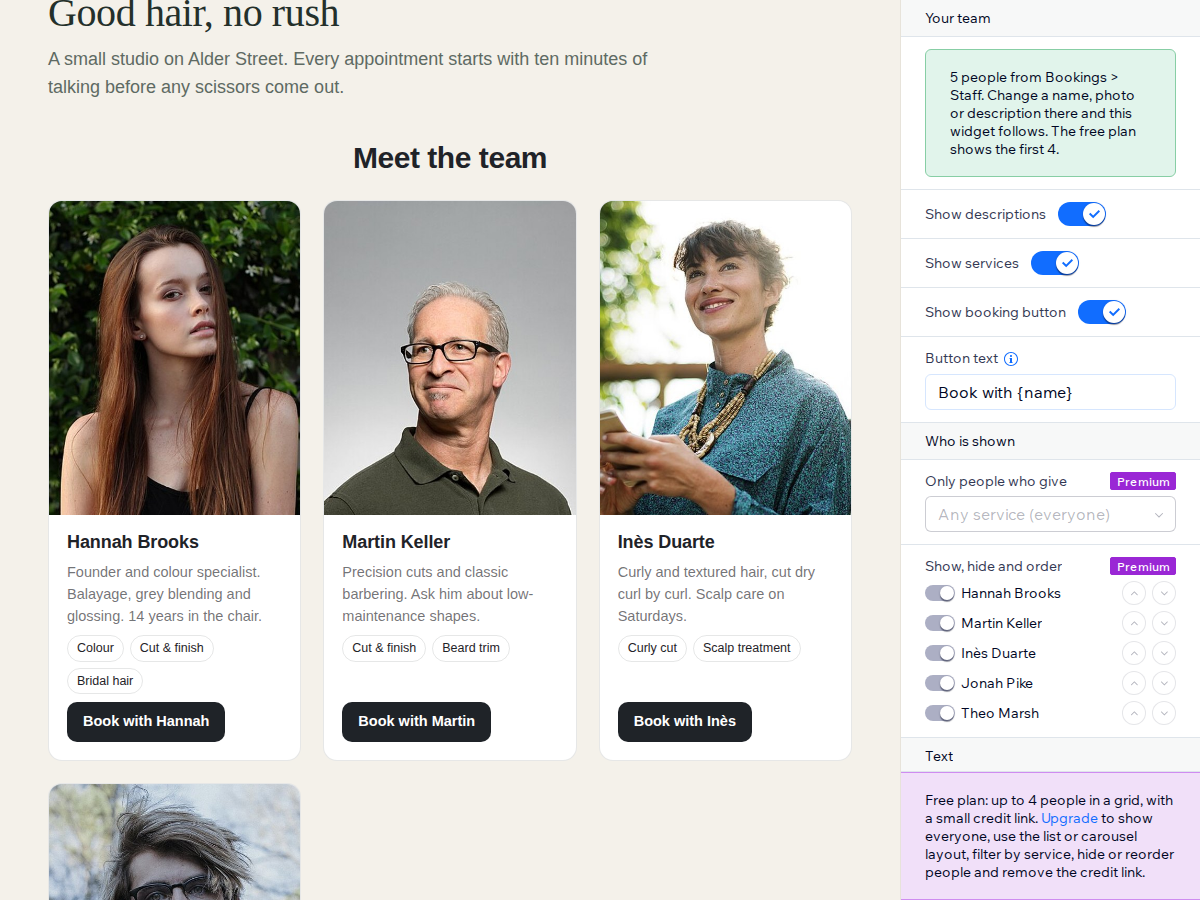
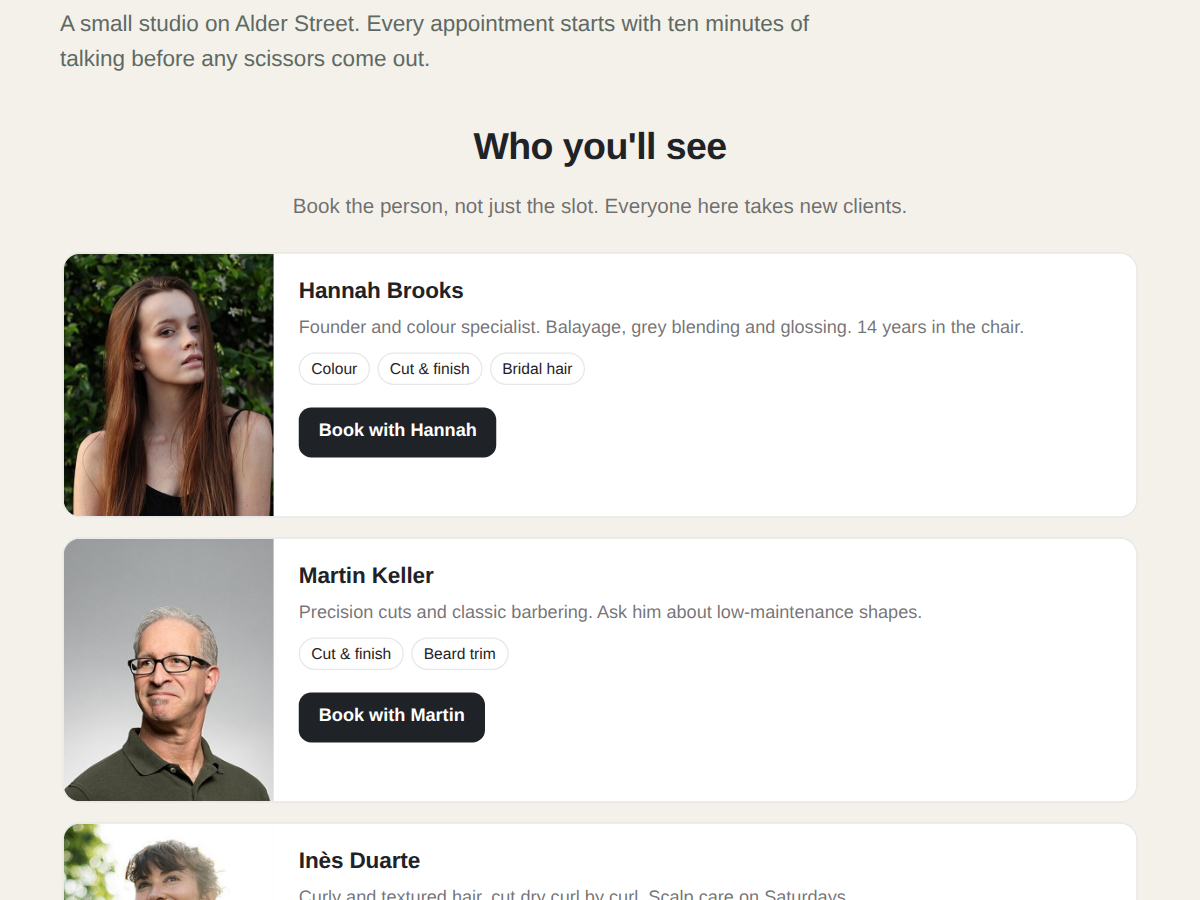
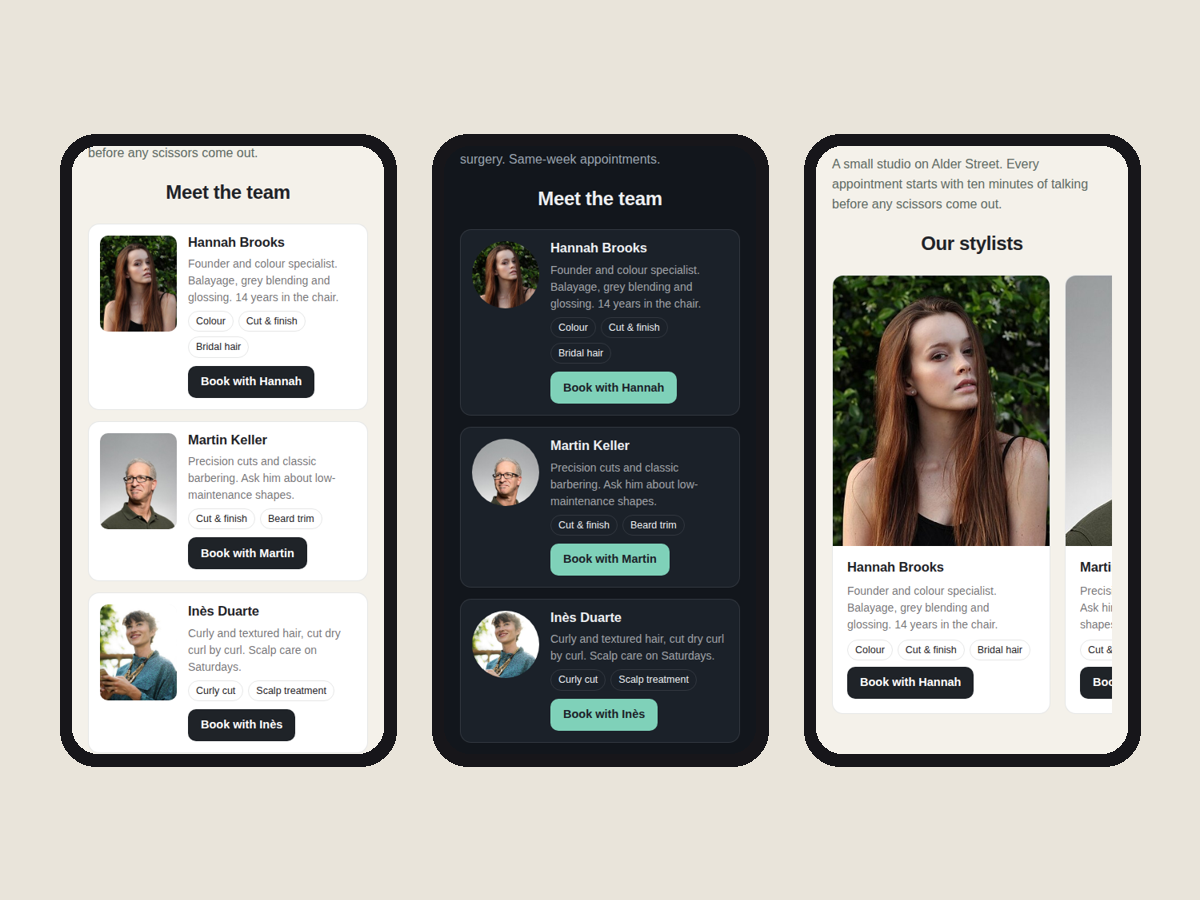
ภาพรวม Team: Staff for Bookings
- Staff photos, names and bios from Bookings
- Book with button on every team member card
- Accessible cards that look finished at once
- All staff, list and carousel layouts (Premium)
ให้คะแนน & รีวิว
ยังไม่มีการรีวิวแอปนี้ คุณสามารถเริ่มต้นให้คะแนนเป็นคนแรกราคาและแพ็กเกจ
แพ็กเกจ Basic
ฟรี
Up to 4 team members in a grid
Synced from your Bookings staff
Book with buttons and service links
Small credit link
แพ็กเกจ Premium
$
3
20
/เดือน
Your whole team, no limit
List and carousel layouts
Filter by service, hide, reorder
Remove the credit link
* ราคาในสกุลเงิน USD