

ร้านค้าออนไลน์
การจอง
อีเวนท์
ป๊อป-อัพ
DriveView
โดย
Display documents from Google Drive on your page
3.0
มีแพ็กเกจใช้งานฟรี

ภาพรวม DriveView
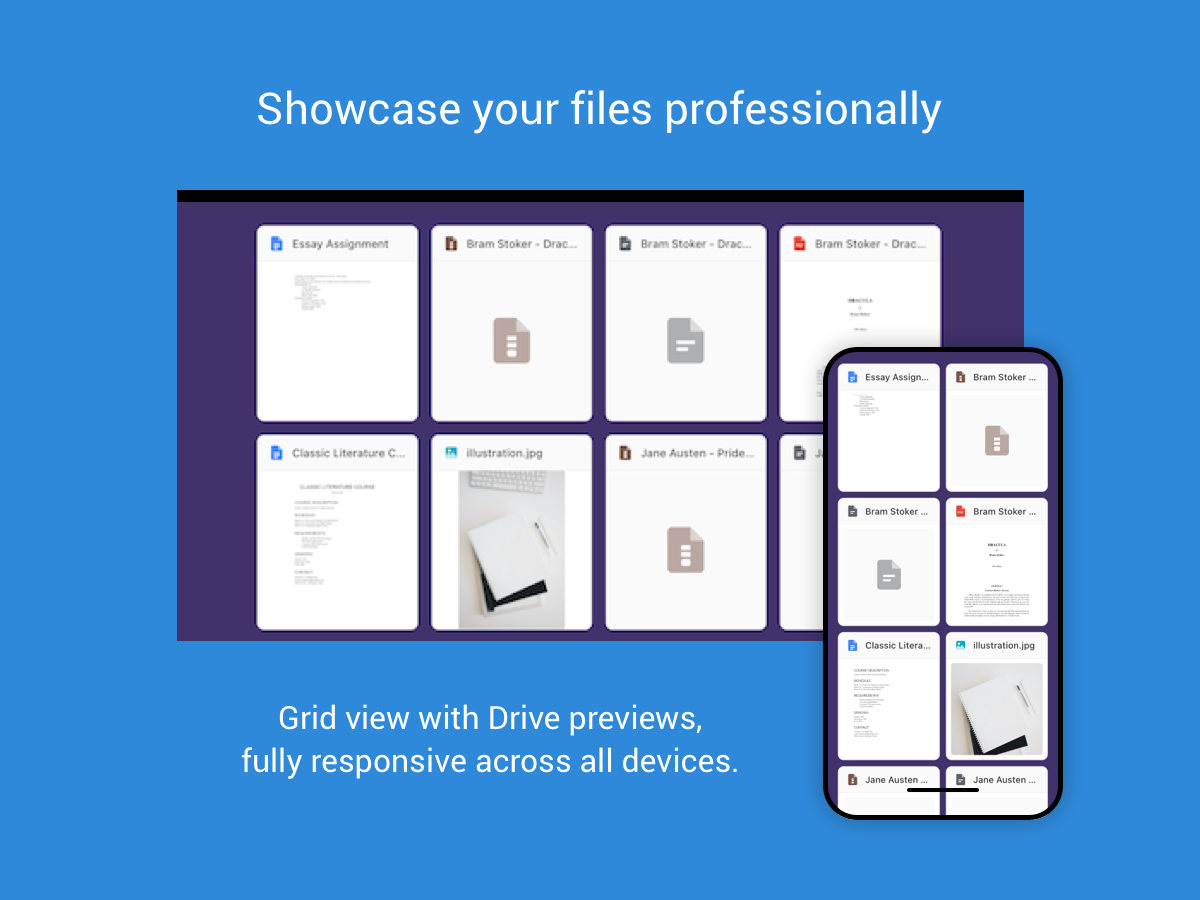
- Embed a live Google Drive folder on your page - files update automatically when you edit them in Drive
- Embed PDFs and images from Google Drive on your page (Early access)
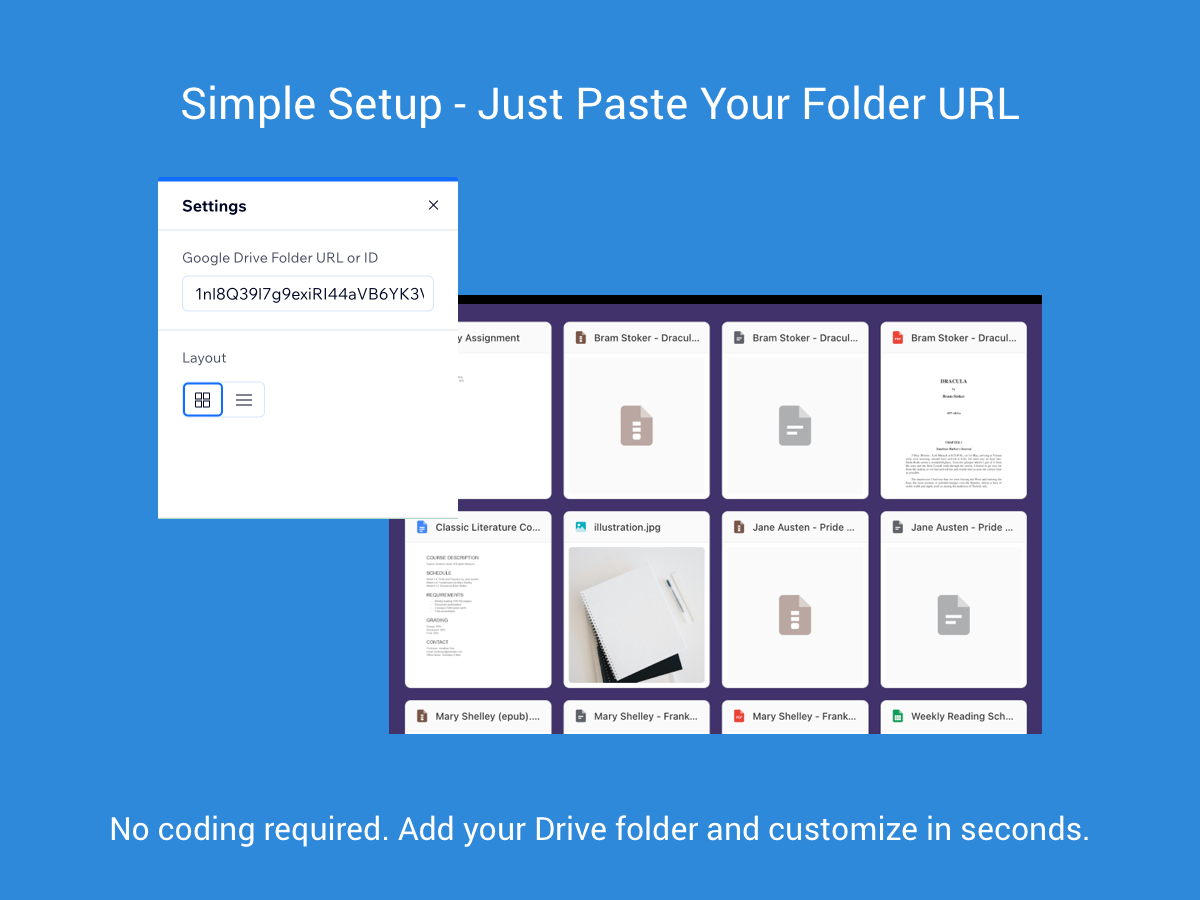
- Instant setup for public folders - paste a Drive URL or folder ID, no API keys or coding required. (File embed needs linking your Google account)
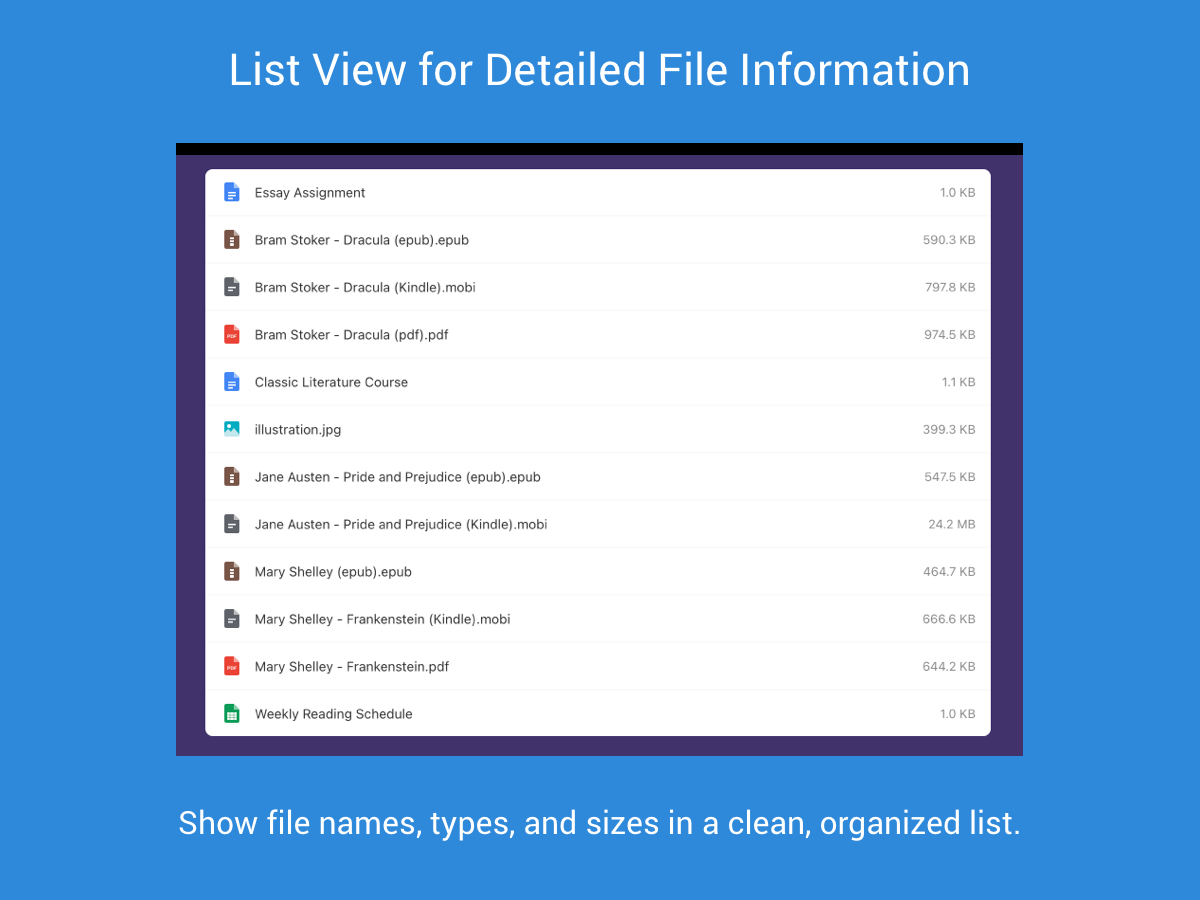
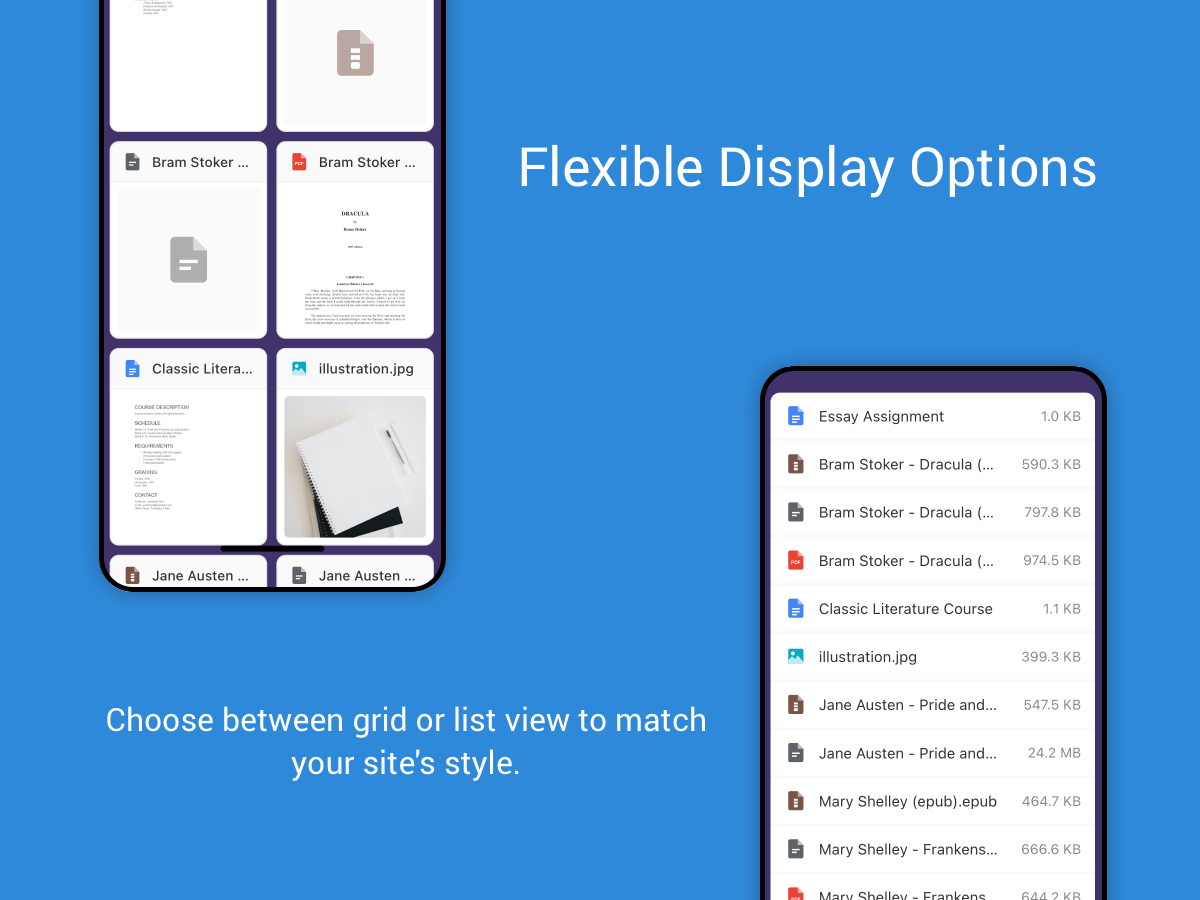
- Mobile responsive, easy-to-use layouts, thumbnail previews and more
เปิดให้ใช้ใน:
แอปนี้เปิดให้ใช้งานทั่วโลกภาษาที่รองรับการใช้งานบนแอป:
อังกฤษ
คะแนนเฉลี่ย 3.0
2 รีวิว
5
1
4
0
3
0
2
0
1
1
เรียงตาม
PA
Patroose1959/ May 15, 2026
ok
TI
ทีม Timevise
Hi patroose1959,
Thank you so much for your review! It it great to hear you like the app.
If you ever need anything, reach out to us at support@timevise.com(0)
ขอบคุณสำหรับข้อเสนอแนะของคุณ
BW
Bwade866/ May 5, 2026
Did not workTried to use the application to display google drive and it would not work.
TI
ทีม Timevise
Hi bwade866,
Thank you for your review! We would like to help you set up the app on your site, please reach out to support@timevise.com(0)
ขอบคุณสำหรับข้อเสนอแนะของคุณ
ราคาและแพ็กเกจ
แพ็กเกจ Basic
ฟรี
List up to 5 files from your drive
Limited customization
File previews displayed
แพ็กเกจ Professional
$
3
99
/เดือน
List more than 5 files from your drive
List private files (beta)
Full customization options
Priority support
* ราคาในสกุลเงิน USD