

ร้านค้าออนไลน์
การจอง
อีเวนท์
ป๊อป-อัพ

Filesquid
โดย
Turn cloud files into an online library
ยังไม่มีรีวิว
ทดลองใช้ฟรี 7 วัน

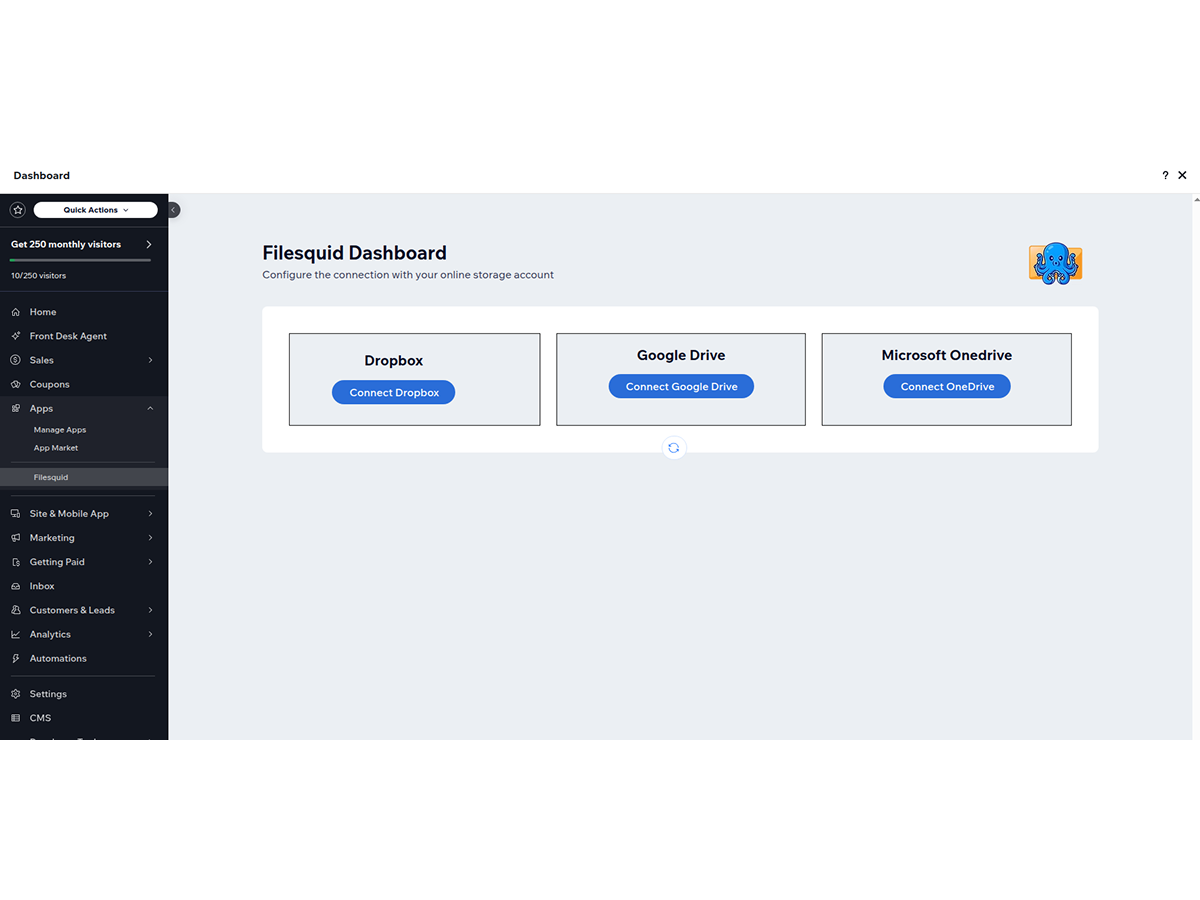
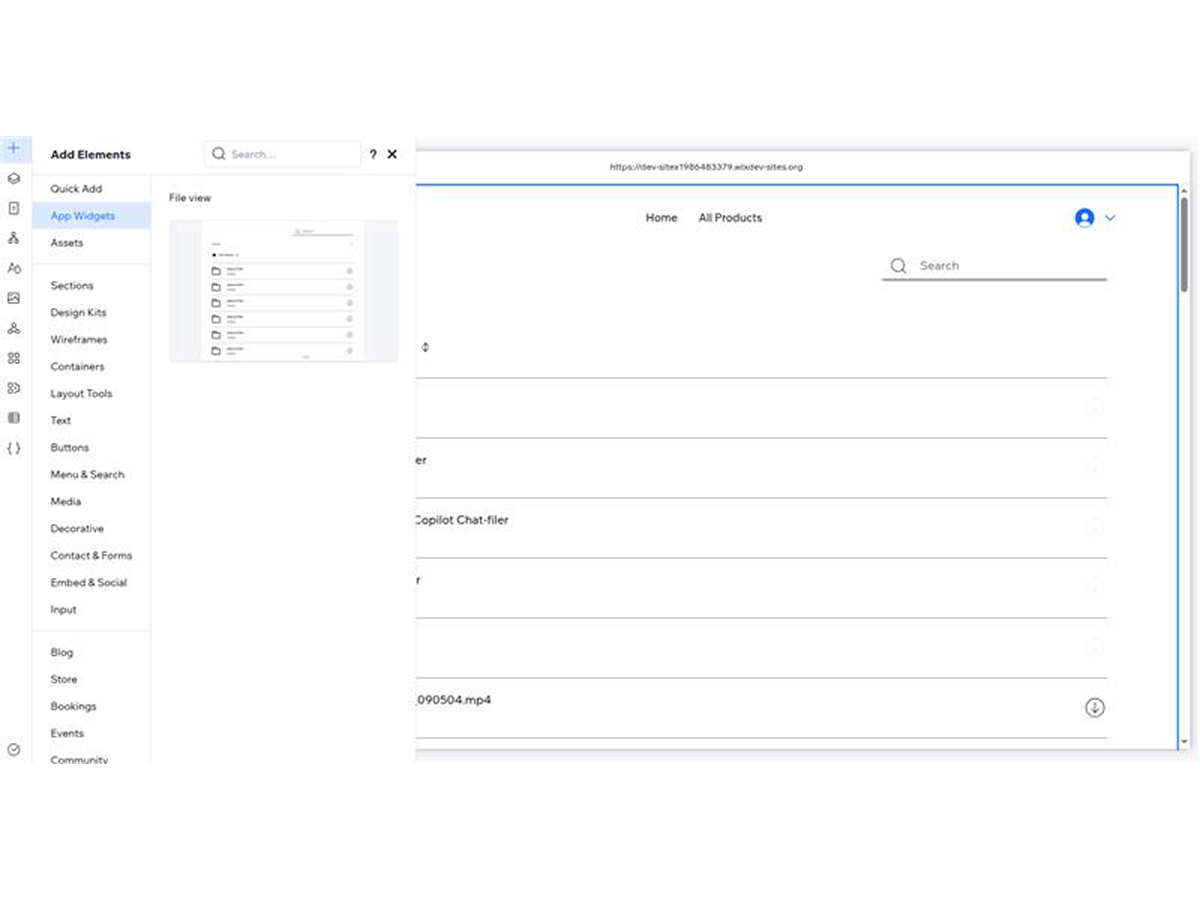
ภาพรวม Filesquid
- Connect Your Cloud Storage Seamlessly — Easily integrate your Google Drive, Microsoft OneDrive, or Dropbox account and access your files directly on your website through a fast, secure connection
- Optimized for Videos, Documents & Media — Showcase PDFs, videos, images, presentations, and other file types with a smooth, responsive viewing experience designed for professional content libraries
- No-Code Setup with Complete Control — Launch your file library in minutes using an intuitive setup experience. Organize content, manage visibility, customize layouts, and control user access without writing code
- Create Multiple Libraries from Different Folders — Install multiple FileSquid instances on the same site and connect each one to different folders or cloud storage accounts for fully organized, independent content libraries
หมวดหมู่
เปิดให้ใช้ใน:
แอปนี้เปิดให้ใช้งานทั่วโลกภาษาที่รองรับการใช้งานบนแอป:
อังกฤษ
ให้คะแนน & รีวิว
ยังไม่มีการรีวิวแอปนี้ คุณสามารถเริ่มต้นให้คะแนนเป็นคนแรกราคาและแพ็กเกจ
แอปนี้มีให้ทดลองใช้ฟรี 7 วันแพ็กเกจ Running Monthly Plan
$
12
50
/เดือน
Cloud Storage Integration
Embed File Viewer Widget Anywhere
Multiple Widget Instances
Priority Email Support
* ราคาในสกุลเงิน USD